Introduction
Designers, we’ve all been there—juggling assets, wrestling with collaboration tools, and sweating over legal compliance. Enter Flipartify, your ultimate design sidekick. This article dives into how Flipartify tackles these headaches head-on, making your workflow smoother, your creativity sharper, and those legal worries a thing of the past.
1. Say Goodbye to Chaos: Design Asset Management Made Easy
1.1 One Home for All Your Assets
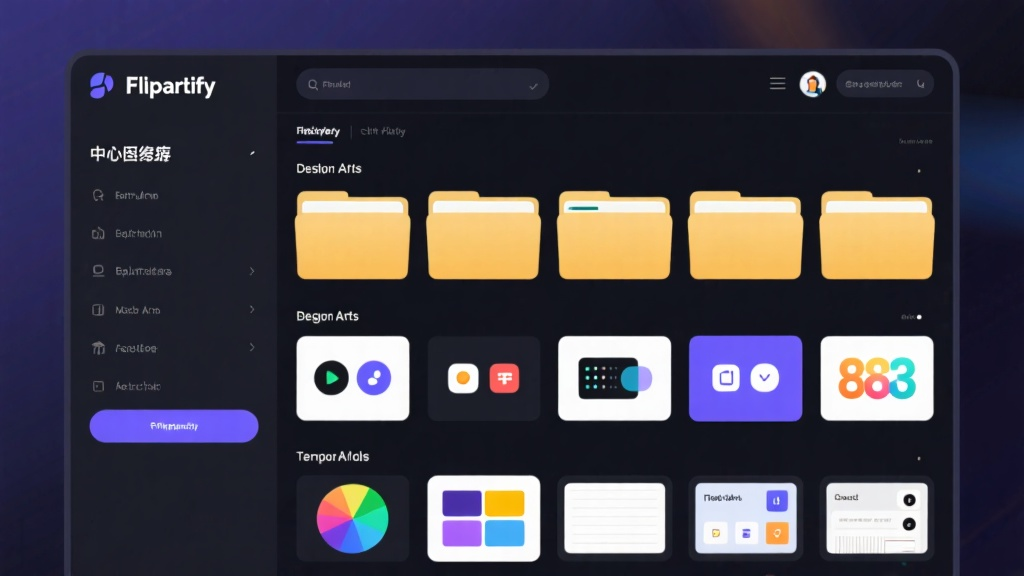
Tired of digging through endless folders? Flipartify’s centralized repository is here to save the day. All your design resources in one place—no more hunting, no more frustration. Just easy access and efficient management.

1.2 Teamwork Without the Headaches
With real-time collaboration and version tracking, Flipartify keeps your team in sync. Work together seamlessly, track changes, and even roll back to earlier versions if needed. Fewer errors, more productivity—what’s not to love?
2. Boost Your Creativity with Less Effort
2.1 Templates That Kickstart Your Projects
Need a head start? Flipartify’s library of pre-designed templates has got you covered. Customize them to fit your project perfectly, and you’re good to go. Creativity, simplified.
2.2 Play Nice with Your Favorite Tools
Whether you’re team Adobe or Figma, Flipartify integrates smoothly with your go-to design software. Import, export, and keep your workflow flowing effortlessly.

3. Legal Worries? Not Anymore
3.1 Royalty-Free Assets for Commercial Use
Worried about copyright issues? Flipartify’s royalty-free assets are cleared for commercial use. Design with confidence, no legal drama in sight.
3.2 Clear Guidelines for Peace of Mind
Flipartify spells out usage rights in plain English. Know exactly how and where you can use your assets, so you can focus on creating, not worrying.
4. Save Time and Money Without Compromising
4.1 Budget-Friendly Plans for Every Designer
Flipartify’s affordable subscription plans pack serious value. Whether you’re a solo designer or part of a team, you’ll get more bang for your buck.
4.2 Automate the Boring Stuff
Say goodbye to repetitive tasks. Flipartify’s automated features handle the grunt work, freeing you up to focus on what really matters—your creativity.
5. Designed for Everyone, Everywhere
5.1 A User-Friendly Interface for All Levels
New to design? Seasoned pro? Flipartify’s intuitive interface works for everyone. Plus, tutorials and onboarding support get you up to speed in no time.
5.2 Work Wherever, Whenever
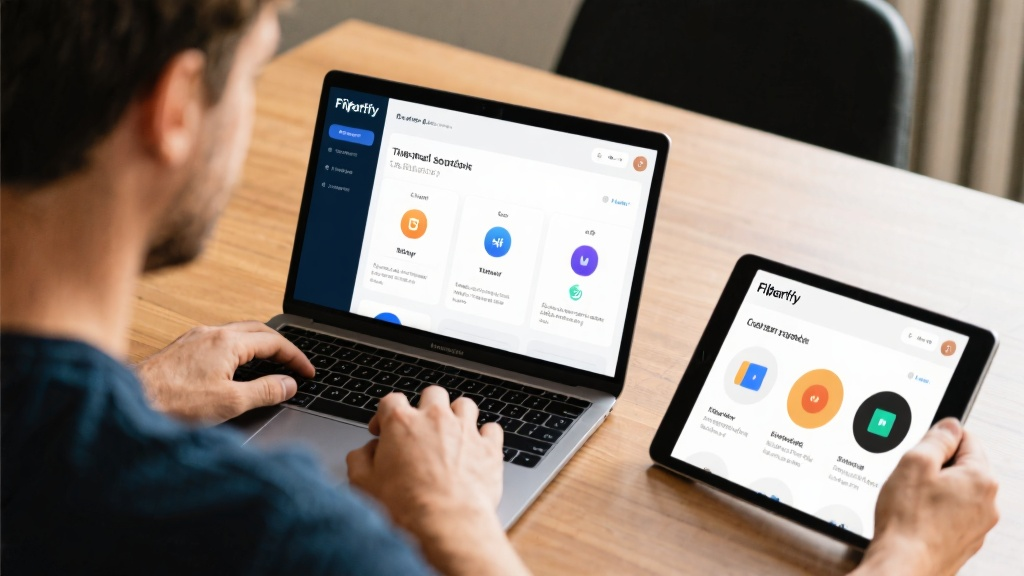
Access Flipartify on multiple devices and keep your workflow flexible. Whether you’re at your desk or on the go, your designs are always within reach.
Conclusion
Flipartify isn’t just another tool—it’s the ultimate solution for designers. It streamlines your process, sparks your creativity, and takes the stress out of legal compliance. Ready to transform your workflow? Give Flipartify a try today.
FAQ
Q: What types of design assets does Flipartify offer?
Q: Can I use Flipartify assets for commercial projects?
Q: Does Flipartify support team collaboration?
Q: Is Flipartify compatible with Adobe Photoshop and Figma?
Q: What makes Flipartify stand out from other platforms?
Discover how Flipartify can revolutionize your design workflow—click here to explore its powerful features today!