Introduction to AARP Now
AARP Now is a mobile application specifically designed for AARP members, offering a wide range of resources including news, health information, discount deals, and event notifications. This app is available for both iOS and Android devices, making it accessible to a broad audience of AARP members.
Getting Started with AARP Now
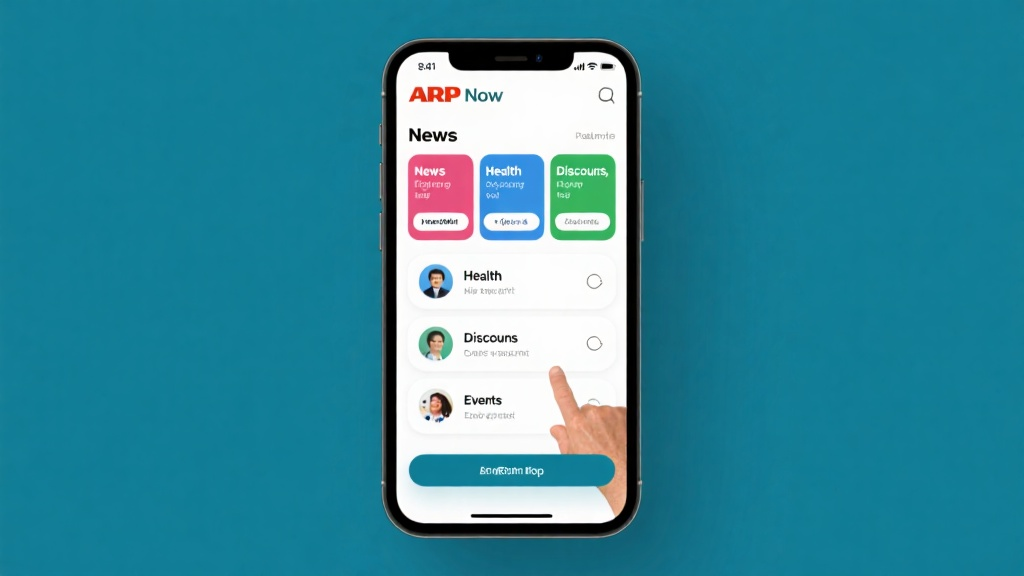
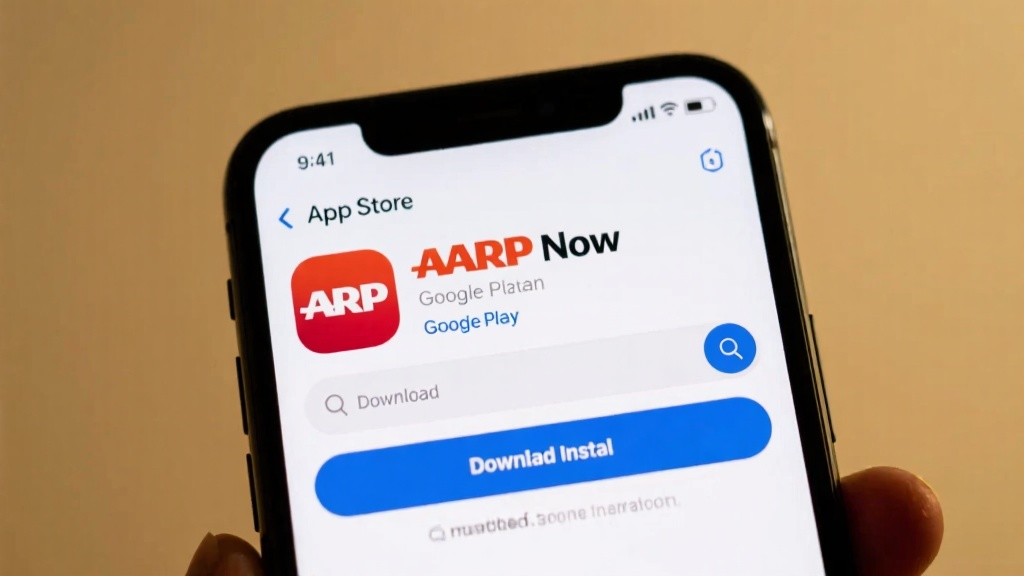
To begin using AARP Now, you need to download and install the app from the App Store or Google Play. Once installed, you can log in using your AARP membership account or register for a new account if you are a new user. The main interface of the app is divided into several modules: News, Health, Discounts, and Events, allowing you to easily navigate and access the information you need.
Advanced Tips for Using AARP Now
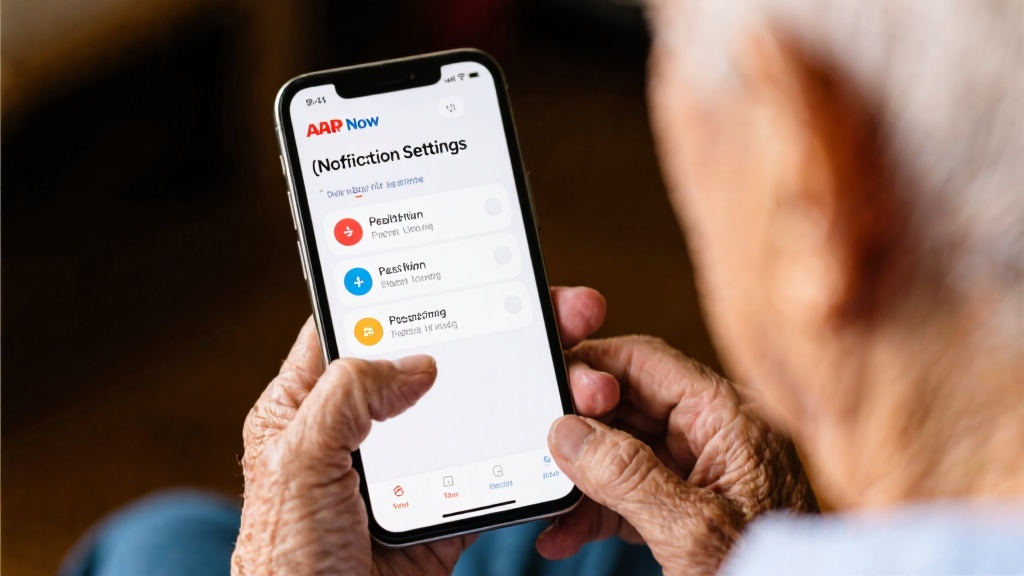
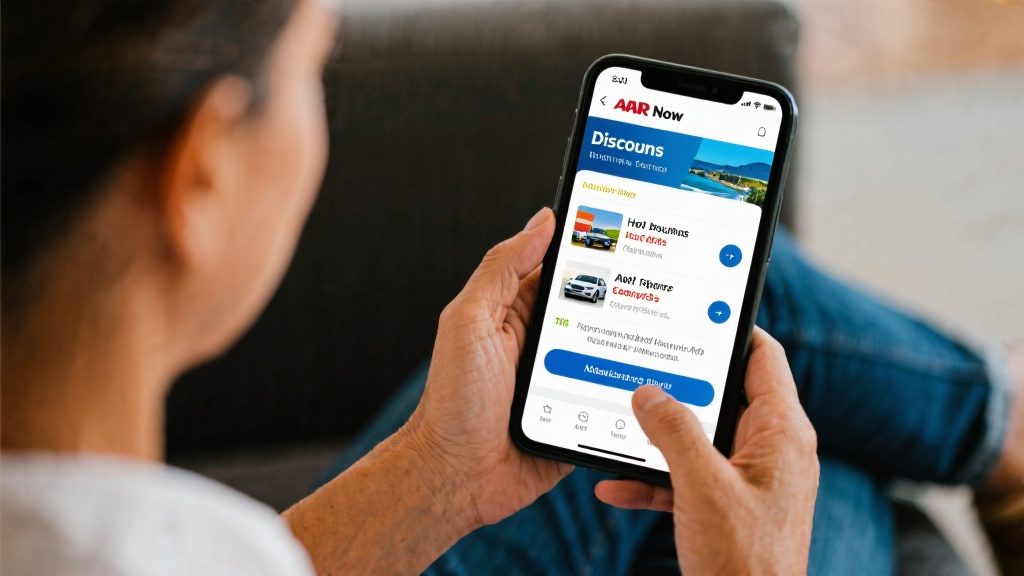
Customizing your experience with AARP Now can enhance your usage. You can personalize news push notifications and event alerts to suit your interests. Additionally, you can explore and utilize exclusive AARP member discounts, and access health articles, tools, and health check reminders to stay informed and healthy.
Avoiding Common Mistakes
One common issue users face is receiving too many notifications. You can adjust your notification settings to avoid being overwhelmed. Another tip is to set reminders for discounts to ensure you don't miss out on any deals before they expire.
Frequently Asked Questions (FAQ)
If you encounter any issues, such as forgetting your AARP membership account, you can visit the AARP website to recover your account. For login problems, check your internet connection and ensure your account details are correct. To change notification settings, navigate to the settings menu and adjust the options. For using discounts, check the details in the Discounts module and follow the instructions. To set health check reminders, configure the settings in the Health module.
Detailed Step-by-Step Instructions
Downloading and Installing AARP Now
1. Open your phone's app store (App Store or Google Play). 2. Search for "AARP Now" in the search bar. 3. Click the "Download" or "Install" button. 4. Wait for the app to download and install automatically.
Registering and Logging In
1. Open the AARP Now app. 2. Click the "Login" button. 3. Enter your AARP membership account and password. 4. If you are a new user, click "Register" and follow the prompts to complete the registration.
Navigating the Interface
1. The main interface is divided into several main modules: News, Health, Discounts, and Events. 2. Click on any module to view more content. 3. Use the bottom navigation bar to quickly switch between different modules.
Practical Application Examples
Personalization Settings
Case: Ms. Zhang is only interested in health news, so she can select to receive only health-related push notifications in the settings. Steps: 1. Enter the "Settings" menu. 2. Select "Notification Settings". 3. Check the "Health News" option.
Using Discounts
Case: Mr. Li plans to travel and uses the exclusive discounts for hotels and car rentals found in AARP Now. Steps: 1. Enter the "Discounts" module. 2. Search for "Hotel" or "Car Rental". 3. View the discount details and follow the instructions to use them.
For more information, visit AARP Now.