
RATINGS
30M
DOWNLOADS
4+
AGE

 Download Latest APK

Wait a moment, your result is coming soon!

Face is not found. Please try again with another clear full-face portrait of a better quality.

Take Quiz Now
Screenshots







About this app
-
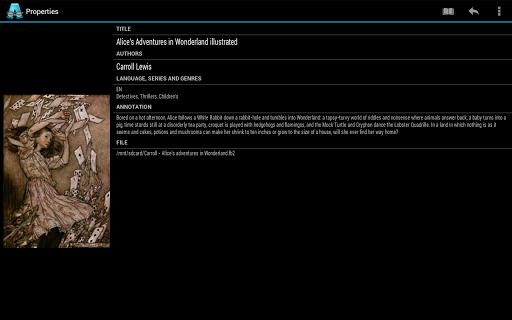
 Name AlReader
-
 category Books & Reference
-
 Price Free
-
 Safety 100% Safe
-
 Developer Alan.Neverland
-
 Version 1.932102241
-
 Target Readers
-
 Update 2021.02.24
Related articles



Core Features
-
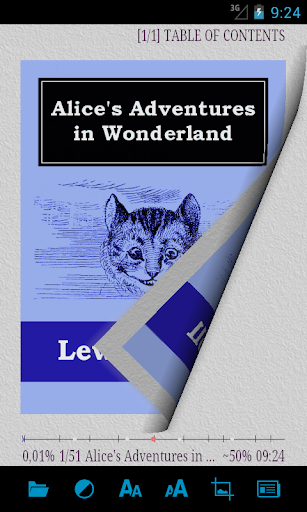
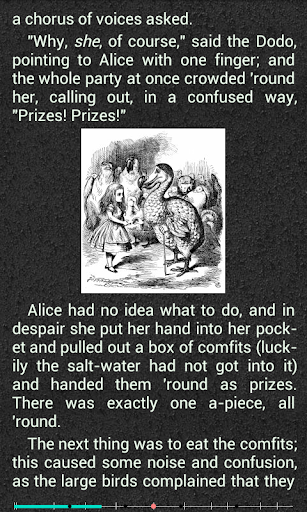
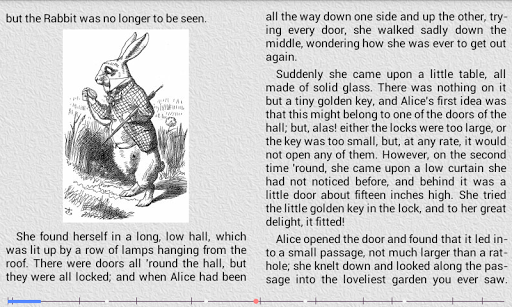
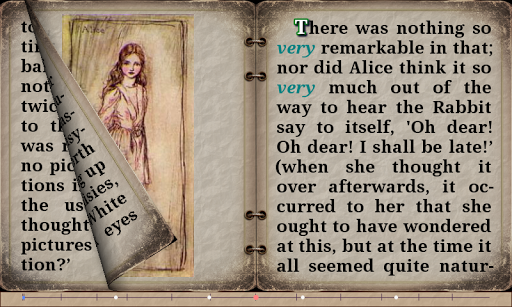
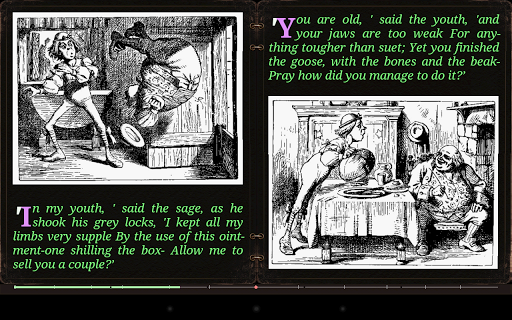
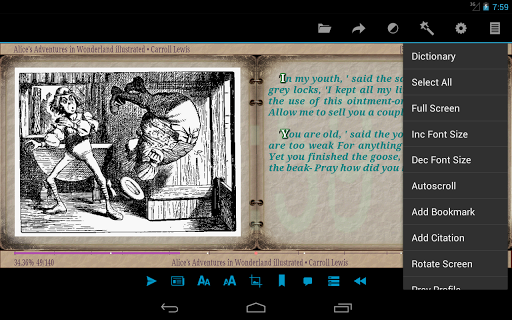
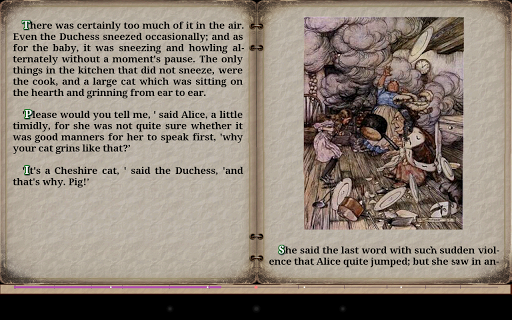
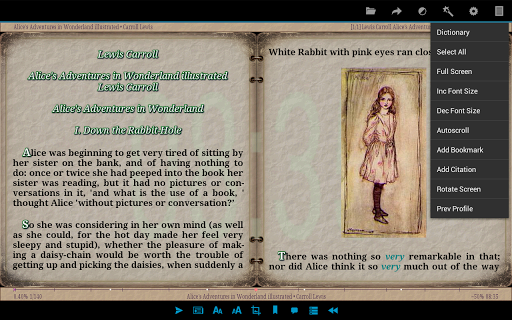
Customizable Reading ExperienceAlReader allows users to customize the reading interface with various themes, fonts, and layouts. Whether you prefer a light or dark mode, or different text sizes, you can tailor the reading environment to suit your preference.
-
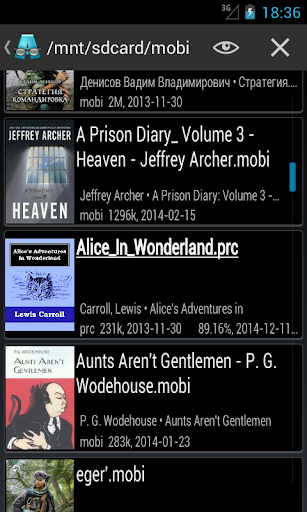
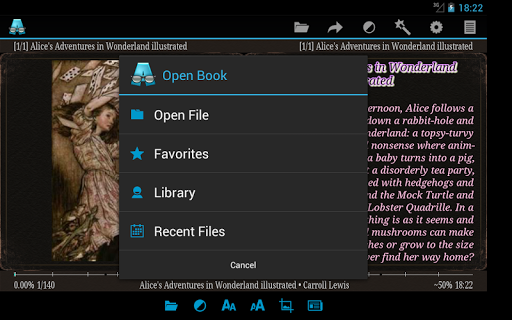
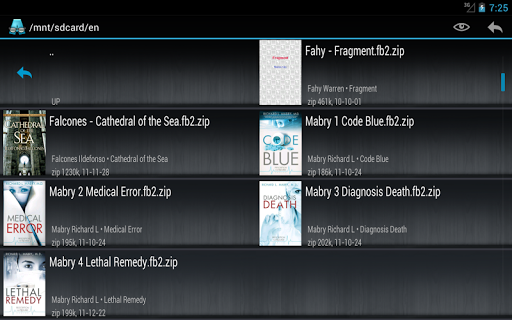
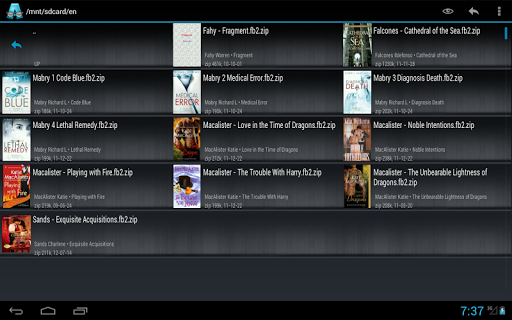
Support for Multiple FormatsThis app supports a wide range of file formats including ePub, PDF, and Mobi, making it a versatile choice for readers who have content in different formats. Users can easily convert files for optimal reading.
-
Sync Across DevicesWith cloud sync functionality, AlReader enables users to seamlessly switch between devices without losing their place. Your bookmarks, highlights, and notes are backed up and accessible anywhere.
-
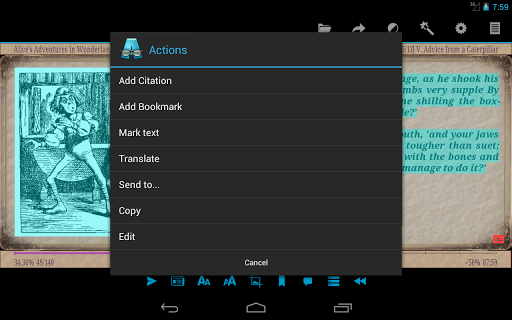
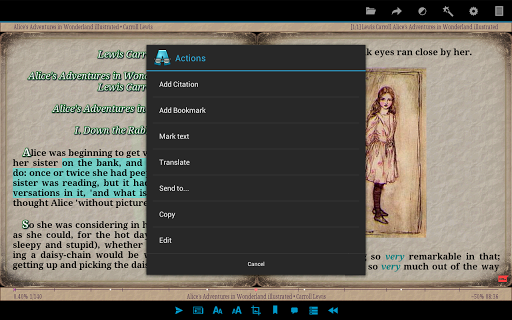
Built-in Dictionary and TranslationReaders will appreciate the built-in dictionary and translation features that allow quick lookups of unfamiliar words or phrases while reading, enhancing the understanding of content.
-
Bookmarking and Annotation ToolsAlReader provides robust bookmarking and annotation capabilities, letting users mark important passages and make personal notes, which is especially useful for study and research.
Pros
-
Flexible Customization OptionsAlReader stands out for its extensive customization options, allowing users to modify their reading experience according to preferences, which increases reading comfort.
-
Wide Format CompatibilityThe ability to read various e-book formats from one application saves users the hassle of downloading multiple apps, making AlReader a convenient all-in-one solution.
-
Enhanced Learning ToolsThe integrated dictionary and translation functionality cater to language learners and those seeking to enrich their vocabulary, making reading not just enjoyable but educational.
-
User-Friendly InterfaceThe app's intuitive design ensures that even less tech-savvy users can navigate easily, resulting in a seamless reading experience.
-
Regular Updates and ImprovementsFrequent updates enhance functionality and user experience, demonstrating the developer's commitment to continuous improvement and adaptation to user feedback.
Cons
-
Limited Free FeaturesWhile AlReader offers a free version, some advanced features are only available in the premium package, which might limit the experience for users who do not wish to upgrade.
-
Occasional Performance LagCertain users have reported occasional performance lags when handling large files, particularly PDFs, which may detract from the reading experience for heavy content consumers.
-
Complex Features May Confuse UsersThe extensive array of features can be overwhelming for new users, possibly leading to a steeper learning curve before fully enjoying all functionalities.
-
Inconsistent Cloud SyncSome users experience intermittent syncing issues between devices, leading to lost bookmarks or annotations, which can be frustrating for those who rely heavily on the sync feature.
-
Ads in Free VersionThe presence of advertisements in the free version can be intrusive, which might impact the overall reading experience for users who prefer an uninterrupted interface.
Price
-
Free VersionAlReader's free version allows access to basic features, including reading and customization options, making it accessible to everyone.
-
Premium SubscriptionThe premium subscription unlocks all features, including advanced customization, file management tools, and an ad-free experience, priced competitively in the market.
-
One-Time Purchase OptionUsers have the option to make a one-time purchase for premium features instead of a subscription, catering to those who prefer not to commit to ongoing payment.
Ratings
4.3
106.8K votes
-
5
-
4
-
3
-
2
-
1