RATINGS
328M
DOWNLOADS
4+
AGE

 Download Latest APK

Wait a moment, your result is coming soon!

Face is not found. Please try again with another clear full-face portrait of a better quality.

Take Quiz Now
Screenshots
About this app
-
 Name Customizer - Control OS18
-
 category Photography
-
 Price 0
-
 Safety 100% Safe
-
 Developer Mexa Studio
-
 Version 8.0
-
 Target Casual Users
-
 Update 2025.04.17
Related articles



Core Features
-
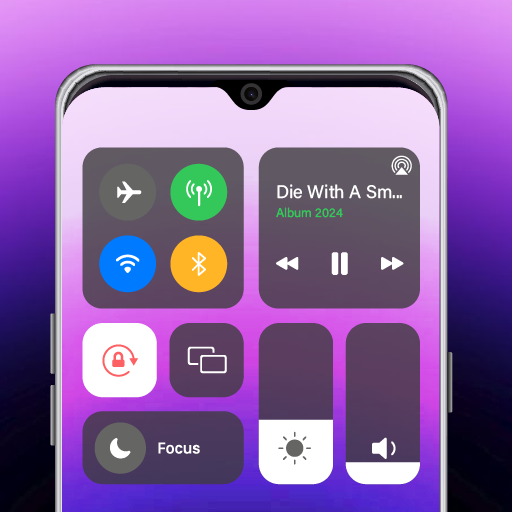
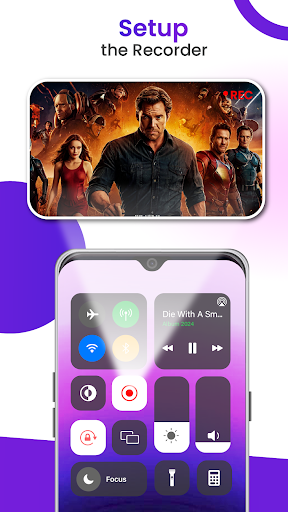
Smart CustomizationCustomizer allows you to design a personalized control layout for your device. You can choose and rearrange the controls you use most, enabling quick access to the settings you rely on every day, making your routine more efficient.
-
Built-In Simple Music PlayerEnjoy effortless music control with a built-in Simple Music Player. Play, pause, skip tracks, and adjust volume directly from the Customizer interface, allowing you to stay focused on what you love without unnecessary distractions.
-
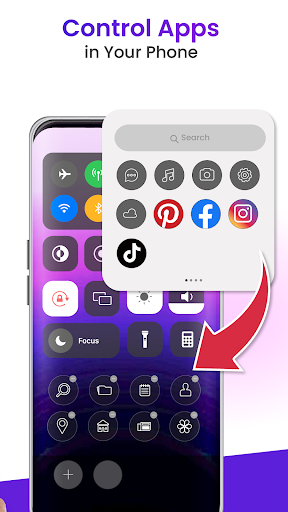
Quick App ControlWith Customizer, quickly open and manage your favorite apps without navigating through multiple menus. Whether it’s messaging, music, or social media, access what you need when you need it, streamlining your mobile experience.
-
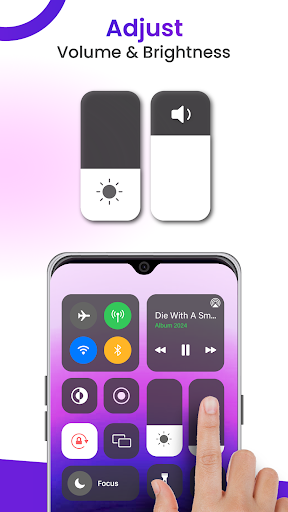
Adjust Volume & BrightnessEasily control your device’s sound and lighting with a simple swipe. Customizer enables you to personalize your environment effortlessly, adjusting settings to match your mood or surroundings on the go.
-
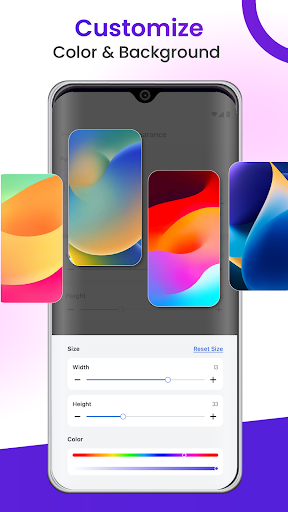
Full PersonalizationChoose from a variety of colors, icons, and backgrounds for a fully personalized aesthetic. Customizer allows you to create a look that reflects your personal style, transforming your device into a true extension of yourself.
Pros
-
User-Friendly InterfaceDesigned for simplicity, Customizer provides a clean and intuitive interface that makes managing your device quick and hassle-free. You can easily find everything you need with just a few taps.
-
All-in-One SolutionCombine essential features like music controls, volume adjustments, and app management in one convenient hub. This eliminates the need for multiple apps, thus enhancing your overall mobile efficiency.
-
Fast Access to Key FeaturesBy centralizing crucial controls such as brightness, volume, and apps in one place, Customizer ensures that your daily tasks can be completed swiftly and efficiently.
-
Continuous OperationUtilizing foreground service permission, Customizer ensures continuous access to its functionalities. This feature increases reliability, allowing settings and controls to remain available on your device.
-
Highly CustomizableWith extensive customization options, you can adjust your device's look and feel to match your personal preferences, creating a unique user experience that stands out.
Cons
-
Potential for Overwhelming OptionsThe extensive customization features could be overwhelming for some users, particularly those who prefer simpler, more streamlined interfaces.
-
Foreground Service NotificationThe app requires a foreground service notification for transparency, which some users may find distracting or intrusive while using their device.
-
Device CompatibilitySome features may perform inconsistently across different Android devices, especially older models which may not support all customization capabilities.
Price
-
Free VersionCustomizer offers a free version that provides access to essential features for basic device management, making it accessible to all users.
-
Premium UpgradeThe premium subscription unlocks advanced features and additional customization options, providing users with an enhanced experience and more control over their device.
Ratings
4.7
6.1K votes
-
5
-
4
-
3
-
2
-
1