RATINGS
950M
DOWNLOADS
4+
AGE

 Download Latest APK

Wait a moment, your result is coming soon!

Face is not found. Please try again with another clear full-face portrait of a better quality.

Take Quiz Now
Screenshots
About this app
-
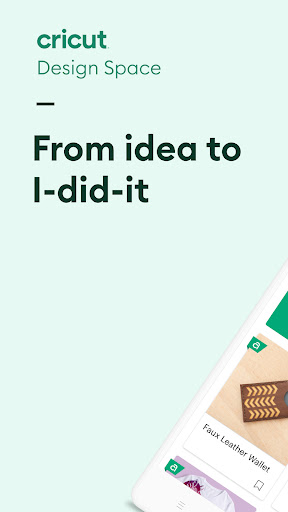
 Name Cricut Design Space
-
 category Lifestyle
-
 Price Free
-
 Safety 100% Safe
-
 Developer Cricut
-
 Version 5.36.0
-
 Target Casual Crafters
-
 Update 2026.11.21
Related articles


Core Features
-
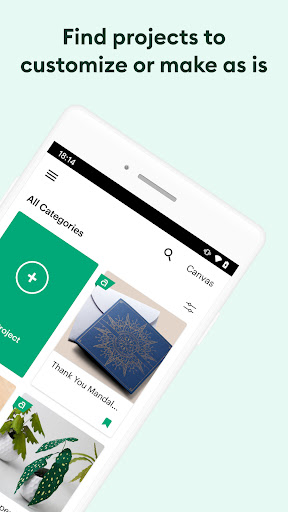
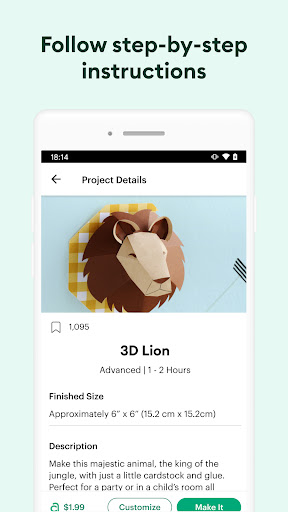
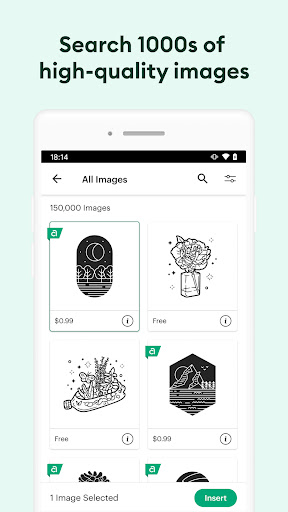
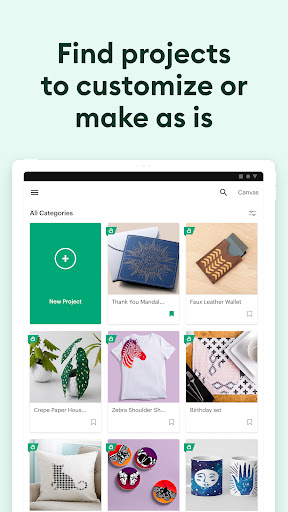
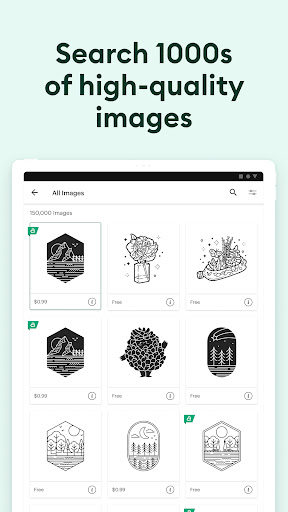
Extensive Library AccessBrowse thousands of images, projects, and fonts available in the Cricut Library, allowing you to explore endless creative possibilities right from your device.
-
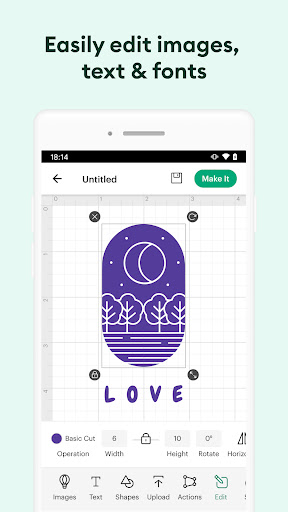
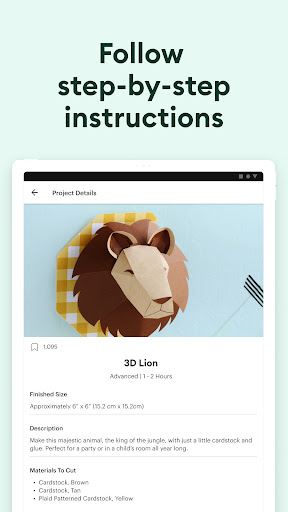
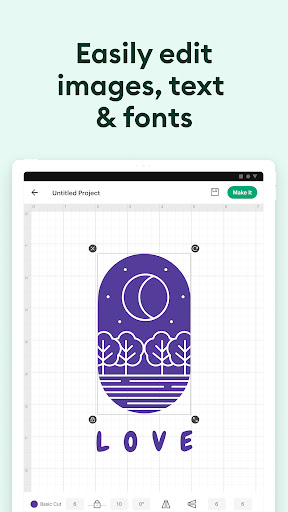
Project Creation on the GoDesign detailed projects directly on a canvas within the app, enabling you to work on your creative projects anytime and anywhere.
-
Image Upload and EditingUpload and edit various image formats including jpg, gif, png, and bmp, providing flexibility to use your own designs effortlessly.
-
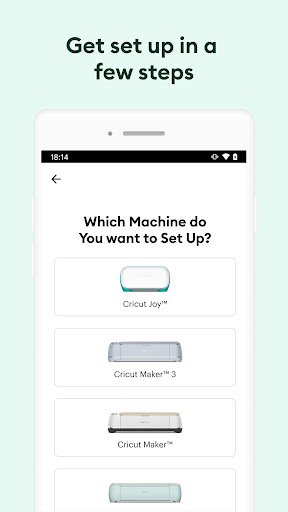
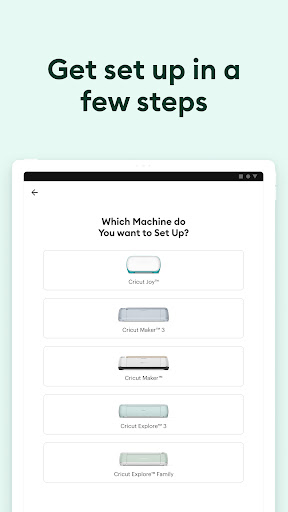
Seamless Bluetooth ConnectivityWirelessly send your designs to Cricut Explore machines via Bluetooth, ensuring a smooth and hassle-free crafting experience.
-
Camera View for PlacementUtilize the camera feature to visualize how your designs will look when placed in your home, enhancing your project planning.
Pros
-
User-Friendly InterfaceThe app is designed to be intuitive, making it suitable for both beginners and experienced users, enabling effortless navigation and design.
-
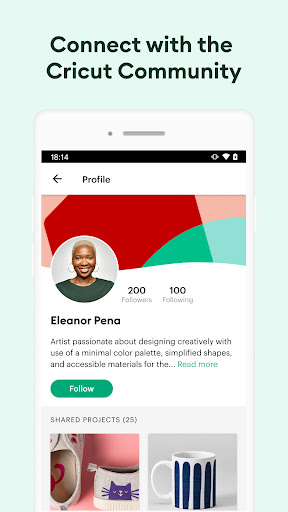
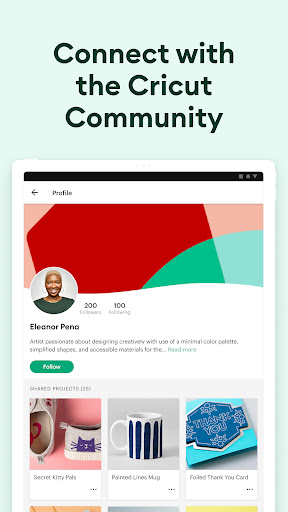
Cross-Device SyncingSyncs projects across all your devices, allowing seamless access to your designs and projects no matter where you are.
-
Cricut ID IntegrationEasy sign-in with your Cricut ID streamlines project management and checkout, simplifying the process for purchasing materials and designs.
Cons
-
Device Compatibility LimitationsThe app is optimized for specific Cricut machines, which may limit usability for users with older or non-compatible devices.
-
Internet DependencyRequires an internet connection for many features, which could hinder users in areas with poor connectivity.
Price
-
Free AccessBasic usage of the app is free, allowing access to design tools and some pre-made content, making it accessible to casual users.
-
Subscription ModelOffers a subscription service that unlocks premium content and features, ideal for frequent crafters looking for more advanced resources.