
RATINGS
720M
DOWNLOADS
4+
AGE

 Download Latest APK
Wait a moment, your result is coming soon!

Face is not found. Please try again with another clear full-face portrait of a better quality.

Take Quiz Now
Screenshots



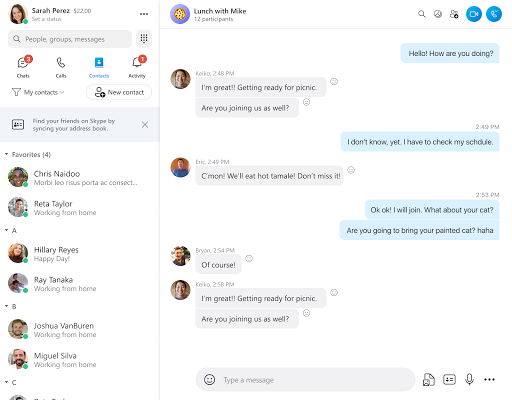
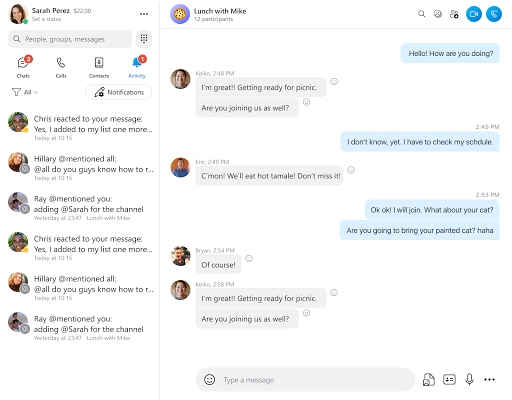

About this app
-
 Name Skype
 -
 category Communication
 -
 Price Free
 -
 Safety 100% Safe
 -
 Developer Skype
 -
 Version 8.104.0.208
 -
 Target Casual Users
 -
 Update 2025.05.05
Related articles




Core Features
-
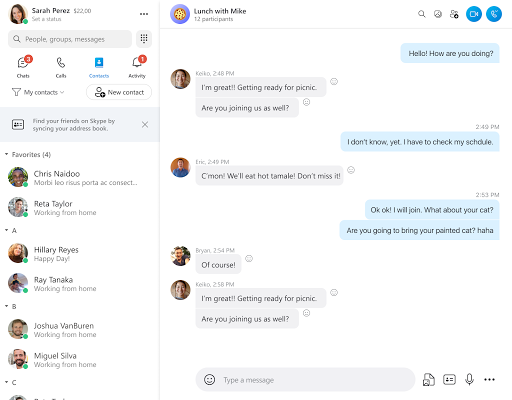
High-Quality Video CallsSkype offers crystal-clear video calls that can connect up to 50 participants at once, making it ideal for both personal chats and large group meetings.
-
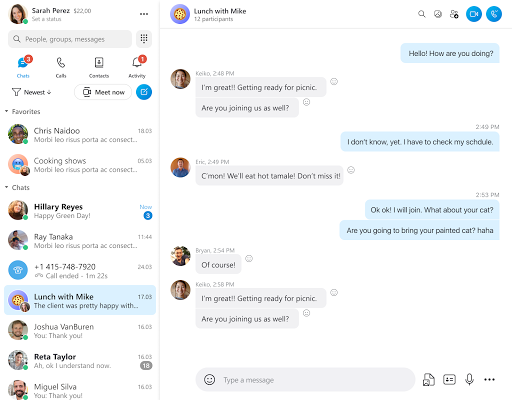
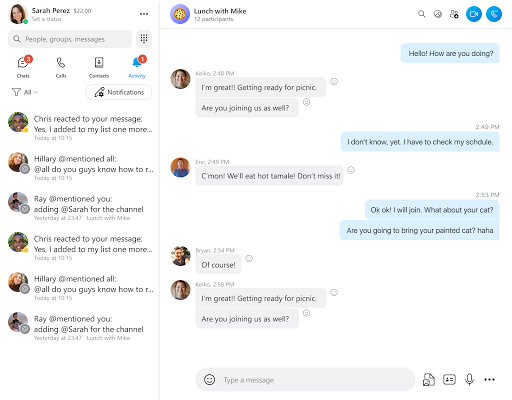
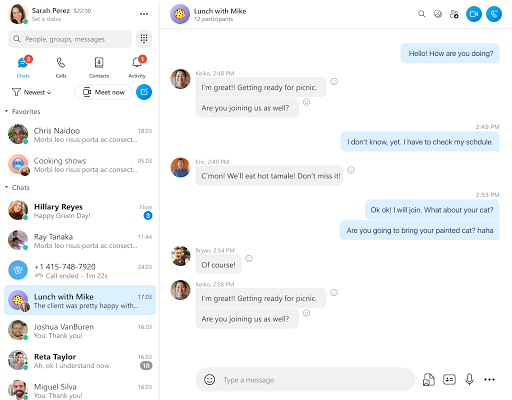
Instant MessagingStay connected instantly with Skype’s chat feature, allowing users to send text messages, photos, and files to individuals or groups in real-time.
-
Screen SharingShare your screen during video calls to collaborate effectively, whether for business presentations or simply to show off your latest vacation photos.
-
Call RecordingRecord your calls to save important conversations or meetings for future reference, ensuring you never miss critical information.
-
Cross-Platform CompatibilityAvailable on desktop, mobile, and web, Skype allows users to connect seamlessly across different devices, providing flexibility and convenience.
Pros
-
Multi-Device SupportSkype can be used on various platforms, including smartphones, tablets, and computers, offering versatility to its users.
-
Affordable International CallsSkype provides competitive rates for calling international numbers, making it a cost-effective choice for global communication.
-
User-Friendly InterfaceWith its simple and intuitive design, users of all ages can navigate Skype easily, resulting in a seamless communication experience.
-
Large Group CallsThe ability to host large conference calls and meet-ups makes it ideal for businesses and families to connect without limitations.
-
Integrated with MicrosoftAs a Microsoft product, Skype seamlessly integrates with other Microsoft services, enhancing productivity through easy access to Office tools.
Cons
-
Internet DependentSkype requires a stable internet connection for optimal performance; poor connectivity can lead to dropped calls or video lag.
-
Limited Free FeaturesWhile Skype offers free messaging and calls, premium features such as calling landlines and mobiles may incur costs.
-
Potential Security ConcernsUsers may have concerns over data privacy and security, as with any online communication service where sensitive information may be shared.
-
Resource HeavySkype can be resource-intensive, potentially causing slow performance on lower-end devices during video calls.
-
Occasional Technical IssuesSome users may experience occasional bugs or connectivity issues, which can disrupt communication during critical calls.
Price
-
Free Version AvailabilitySkype offers a free version that includes messaging and video calls, allowing users to connect with anyone on Skype without any cost.
-
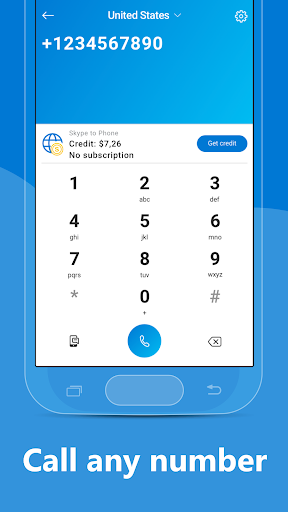
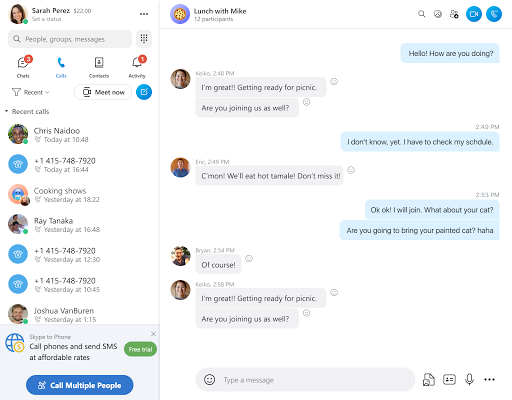
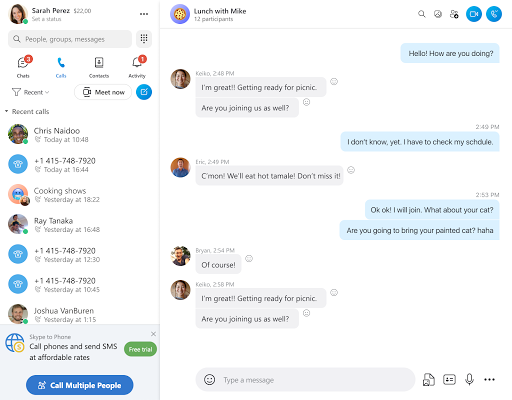
Call PlansSubscriptions for calling non-Skype numbers are available, offering various plans based on usage to suit different communication needs.
-
Additional FeaturesPaid subscriptions include features like SMS messages and voicemail, providing enhanced capabilities for users requiring more extensive communication options.
Ratings
4.6
11.8M votes
-
5
-
4
-
3
-
2
-
1