
RATINGS
20M
DOWNLOADS
4+
AGE

 Download Latest APK

Wait a moment, your result is coming soon!

Face is not found. Please try again with another clear full-face portrait of a better quality.

Take Quiz Now
Screenshots

About this app
-
 Name UC Browser
-
 category Communication
-
 Price Free
-
 Safety 100% Safe
-
 Developer UCWeb Inc.
-
 Version 12.13.0.1207
-
 Target Casual Users
-
 Update 2026.11.21
Related articles




Core Features
-
U4 EngineUC Browser's upgraded U4 engine enhances web browsing efficiency by 20%, offering improved connection stability, video playback quality, and user security. Experience faster navigation and a seamless online experience like never before.
-
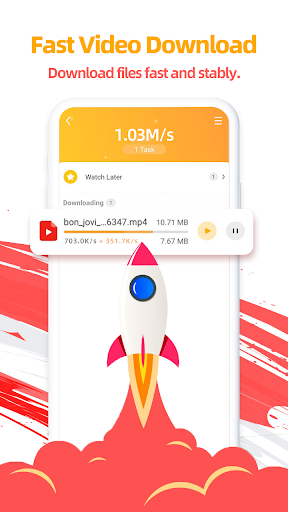
Fast DownloadWith advanced server technology, UC Browser accelerates download speeds while allowing resumption from where you left off in case of interruptions. Enjoy downloading videos quickly and watch them even if the download isn’t complete.
-
Small Window ModeKeep your video playback on top while multitasking with UC Browser's Small Window Mode. Chat, shop, or browse without missing out on your favorite videos in a portable viewing window.
-
Ad BlockSay goodbye to annoying ads! UC Browser's Ad Block feature removes various ad types, providing you with a clean and uninterrupted browsing experience on all your favorite sites.
-
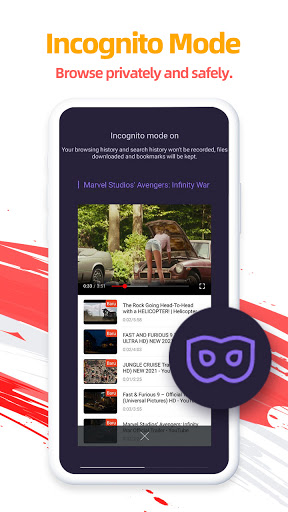
Incognito ModeProtect your privacy with Incognito Mode. Surf the web without leaving behind history or data traces, ensuring your browsing activities stay private and confidential.
Pros
-
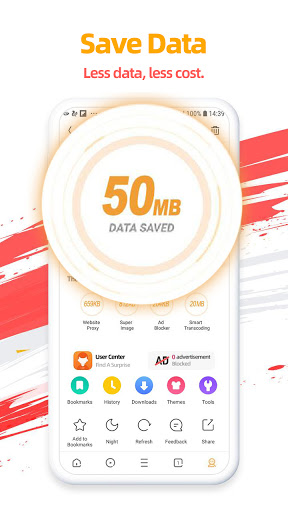
Data SavingUC Browser intelligently compresses data to significantly reduce your cellular data usage while speeding up your browsing experience. Perfect for users looking to save money on data plans.
-
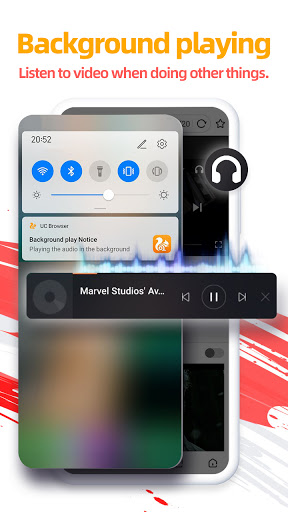
Background Video PlaybackEnjoy your videos while you do other tasks. With just a tap, UC Browser lets you play videos in the background, allowing you to listen without interruptions, enhancing multitasking capabilities.
-
Optimized for FacebookExperience faster Facebook usage with UC Browser's specialized mode, regardless of your network conditions, ensuring smooth accessibility for social media junkies.
-
Night ModeUC Browser's Night Mode feature ensures comfortable reading during the night, reducing eye strain and providing a visually pleasant experience for late-night browsing.
-
Smooth Video PlaybackEnjoy an exceptional video playback experience with UC Browser's self-developed video player, designed to deliver smooth and high-quality viewing every time.
Cons
-
Performance on Older DevicesWhile UC Browser is optimized for performance, users on lower-end devices may experience slower loading times or occasional lag, particularly with high-resolution content.
-
Learning CurveNew users may find the variety of features overwhelming initially, potentially requiring some time to fully explore and utilize all the available capabilities of the browser.
-
Ad Block LimitationsThough the Ad Block feature is robust, it may not remove all ad formats across every website, leading to occasional advertisements disrupting the browsing experience.
Price
-
Free VersionUC Browser is completely free to download and use, providing essential browsing features without any cost, making it accessible for all users.
-
Optional Premium FeaturesWhile the free version covers a wide range of functionalities, premium features are available for a fee, offering enhanced customization options and additional benefits.