RATINGS
980M
DOWNLOADS
4+
AGE

 Download Latest APK

Wait a moment, your result is coming soon!

Face is not found. Please try again with another clear full-face portrait of a better quality.

Take Quiz Now
Screenshots
About this app
-
 Name CamScanner - Scanner to scan PDF
-
 category Productivity
-
 Price Free
-
 Safety 100% Safe
-
 Developer INTSIG Information Co.,Ltd
-
 Version 5.20.0.20200603
-
 Target Casual Users
-
 Update 2026.11.21
Related articles



Core Features
-
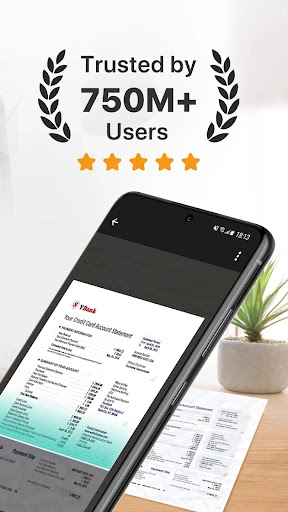
Quick Document DigitizationUtilize your mobile camera for swift scanning of various paper documents, including receipts, notes, invoices, and more. The ability to digitize any paperwork means you can declutter your workspace with ease.
-
Optimized Scan QualityEnjoy clear and sharp documents thanks to smart cropping and auto-enhancing features, ensuring premium colors and resolutions during every scan.
-
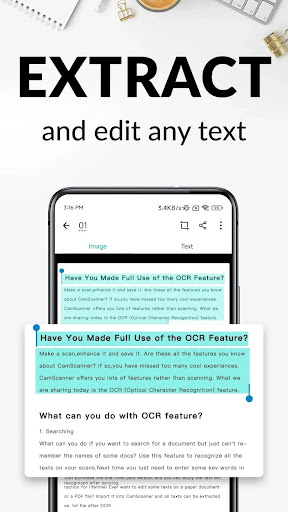
Text Extraction (OCR)Leverage the optical character recognition (OCR) to recognize and extract text from images or PDFs, making it easy to search, edit, or share important content.
-
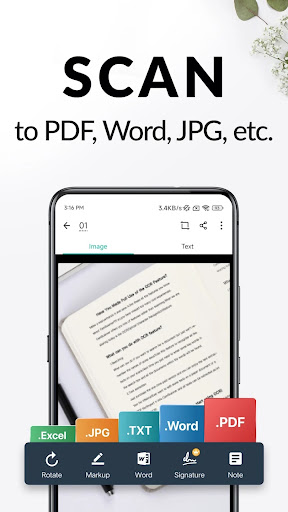
Easy Sharing OptionsSeamlessly share digitized documents in PDF or JPEG format via social media, email attachments, or download links, enhancing collaboration with friends or colleagues.
-
Wireless Printing & Remote FaxingPrint documents wirelessly without needing additional apps or drivers, and fax to over 30 countries directly from the app, making it a valuable tool for busy professionals.
Pros
-
High User AdoptionWith over 500 million installs globally, CamScanner is a trusted choice for digitizing documents, ensuring reliability backed by overwhelming user satisfaction.
-
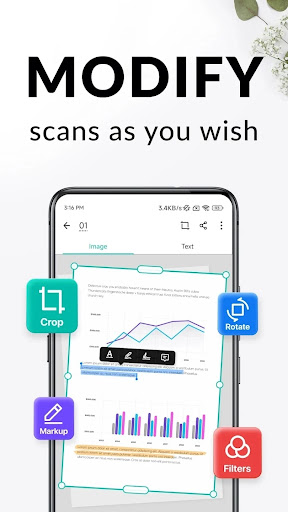
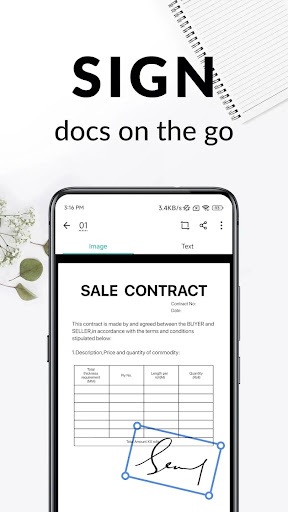
Advanced Editing ToolsThe app provides a comprehensive suite of editing tools that allows you to annotate documents and add customized watermarks for professional presentation.
-
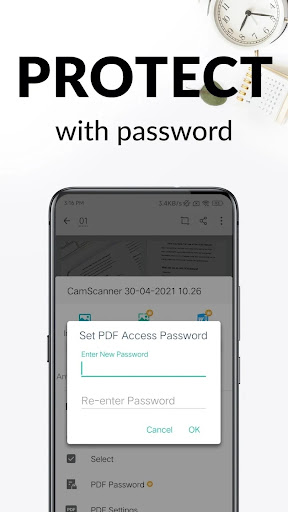
Secure Document ManagementCamScanner allows users to protect confidential documents by setting passwords for viewing and download links, ensuring only authorized access.
-
Cross-Platform SyncEasily access your documents across all devices by syncing with your account, allowing for document editing and sharing on the go, whether on smartphone, tablet, or PC.
-
Flexible Subscription OptionsVarious subscription plans tailored to user preferences provide unlimited access to all features, enhancing value for frequent users.
Cons
-
Subscription CostWhile a free version is available, accessing premium features requires a subscription that may not be budget-friendly for all users.
-
Potential for Device Compatibility IssuesHigh-resolution scanning and advanced features may cause performance issues on lower-end devices, impacting scanning speed and quality.
-
Frequent Updates and ChangesUsers may find minor frustrations with the app's interface or updates, requiring time to adjust to new features or layouts.
Price
-
Free VersionThe app offers a free version with basic scanning features, suitable for casual users who don’t require advanced functionalities.
-
Paid SubscriptionUnlock unlimited access to all features through a paid subscription, billed weekly, monthly, or annually. Users can choose a plan that suits their needs.
-
Subscription ManagementUsers can easily manage their subscription settings and turn off auto-renewal, providing control over ongoing costs.