
RATINGS
390M
DOWNLOADS
4+
AGE

 Download Latest APK

Wait a moment, your result is coming soon!

Face is not found. Please try again with another clear full-face portrait of a better quality.

Take Quiz Now
Screenshots



About this app
-
 Name Solid Explorer File Manager
-
 category Productivity
-
 Price Free
-
 Safety 100% Safe
-
 Developer NeatBytes
-
 Version 2.8.2
-
 Target Casual Users
-
 Update 2026.11.21
Related articles




Core Features
-
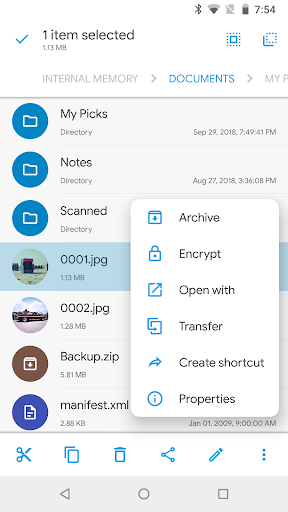
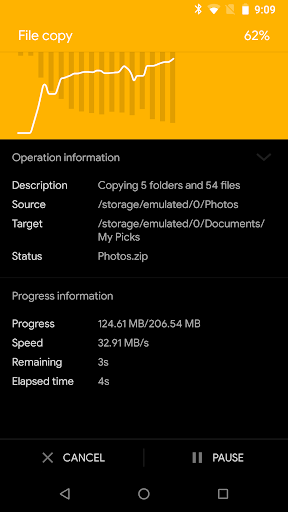
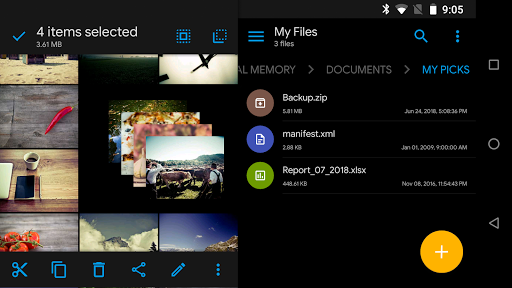
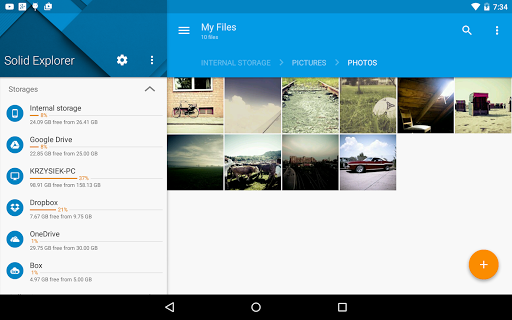
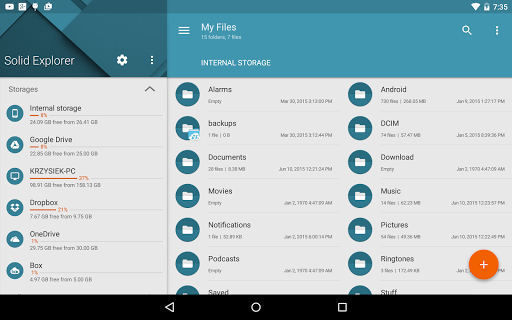
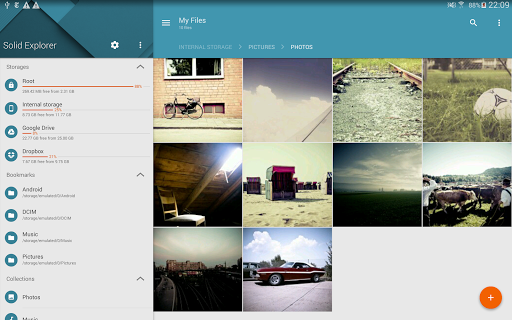
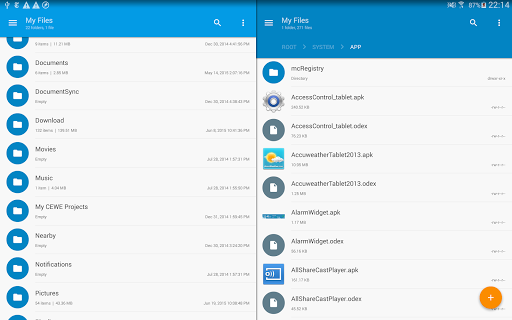
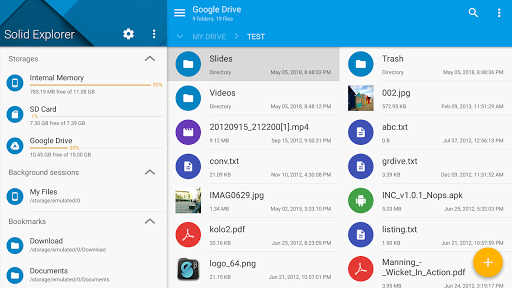
Advanced File ManagementSolid Explorer allows you to easily navigate and manage files stored on your device, SD card, and USB OTG. You can effortlessly view, delete, move, rename, or share files, ensuring that all your important data is within reach.
-
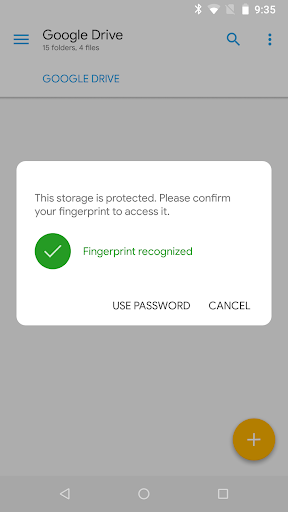
Robust Security with EncryptionThis file manager offers AES encryption to protect selected files. With a secure folder feature, files are unreadable by other apps and can only be accessed through password or fingerprint confirmation, ensuring your sensitive data remains confidential.
-
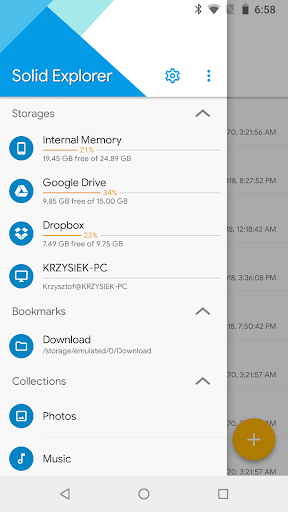
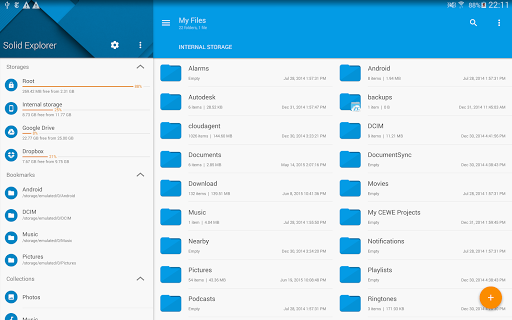
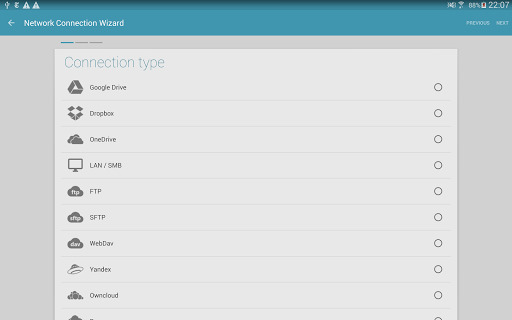
Comprehensive Cloud IntegrationSeamlessly connect and manage files from various cloud services including Google Drive, Dropbox, and OneDrive. The user-friendly drag-and-drop interface allows for effortless file transfers between different cloud locations and servers.
-
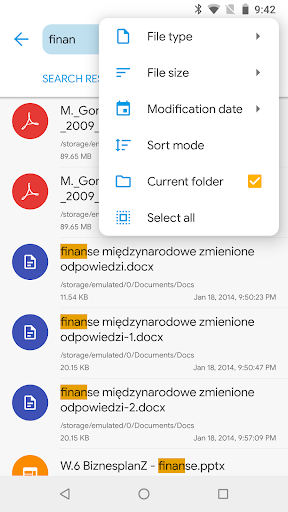
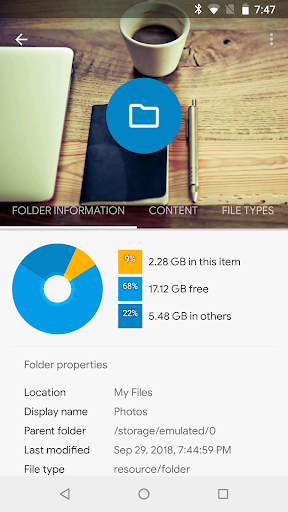
Storage Analysis CapabilitiesSolid Explorer enables users to analyze storage space efficiently by providing insights into which files or folders are consuming the most space. Users can utilize folder properties and size filters for better organization.
-
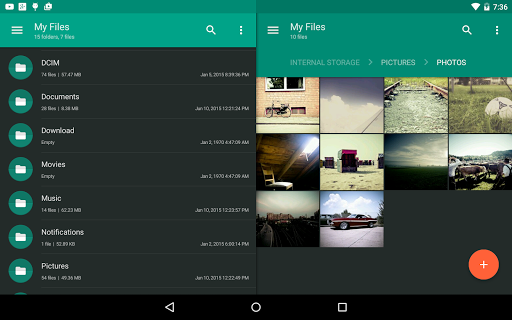
Customizable InterfaceSolid Explorer offers rich customization options including themes and icon sets, allowing users to personalize their file management experience according to their aesthetic preferences.
Pros
-
User-Friendly InterfaceThe intuitive design of Solid Explorer makes file navigation and management smooth, making it accessible for both beginners and advanced users.
-
Strong Data ProtectionThe ability to encrypt files with AES and protect them with password or fingerprint ensures high-level security, making it an ideal choice for users who prioritize privacy.
-
Multi-Cloud ManagementWith support for multiple cloud services, users can handle all their files in one central location, saving time and increasing productivity.
-
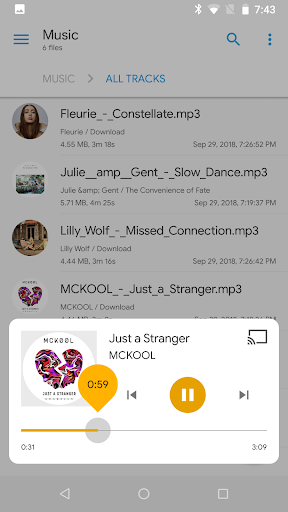
Built-In Organizational ToolsSolid Explorer categorizes files into organized collections, such as Recent, Photos, and Videos, allowing users to find their files quickly and efficiently.
-
Data Analysis FeaturesThe capability to analyze storage use provides valuable insights to users, enabling them to manage their space better and declutter as needed.
Cons
-
Limited Storage Analysis ToolsWhile Solid Explorer provides some storage analysis capabilities, it lacks a comprehensive dedicated storage analyzer, which may require additional steps for detailed insights.
-
May Be Overwhelming for BeginnersThe wide range of features and customization options may be overwhelming for new users who are not familiar with file management tools.
Price
-
Free Version AvailabilitySolid Explorer offers a free version that provides essential functionalities for file management. Users can explore its capabilities before deciding to purchase the full version.
-
Subscription BenefitsThe premium version of Solid Explorer unlocks advanced features such as enhanced security options and additional cloud service integrations, providing significant value for power users.