
RATINGS
410M
DOWNLOADS
4+
AGE

 Download Latest APK

Wait a moment, your result is coming soon!

Face is not found. Please try again with another clear full-face portrait of a better quality.

Take Quiz Now
Screenshots






About this app
-
 Name ClickMeeting Webinars
-
 category Business
-
 Price Free
-
 Safety 100% Safe
-
 Developer ClickMeeting Sp. z o.o.
-
 Version 3.4.3
-
 Target Business Professionals
-
 Update 2026.11.21
Related articles




Core Features
-
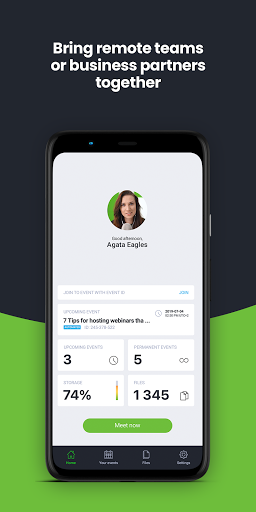
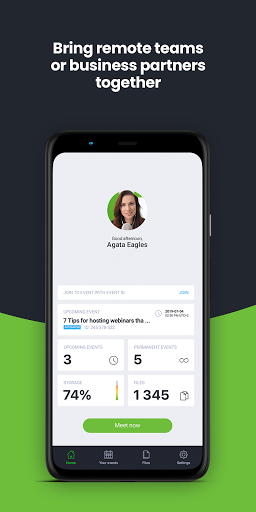
Effortless Webinar SchedulingEasily schedule live webinars and synchronize with your calendar for timely notifications. This feature allows organizers to manage their events efficiently, ensuring they never miss a date.
-
High-Capacity Virtual MeetingsHost engaging webinars with the capability to meet with up to 25 presenters and present to an audience of up to 5,000 viewers. Perfect for large-scale events, making it suitable for businesses and organizations.
-
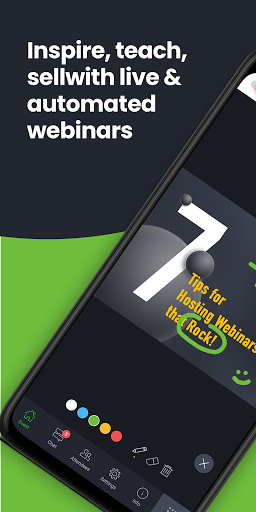
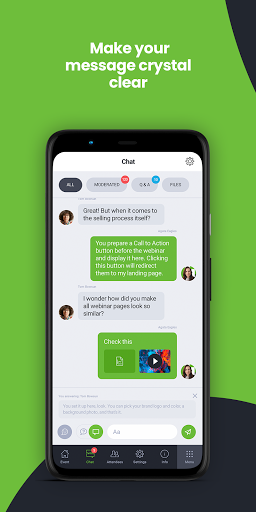
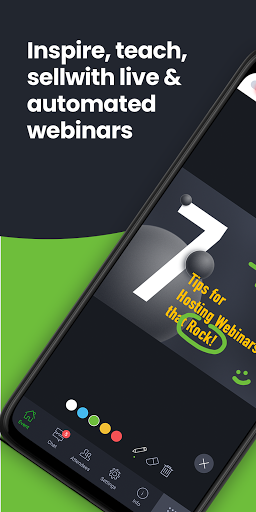
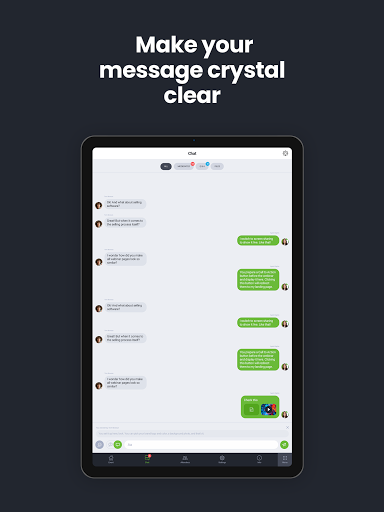
Interactive Engagement ToolsUtilize various tools such as text chat, interactive whiteboards, and audio controls to foster participant engagement during webinars. Keep your audience captivated and involved throughout the session.
-
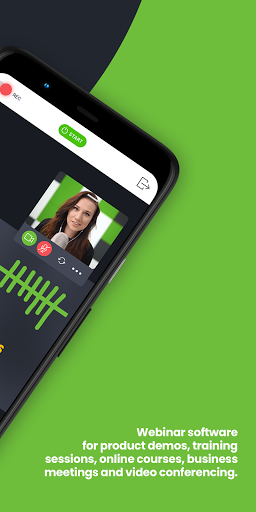
Comprehensive Webinar ManagementManage every aspect of your webinar with features like recording, document sharing, file transfers, and viewing stats post-event. This comprehensive toolkit helps in analyzing performance for future improvements.
-
Seamless Social Media IntegrationInvite presenters and participants via Twitter and stream directly on social platforms. This enhances visibility and engagement, allowing you to reach a broader audience effortlessly.
Pros
-
User-Friendly InterfaceThe intuitive control panel makes it simple for users to set up and manage their webinars without extensive technical knowledge, allowing for fast onboarding.
-
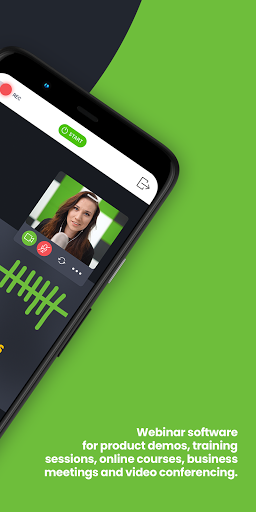
Rich Collaborative FeaturesWith capabilities like real-time screen sharing, multi-camera video display, and automated translation, you can enhance communication and collaboration among participants.
-
Robust Statistics and AnalyticsAccess valuable insights post-webinar with detailed statistics, helping you understand audience engagement and areas for improvement in future webinars.
Cons
-
Limited Customization on Free VersionWhile the free version offers basic features, advanced customization options and larger participant capacities might require a paid subscription.
-
Potential Audio/Video LagOn lower bandwidth connections, users may experience audio or video delays, which could hinder live interaction during webinars.
-
Investment in Paid FeaturesFor organizations seeking to fully utilize all features, a financial investment in the paid plan is necessary, which may not be ideal for every budget.
Price
-
Free Version AvailabilityUsers can access basic features for free, ideal for small meetings or personal use, offering a taste of the platform's capabilities without commitment.
-
Paid Plans with Enhanced FeaturesSubscriptions unlock additional features, higher participant limits, and advanced analytics, making it a valuable tool for serious webinar organizers.