RATINGS
832M
DOWNLOADS
4+
AGE

 Download Latest APK

Wait a moment, your result is coming soon!

Face is not found. Please try again with another clear full-face portrait of a better quality.

Take Quiz Now
Screenshots




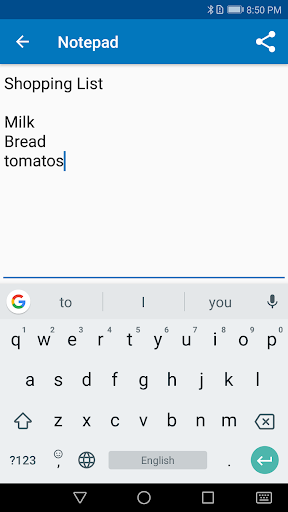


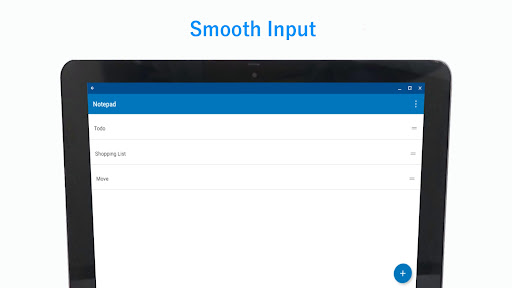


About this app
-
 Name Notes - Simple notepad, memo
-
 category Tools
-
 Price 0
-
 Safety 100% Safe
-
 Developer Komorebi Inc.
-
 Version 9
-
 Target Casual Users
-
 Update 2025.10.15
Related articles



Core Features
-
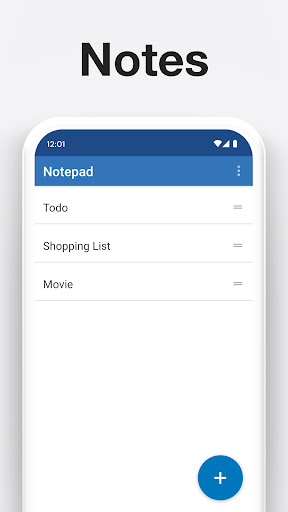
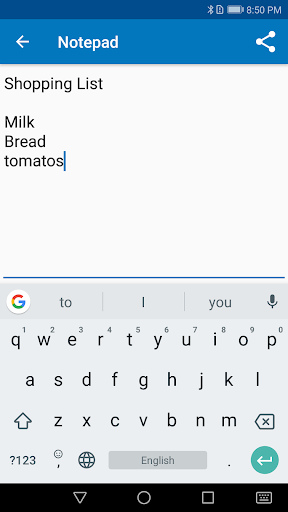
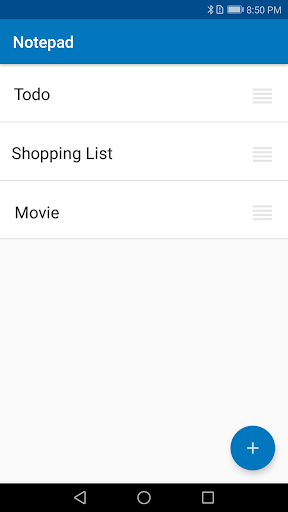
Quick Note TakingCapture thoughts, to-do lists, or important reminders instantly with a user-friendly interface that requires only one tap to save and sort notes.
-
Color CodingEnhance organization by assigning different colors to your notes. Use specific colors for various categories like shopping lists, work tasks, or journaling to quickly identify content.
-
Autosave FeatureNever worry about losing notes again! The app automatically saves your work as you type, ensuring all your thoughts are safely stored.
-
Widgets SupportPlace multiple scrollable widgets on your home screen for quick access to your notes. Easily view long texts without opening the app.
-
Offline FunctionalityWrite and save notes even without an internet connection. Everything gets stored and synced smoothly when you're back online.
Pros
-
User-Friendly InterfaceThe simple, clean interface allows users of all ages to create and manage notes effortlessly, with no confusing filters or tabs.
-
Completely FreeEnjoy unlimited access to all features without any hidden charges or subscriptions—perfect for casual note-takers and busy professionals alike.
-
Versatile UsesIdeal for a multitude of scenarios—whether you need a daily planner, shopping list, journal, or mood tracker, this app seamlessly adapts to your needs.
-
Easy Sharing OptionsQuickly share your notes via messaging apps directly from the notepad, making collaboration easy when you’re on the go.
-
Dark ModeSwitch to dark mode for a visually comfortable experience, especially in low-light environments, enhancing readability.
Cons
-
Limited Advanced FeaturesWhile the app excels in simplicity, it may not satisfy users looking for advanced note-taking functionalities found in more complex apps.
-
Color Options RestrictionAlthough color coding is available, users are limited to only six color choices, which may not meet everyone's organizational preferences.
-
No Voice InputCurrently, the app does not support voice note-taking, which may be a drawback for those who prefer hands-free options.
Price
-
Free VersionThe app is completely free with full access to all main features, allowing users to take notes without any financial commitment.
-
No Hidden FeesThere are no in-app purchases or subscriptions required, making it an economical choice for users who want a basic note-taking tool.
Ratings
4.8
206.7K votes
-
5
-
4
-
3
-
2
-
1