RATINGS
837M
DOWNLOADS
4+
AGE

 Download Latest APK

Wait a moment, your result is coming soon!

Face is not found. Please try again with another clear full-face portrait of a better quality.

Take Quiz Now
Screenshots

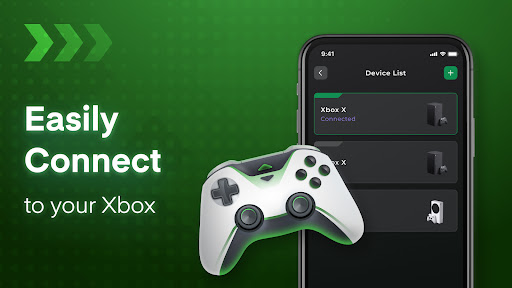
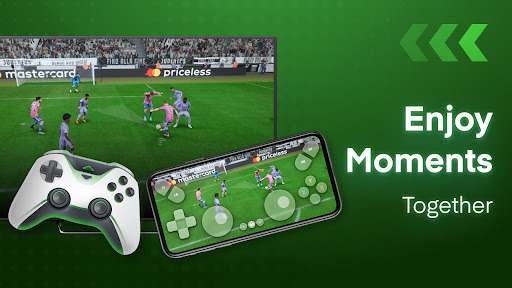
About this app
-
 Name Xb Remote Play Game Controller
-
 category Tools
-
 Price 0
-
 Safety 100% Safe
-
 Developer LeoStudio Global Ltd.
-
 Version 7.0
-
 Target Casual Gamers
-
 Update 2025.07.10
Related articles

Core Features
-
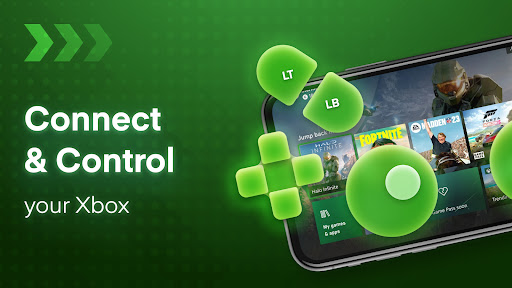
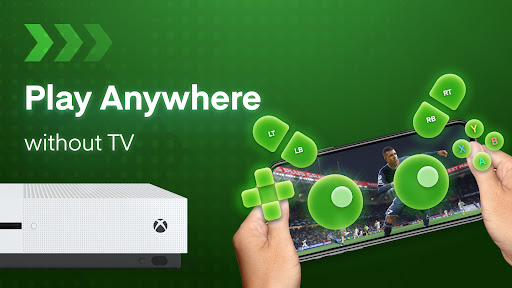
Remote Xbox Game ControlTransform your smartphone into an Xbox controller and stream games directly from your Xbox One or Series X/S, allowing you to enjoy your gaming library remotely from anywhere in your home or while on the go.
-
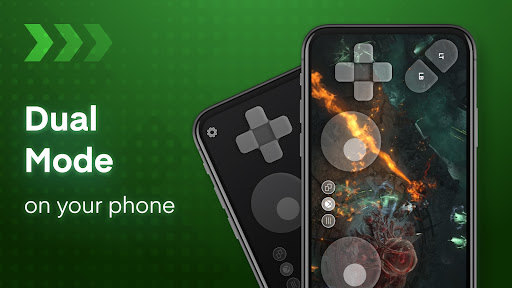
Multiplayer SupportJoin your friends in multiplayer sessions without needing extra controllers. Your friends can use their smartphones as controllers too, facilitating cooperative and competitive gameplay from different locations via WiFi.
-
Customizable ControlsTailor your gaming experience with customizable button mapping and controller sensitivity settings. This allows players to optimize their control layout to match their gaming style for both casual and serious gaming sessions.
-
Voice and Text Chat IntegrationEnhance your multiplayer sessions with built-in voice chat and support for Bluetooth keyboards for easy text communication, ensuring that you stay connected with friends during gameplay.
-
Seamless Device SwitchingEasily switch between different paired Xbox devices without hassle. This feature is perfect for users who own multiple consoles and want a smooth transition from one device to another.
Pros
-
Convenience of a Portable ControllerAllows players to leave their physical Xbox controllers at home, turning their smartphone into a fully functional gaming controller, which is especially convenient for on-the-go gaming.
-
Cost-Effective Multiplayer SolutionEliminates the need to purchase additional controllers for friends, allowing everyone to join multiplayer games using their personal devices.
-
Intuitive Setup ProcessThe setup process is straightforward, requiring users only to connect their phone and Xbox console to the same network and log in with their Xbox account to start gaming.
Cons
-
Network DependencyGame performance is heavily reliant on a stable WiFi connection, which may affect gameplay quality if the network is slow or unstable, potentially causing lag or interruptions.
-
Limited Features Compared to Physical ControllerWhile the app provides many features, it may lack the tactile feedback and comfort provided by an actual Xbox controller, possibly impacting long gaming sessions.
Price
-
Free UsageThe app is available for free, providing basic functionality to turn your phone into a controller without any cost, making it accessible for all users wanting to enhance their gaming experience.
-
No Premium SubscriptionThere is currently no premium version or subscription model, allowing users to access all features without hidden fees.
Ratings
4.1
49.7K votes
-
5
-
4
-
3
-
2
-
1