
RATINGS
2586M
DOWNLOADS
4+
AGE

 Download Latest APK

Wait a moment, your result is coming soon!

Face is not found. Please try again with another clear full-face portrait of a better quality.

Take Quiz Now
Screenshots





About this app
-
 Name Microsoft Copilot
-
 category Productivity
-
 Price 0
-
 Safety 100% Safe
-
 Developer Microsoft Corporation
-
 Version 8.0
-
 Target Casual Users
-
 Update 2025.03.14
Related articles




Core Features
-
AI Writing AssistantCopilot acts as a creative partner in writing tasks, enabling users to compose emails, cover letters, stories, and scripts efficiently. By leveraging advanced AI algorithms, it generates articulate content tailored to user prompts, enhancing productivity and aiding in effective communication.
-
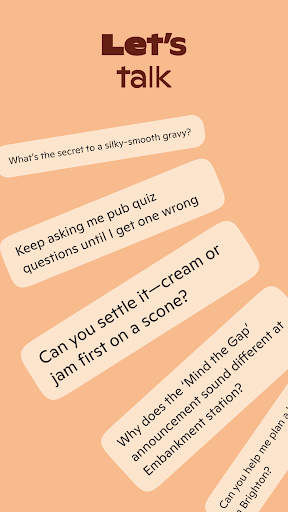
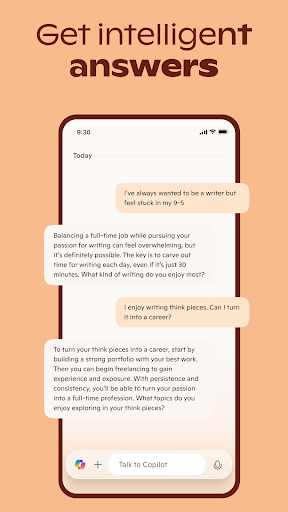
AI Chat FunctionalityEngage in natural conversations with AI, where users can ask complex questions and receive straightforward answers. This feature offers insights and knowledge instantly, empowering users to learn, grow, and find inspiration through interactive dialogue.
-
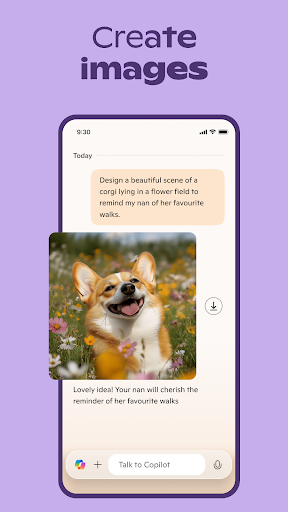
Image Generation TechnologyThe integrated AI picture generator transforms text prompts into high-quality visuals, supporting creativity for various applications—from logo designs to illustrations. Users can create stunning images that render their ideas into art, facilitating a unique blend of imagination and technology.
-
Multilingual CapabilitiesCopilot supports translation and proofreading in multiple languages, optimizing user text across hundreds of dialects. This function is crucial for non-native speakers and professionals working in diverse linguistic environments, ensuring effective communication.
-
Instant SummarizationQuickly distill complex information into concise summaries, enabling users to grasp essential points without getting bogged down in details. This feature enhances efficiency when processing large amounts of data or documents.
Pros
-
User-Friendly InterfaceThe intuitive design and conversational AI make it easy for users of any skill level to interact with Copilot, enhancing their experience and engagement without a steep learning curve.
-
Time-Saving FeaturesWith automated writing and summarization tools, users can significantly reduce the time spent on drafting and editing tasks, allowing them to focus on more strategic activities.
-
Creative EmpowermentBy providing a platform for generating images and developing stories, Copilot inspires users to unlock their creative potential and explore new ideas that they might not have considered before.
Cons
-
Limited Free FeaturesWhile the free version of Copilot is functional, certain advanced features, particularly in professional applications like Word and Excel, are only available to Pro subscribers, which may deter casual users.
-
Dependency on InternetCopilot's functionalities rely on a stable internet connection to access the AI models, which may limit usability in environments with poor connectivity or during outages.
Price
-
Free Version AvailabilityUsers can access basic functionalities of Copilot for free, allowing them to engage with fundamental writing and chat features without any financial commitment.
-
Pro Subscription BenefitsCopilot Pro subscribers unlock enhanced features in various Microsoft applications, including advanced functionalities for productivity and creativity, which further support business and personal use cases.
Ratings
4.7
923.9K votes
-
5
-
4
-
3
-
2
-
1