RATINGS
1092M
DOWNLOADS
4+
AGE

 Download Latest APK

Wait a moment, your result is coming soon!

Face is not found. Please try again with another clear full-face portrait of a better quality.

Take Quiz Now
Screenshots

About this app
-
 Name PDF Reader - Viewer & Editor
-
 category Productivity
-
 Price 0
-
 Safety 100% Safe
-
 Developer Dktech app publishing
-
 Version 8.1
-
 Target Casual Users
-
 Update 2026.11.21
Related articles



Core Features
-
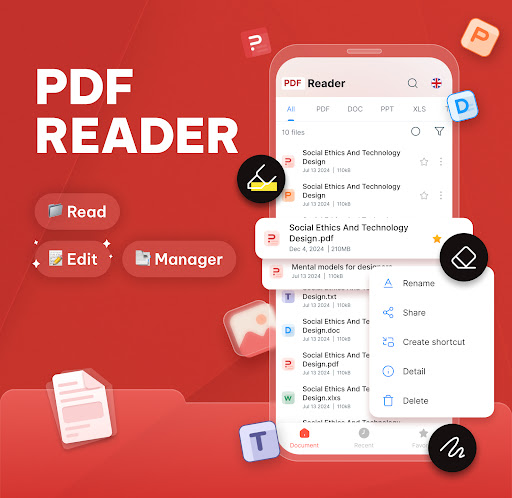
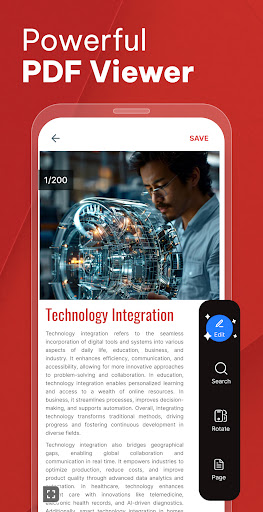
Powerful PDF ViewingPDF Reader - Viewer & Editor offers a robust PDF viewing experience, enabling users to navigate through pages with ease and enjoy a seamless reading interface. You'll be able to effortlessly open and read PDF files on your device.
-
Easy PDF EditingWith intuitive editing tools, this application allows you to highlight, underline, and strikethrough text, as well as draw on your PDF documents. This feature is perfect for annotating important information without needing separate software.
-
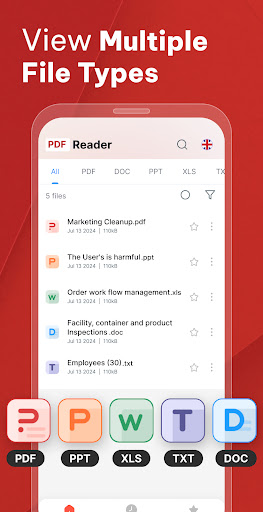
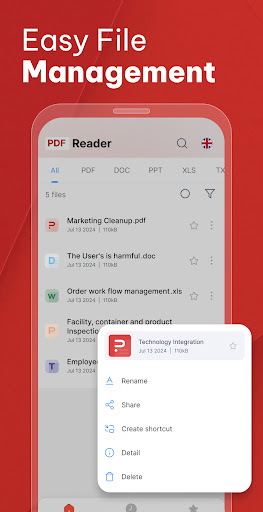
Comprehensive PDF ManagementOrganize all your PDF files efficiently in one location. Easily sort files by name, size, or date, and manage them by renaming, deleting, or sharing files quickly within the application.
-
User-Friendly InterfaceDesigned with user convenience in mind, PDF Reader - Viewer & Editor ensures that handling documents is straightforward and intuitive. This makes it suitable for both beginners and experienced users alike.
Pros
-
All-in-One FunctionalityThis app combines viewing, editing, and managing PDFs all under one roof, meaning users don’t need to switch between multiple applications to handle their documents.
-
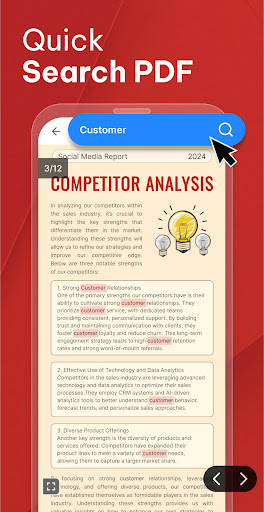
Efficient Document NavigationUsers can quickly move between pages, which significantly enhances productivity, especially when reviewing long documents or reports.
-
Robust Editing ToolsThe editing capabilities—such as highlighting and drawing—enable users to make notes and suggestions directly on their PDFs, fostering better collaboration and feedback.
-
Continuous UpdatesThe developers are committed to improving the application, ensuring that users receive the latest features and enhancements regularly.
Cons
-
Limited Advanced FeaturesWhile basic editing and viewing features are strong, users may find the app lacks certain advanced functionalities available in competitive, dedicated PDF editing tools.
-
Performance on Low-End DevicesSome features, such as quick navigation in large PDFs, might experience lag on less powerful devices, potentially affecting user experience.
-
Dependent on Updates for ImprovementsAs the app continues to evolve, existing feature functionalities may be limited until updates are rolled out, leading to periods where users are waiting for enhancements.
Price
-
Free Version AvailablePDF Reader - Viewer & Editor is available as a free download with basic functionalities, allowing users to view and manage PDFs without any cost.
-
Optional Paid FeaturesWhile the free version covers essential needs, users can opt for additional premium features through in-app purchases, enhancing their experience with more advanced tools.