
RATINGS
380M
DOWNLOADS
4+
AGE

 Download Latest APK

Wait a moment, your result is coming soon!

Face is not found. Please try again with another clear full-face portrait of a better quality.

Take Quiz Now
Screenshots


About this app
-
 Name DiskDigger photo recovery
-
 category Tools
-
 Price Free
-
 Safety 100% Safe
-
 Developer Defiant Technologies, LLC
-
 Version 1.0-2021-09-15
-
 Target Casual Users
-
 Update 2026.11.21
Related articles




Core Features
-
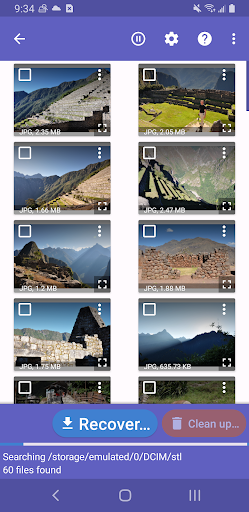
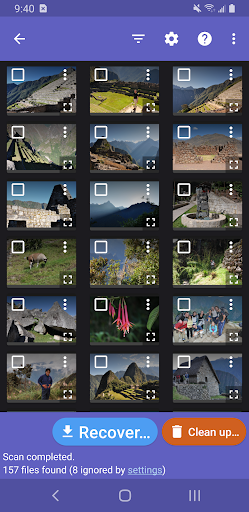
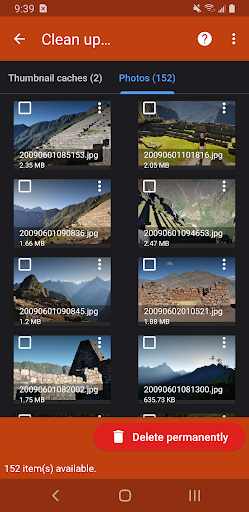
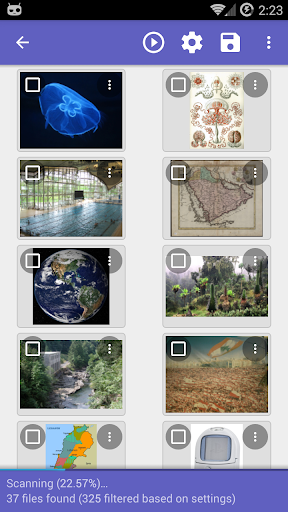
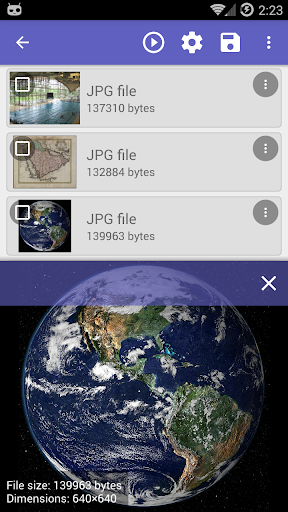
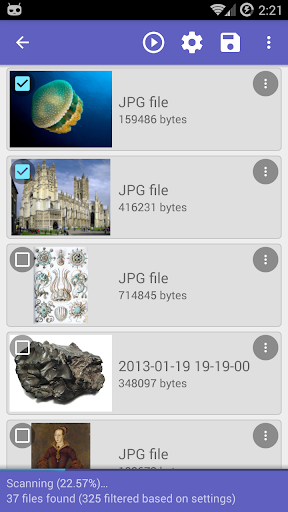
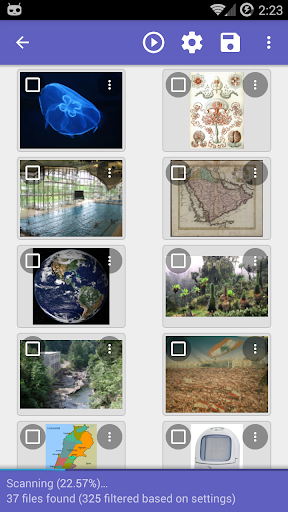
Basic ScanQuickly recover deleted photos by searching through your device's cache and thumbnails with a simple 'limited' scan. Ideal for users looking for immediate recovery without long scans.
-
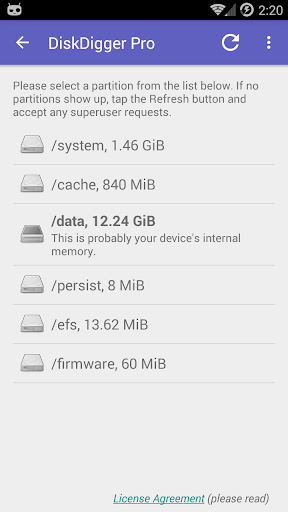
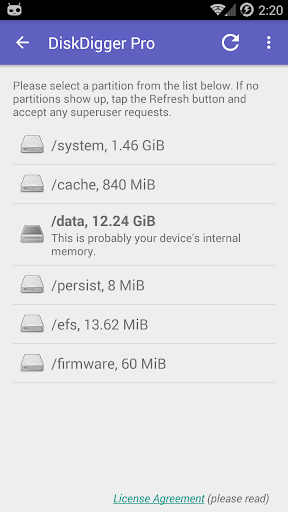
Full ScanPerform an in-depth search across your device's entire memory to uncover all traces of lost photos and videos. This feature is available exclusively for rooted devices, giving advanced users powerful recovery options.
-
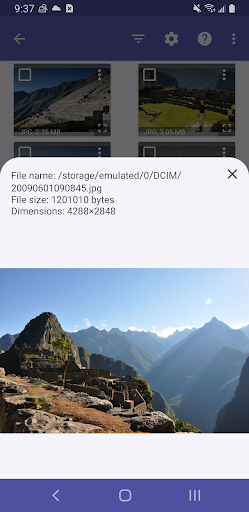
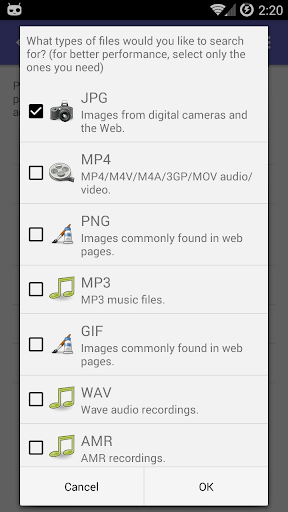
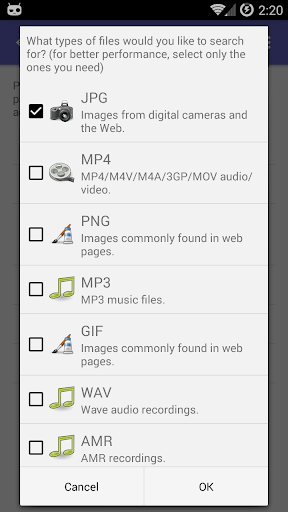
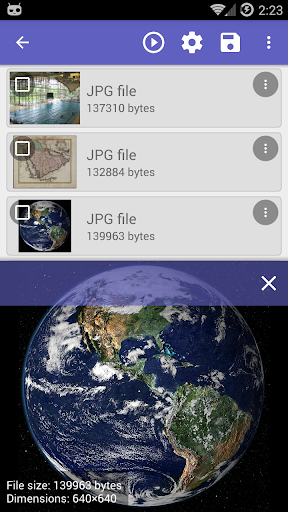
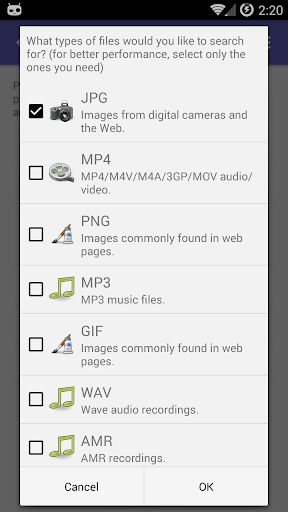
File FilteringEasily filter recoverable files by size and type. This feature makes searching for specific lost files more efficient, helping you find what you need without sifting through unnecessary data.
-
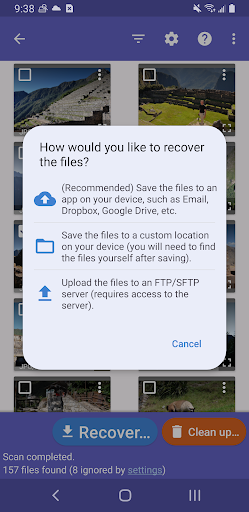
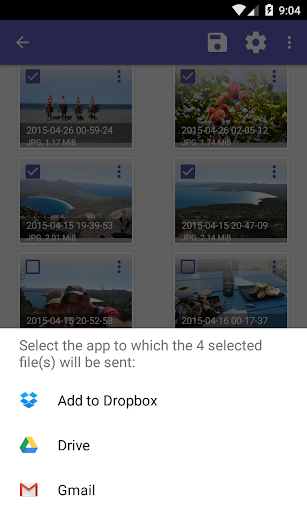
File UploadingOnce you've recovered your files, upload them directly to cloud services like Google Drive or Dropbox, or send them via email. This ensures that your important files are safe and easily accessible.
-
Wipe Free SpaceSecure your privacy by wiping free space on your device, ensuring that deleted files cannot be recovered. This feature is critical for users concerned about sensitive information.
Pros
-
User-Friendly InterfaceThe application features an intuitive interface that allows users of all technical levels to effectively navigate the recovery process without confusion.
-
Comprehensive Recovery OptionsWith both basic and full scan options, users can choose the level of recovery they need. The ability to filter and upload files further enhances usability.
-
Robust Privacy FeaturesThe option to wipe free space ensures that sensitive deleted files are permanently unrecoverable, providing peace of mind to users worried about data security.
Cons
-
Root Access Required for Full ScanAccess to the complete recovery capabilities requires a rooted device, which may limit functionality for non-rooted users.
-
Free Version LimitationsThe free version is restricted to recovering only photos and videos, which could be a drawback for users needing to retrieve other file types.
-
Potential Device StrainRunning a full scan can slow down the device temporarily, which might impact user experience, particularly on older devices.
Price
-
Free VersionThe free version allows users to recover photos and videos only, making it suitable for basic recovery needs.
-
$3 Pro VersionThe Pro version unlocks additional features, including the ability to recover various file types such as GIF and DOCX, plus FTP upload capabilities, offering significant value for a low cost.