
RATINGS
180M
DOWNLOADS
4+
AGE

 Download Latest APK

Wait a moment, your result is coming soon!

Face is not found. Please try again with another clear full-face portrait of a better quality.

Take Quiz Now
Screenshots
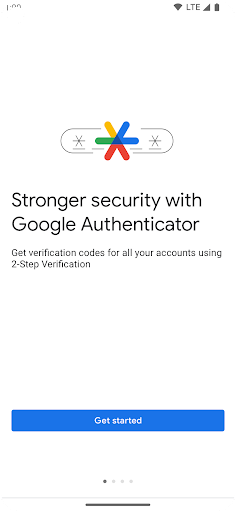
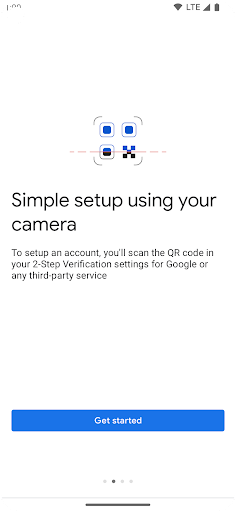
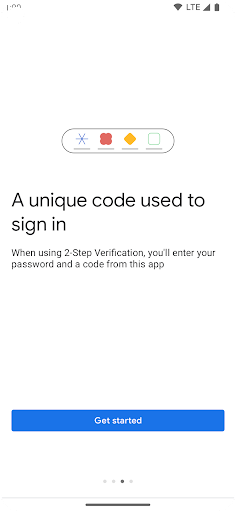
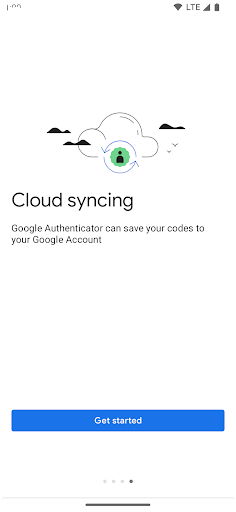
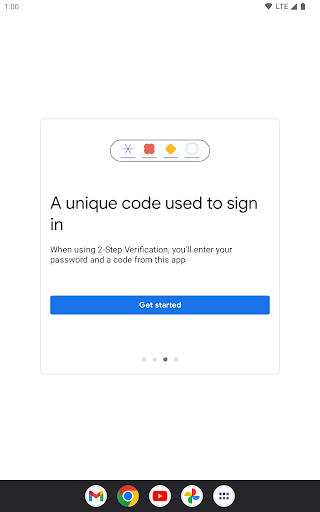
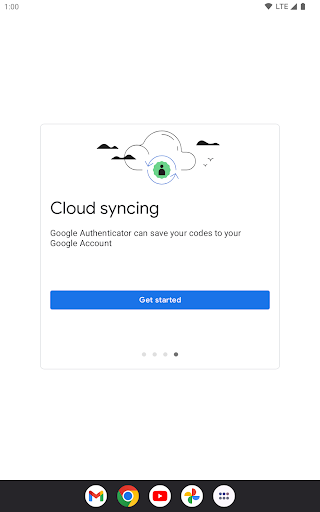
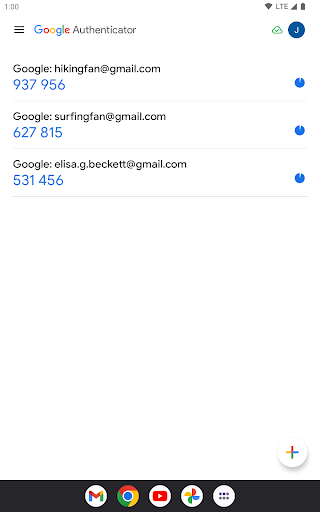
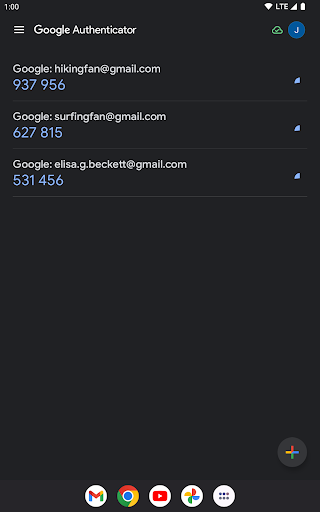
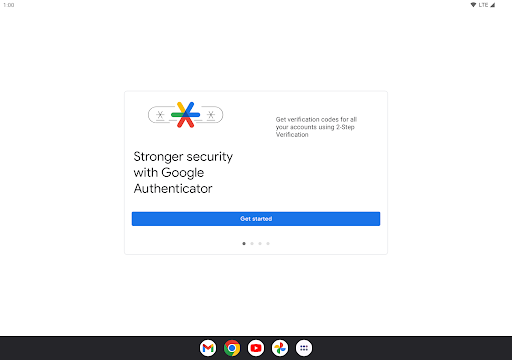

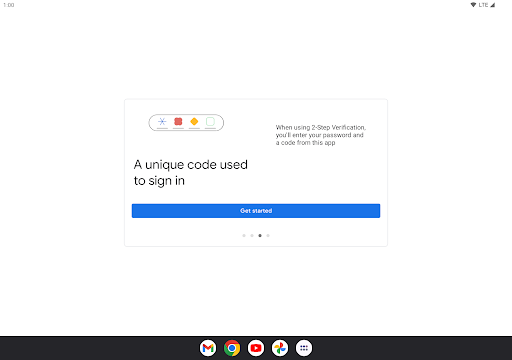
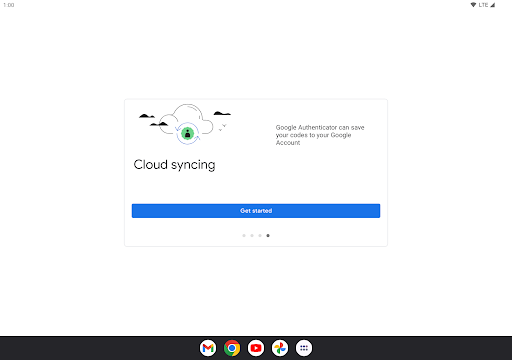
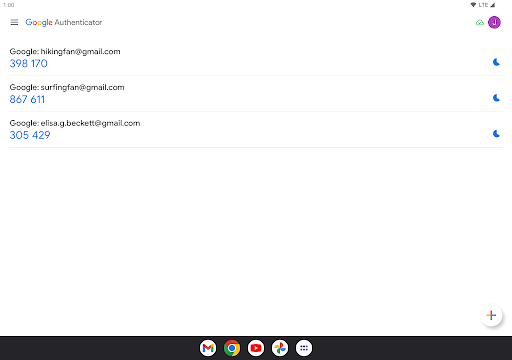
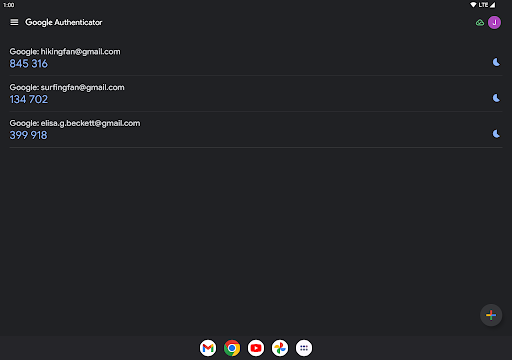
About this app
-
 Name Google Authenticator
-
 category Tools
-
 Price Free
-
 Safety 100% Safe
-
 Developer Google LLC
-
 Version 6.0
-
 Target Casual Users
-
 Update 2026.11.21
Related articles

Core Features
-
Offline Code GenerationGoogle Authenticator generates verification codes without requiring a data connection, ensuring that users can access their codes anytime, anywhere, even in areas with no network coverage.
-
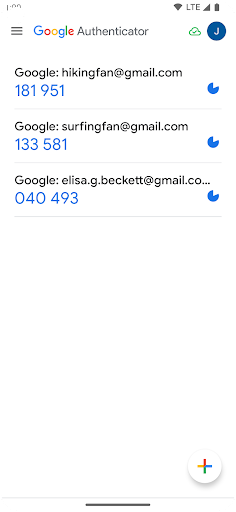
Multi-Account SupportThis app works seamlessly with many providers and accounts, allowing users to manage multiple two-factor authentication setups within a single app, simplifying security across various platforms.
-
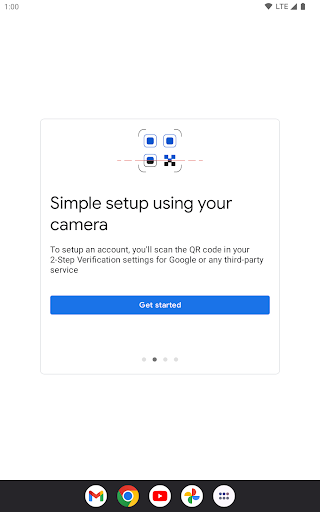
QR Code SetupUsers can easily add accounts using QR codes for automatic setup, streamlining the initial configuration process and enhancing user experience with hassle-free technology.
-
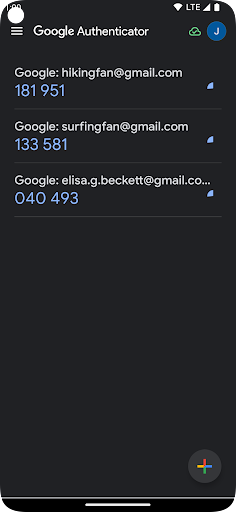
Dark Theme OptionGoogle Authenticator supports a dark theme, providing a visually pleasing and comfortable interface for users who prefer low-light mode, reducing eye strain during use.
-
Support for Android WearThe app extends its functionality to Android Wear, allowing users to access their verification codes directly from their smartwatches, enhancing convenience and accessibility on the go.
Pros
-
User-Friendly InterfaceThe straightforward interface makes it easy for users to navigate through their accounts and codes without unnecessary clutter or confusion.
-
Enhanced SecurityBy utilizing two-factor authentication, Google Authenticator significantly increases the security of users' online accounts, providing peace of mind against unauthorized access.
-
No Network RequiredThe ability to generate codes offline ensures that users can verify access regardless of their internet connection status, making it a reliable choice in emergencies.
Cons
-
Limited Backup OptionsIf users lose their device without a backup, they risk losing access to all generated codes, which can hinder account recovery efforts.
-
Camera Permission RequiredThe app requires camera access to scan QR codes, which some users may view as a privacy concern, especially if they are cautious about granting permissions.
Price
-
Free to UseGoogle Authenticator is completely free to download and use, without hidden fees or in-app purchases, making it accessible to all users seeking additional account security.