RATINGS
650M
DOWNLOADS
4+
AGE

 Download Latest APK

Wait a moment, your result is coming soon!

Face is not found. Please try again with another clear full-face portrait of a better quality.

Take Quiz Now
Screenshots
About this app
-
 Name Google Sheets
-
 category Productivity
-
 Price Free
-
 Safety 100% Safe
-
 Developer Google LLC
-
 Version 1.23.322.02.90
-
 Target Business Professionals
-
 Update 2026.11.21
Related articles




Core Features
-
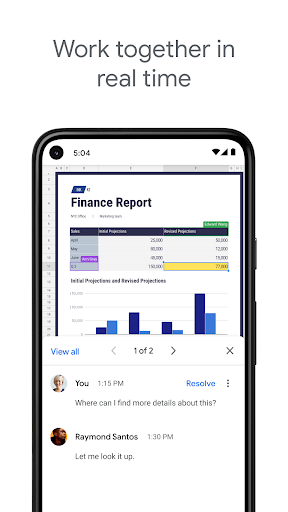
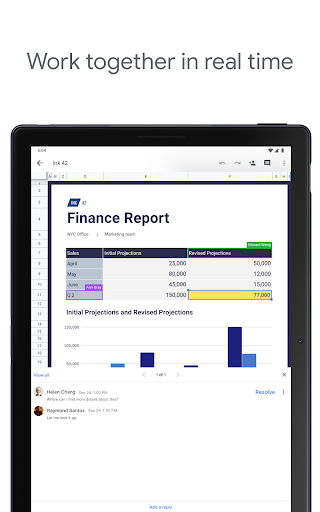
Collaborative EditingEnable real-time collaboration with team members by allowing multiple users to edit, comment, and view changes simultaneously. Set different permission levels for collaborators, making teamwork seamless and efficient.
-
Data Management ToolsUtilize a comprehensive set of functions including sorting, filtering, formula insertion, and pivot table creation. Easily manage and analyze your data with features like VLOOKUP, custom charts, and various formatting options.
-
Auto-Save FunctionalityNever lose your work again! Google Sheets automatically saves every modification as you type, ensuring that your data is always up-to-date and secure without the need for manual saving.
-
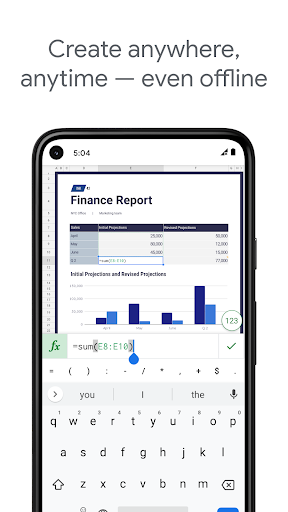
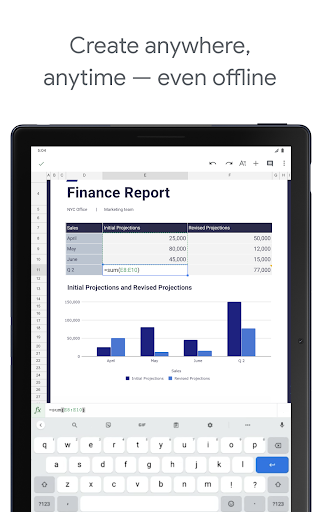
Offline EditingAccess your spreadsheets even without an internet connection using the Chrome browser. Simply install the Google Chrome extension to activate offline editing capabilities for uninterrupted productivity.
-
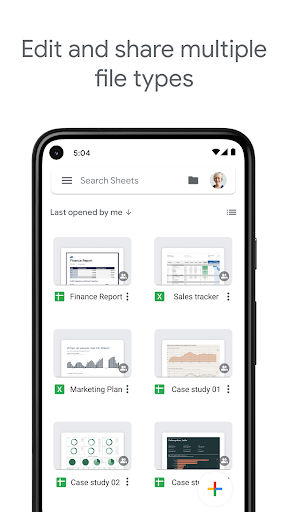
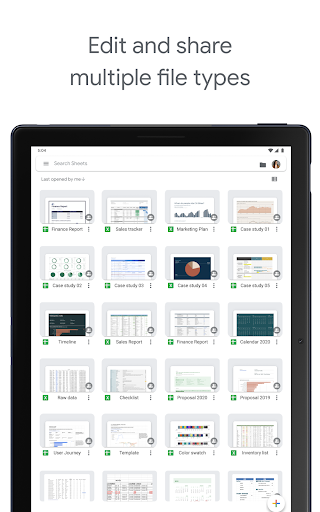
Seamless File CompatibilityOpen and edit Excel files directly within Google Sheets without conversion, allowing for easy transitions between different file formats and enhancing usability across platforms.
Pros
-
User-Friendly InterfaceGoogle Sheets provides an intuitive and easy-to-navigate interface, making it accessible for users of all skill levels, whether you are a beginner or an experienced individual.
-
Real-Time CollaborationInstantly collaborate with others, enhancing productivity and ensuring that everyone is on the same page. The real-time updates eliminate version control problems.
-
Integration with Google EcosystemSeamlessly integrates with other Google services like Google Drive, allowing users to store, share, and access their documents in one cohesive platform.
Cons
-
Limited Offline FunctionalityOffline editing is restricted to the Chrome browser, which may limit accessibility for users relying on other browsers or mobile devices.
-
Performance on Large DatasetsWorking with very large spreadsheets may lead to performance issues, resulting in slower response times and potential difficulties in executing functions or commands.
Price
-
Free AccessGoogle Sheets is available for free, offering a wide range of features ideal for personal use and small projects without any subscription fees.
-
Google Workspace SubscriptionFor advanced features and business capabilities, users can opt for a Google Workspace subscription, which includes additional support, enhanced security, and larger storage options.