RATINGS
670M
DOWNLOADS
4+
AGE

 Download Latest APK

Wait a moment, your result is coming soon!

Face is not found. Please try again with another clear full-face portrait of a better quality.

Take Quiz Now
Screenshots
About this app
-
 Name Google Tasks
-
 category Productivity
-
 Price Free
-
 Safety 100% Safe
-
 Developer Google LLC
-
 Version 2023.05.22.533915517.0-release
-
 Target Business Professionals
-
 Update 2026.11.21
Related articles
Core Features
-
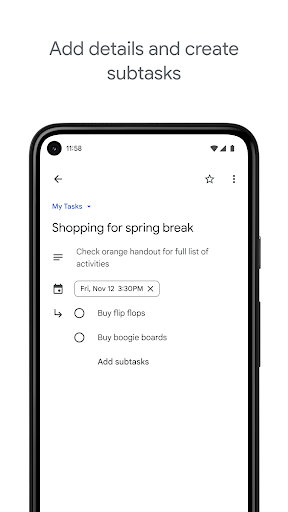
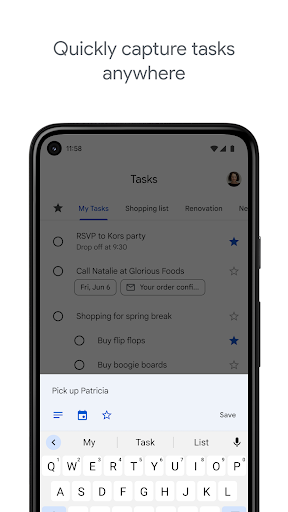
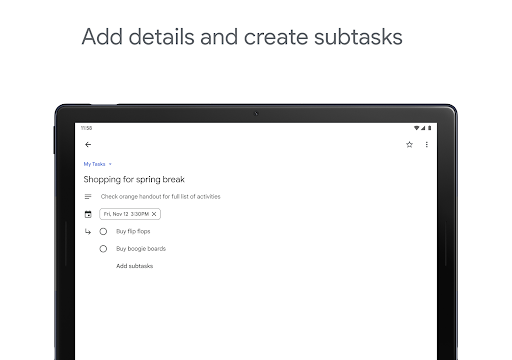
Subtask CreationEasily break down your tasks into manageable subtasks, allowing for better organization and focus on detailed aspects of your projects.
-
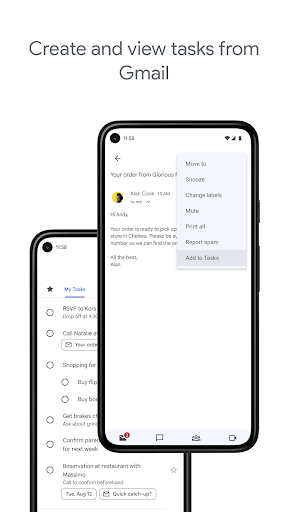
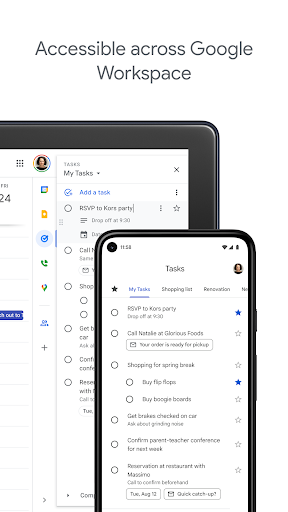
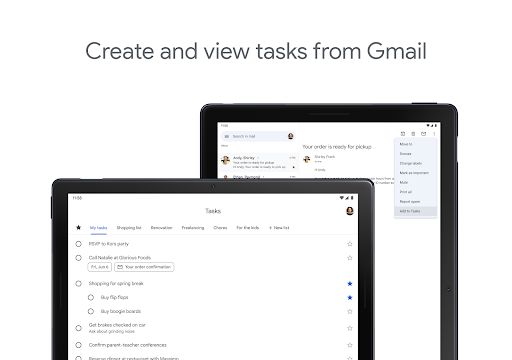
Gmail IntegrationDirectly create tasks from emails in Gmail, making it effortless to convert communication into actionable items. View your tasks conveniently in the Gmail side panel.
-
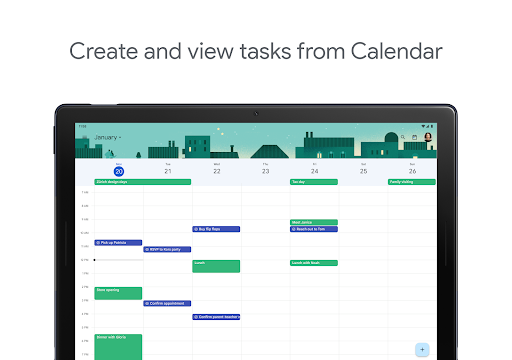
Due Dates and NotificationsSet due dates for each task to stay on track with your goals. Utilize notification reminders to keep important deadlines in sight and prioritize tasks effectively.
-
Drag-and-Drop OrganizationOrganize your tasks by date or priority using a simple drag-and-drop interface, making it easy to adjust your workload according to real-time needs.
-
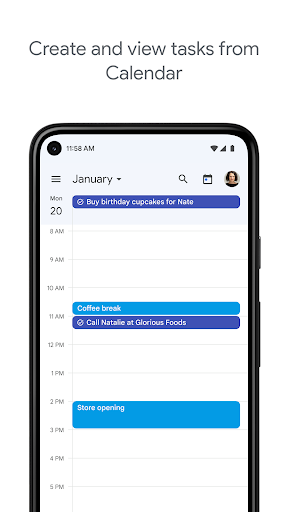
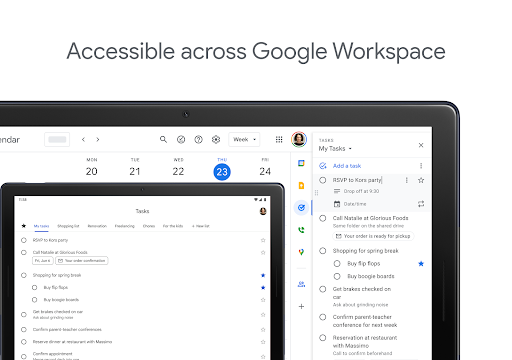
G Suite IntegrationPart of the G Suite ecosystem, Google Tasks connects seamlessly with Gmail, Calendar, and other essential Google apps, enhancing collaboration within your team.
Pros
-
User-Friendly InterfaceThe intuitive layout and design make task management straightforward and accessible, ideal for users at all experience levels.
-
Real-Time UpdatesEdit task details on-the-go as your work progresses, ensuring that your tasks reflect the most current information and priorities.
-
Integration with Google ServicesBeing a part of Google's ecosystem allows for seamless collaboration and data synchronization across various applications, increasing overall productivity.
Cons
-
Limited Features Compared to CompetitorsWhile functional, Google Tasks may lack more advanced features found in dedicated task management apps, which may deter power users seeking comprehensive tools.
-
Dependence on Google AccountTo fully leverage the app's capabilities, users need to have a Google account, which may not appeal to those using other email services.
Price
-
Free to UseGoogle Tasks is completely free, providing users with a robust task management solution without any subscription fees or one-time costs.