RATINGS
270M
DOWNLOADS
4+
AGE

 Download Latest APK

Wait a moment, your result is coming soon!

Face is not found. Please try again with another clear full-face portrait of a better quality.

Take Quiz Now
Screenshots
About this app
-
 Name Nearpod
-
 category Education
-
 Price Free
-
 Safety 100% Safe
-
 Developer Nearpod Inc.
-
 Version 5.0.34
-
 Target Educators
-
 Update 2026.11.21
Related articles



Core Features
-
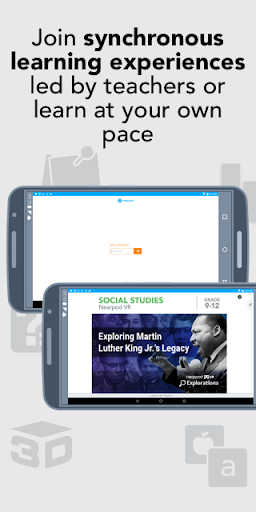
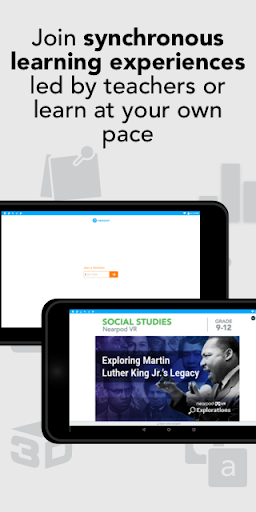
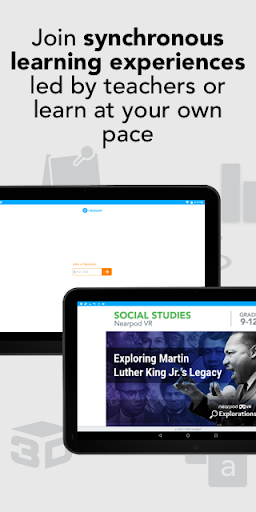
Synchronous and Asynchronous LearningNearpod offers flexibility for students to either participate in live classes led by their teachers or engage with educational content at their own pace, catering to diverse learning preferences.
-
Extensive Lesson LibraryWith access to over 6,500 ready-made learning experiences, teachers can easily enhance their lessons by incorporating engaging materials and activities from the Nearpod lesson library.
-
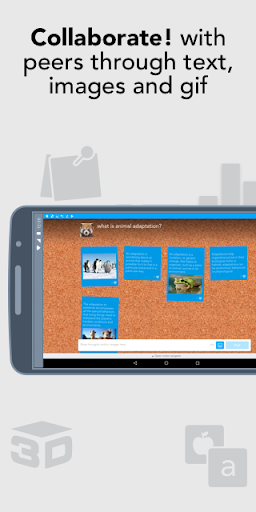
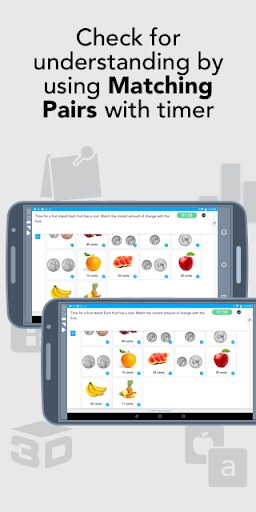
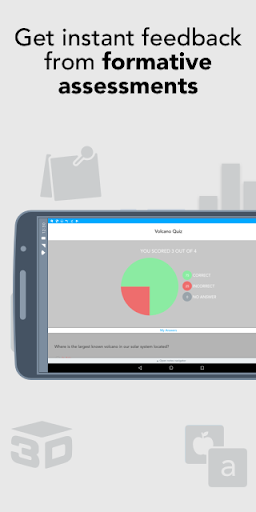
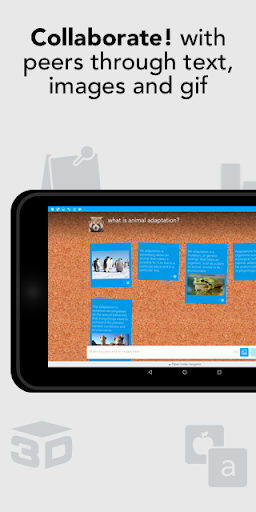
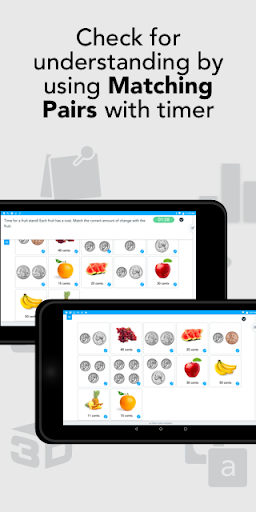
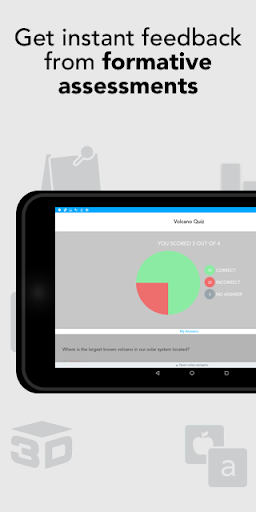
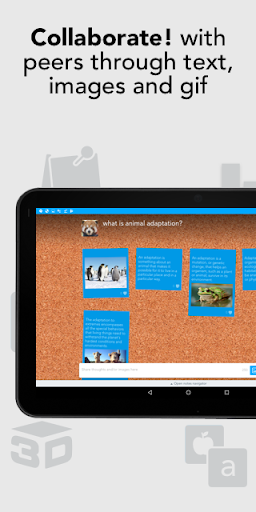
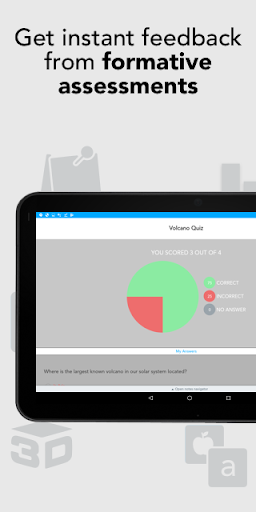
Instant Feedback MechanismsStudents can provide real-time feedback during lessons through quizzes, polls, drawing tools, and open-ended questions, ensuring teachers can adapt instruction based on student understanding.
-
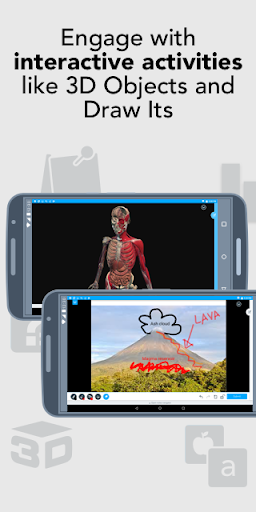
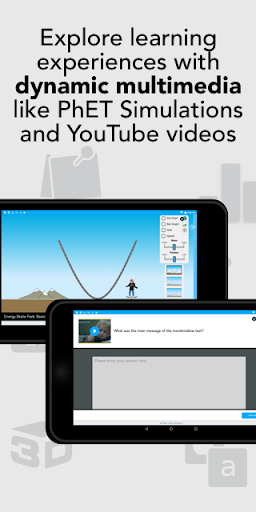
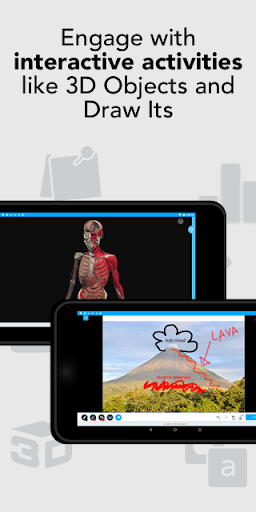
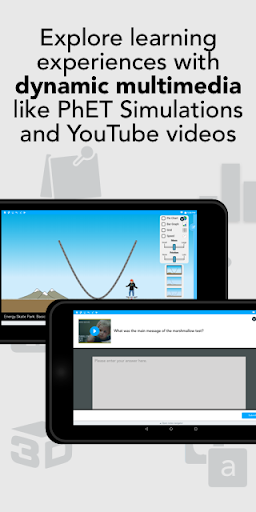
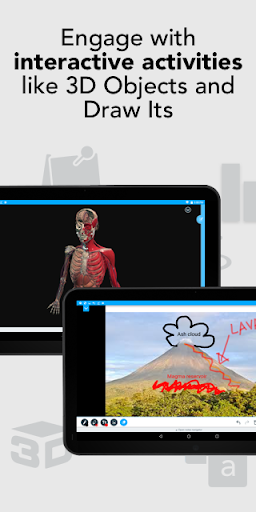
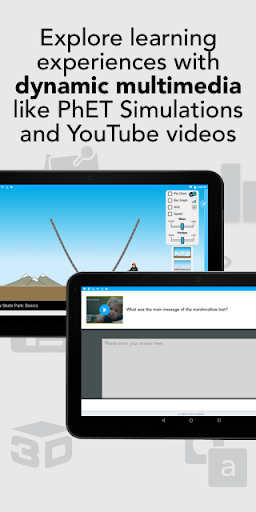
Dynamic Multimedia ContentThe app enriches learning through immersive multimedia, featuring VR field trips, 3D models, and interactive simulations, which foster deeper understanding and engagement.
Pros
-
Engaging Learning ToolsNearpod effectively uses interactive features such as VR and 3D elements to captivate students' attention, enhancing their overall learning experience.
-
Teacher-Centric CustomizationEducators can easily design and tailor lessons, making it suited to different subjects and student needs while leveraging a vast resource library.
-
Real-Time AssessmentThe built-in assessment tools enable teachers to gauge student understanding immediately, allowing for timely adjustments to instructional strategies.
Cons
-
Dependence on Internet ConnectivityThe app requires a stable internet connection, which may limit accessibility for students in areas with poor connectivity or in situations where resources are restricted.
-
Learning Curve for New UsersBoth teachers and students might need time to familiarize themselves with the app’s features, especially if they are not tech-savvy, potentially hindering initial adoption.
Price
-
Free Version AvailabilityNearpod offers a free version, allowing users to access a limited selection of features and lesson content, ideal for testing the platform before commitment.
-
Paid Subscription BenefitsThe premium subscription provides unlimited access to the lesson library and advanced features, enabling educators to maximize the app's potential in their teaching strategies.