RATINGS
130M
DOWNLOADS
4+
AGE

 Download Latest APK

Wait a moment, your result is coming soon!

Face is not found. Please try again with another clear full-face portrait of a better quality.

Take Quiz Now
Screenshots
About this app
-
 Name SwiftKey
-
 category Productivity
-
 Price Free
-
 Safety 100% Safe
-
 Developer SwiftKey
-
 Version 9.10.10.6
-
 Target Casual Users
-
 Update 2026.11.21
Related articles



Core Features
-
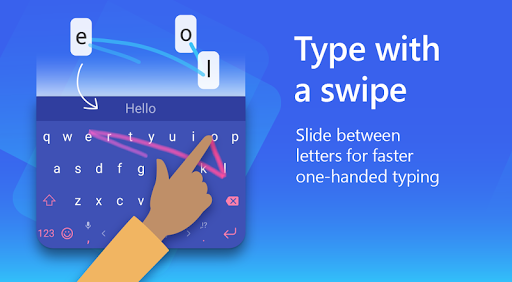
Versatile Typing OptionsSwiftKey offers multiple typing methods including swipe-to-type, tap-to-type, and predictive emoji input, allowing users to choose their preferred way to communicate with ease.
-
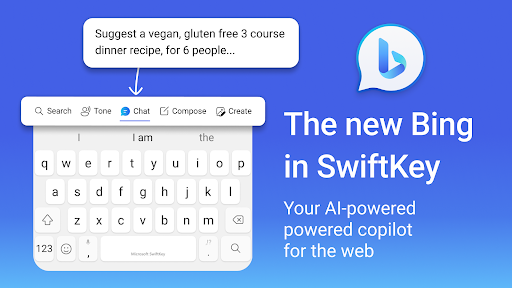
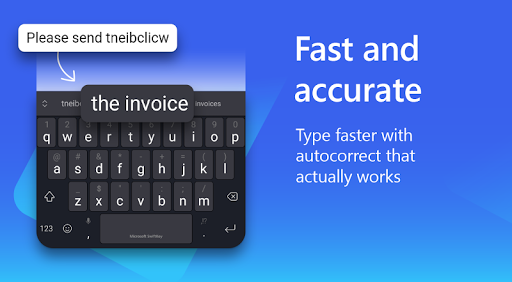
Smart Predictions and AutocorrectUtilizing advanced AI technology, SwiftKey enhances your typing experience by providing accurate predictions and robust autocorrection, significantly reducing typing errors.
-
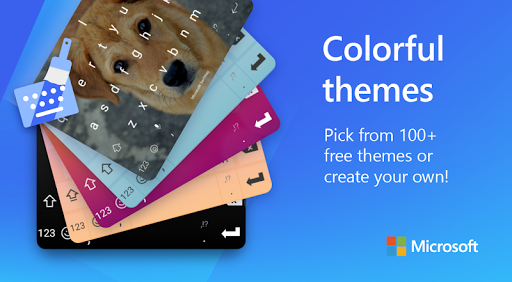
Customizable ThemesWith over 100 vibrant keyboard themes and the option to create a personalized keyboard using your own photos, SwiftKey ensures a unique and enjoyable typing experience tailored to your style.
-
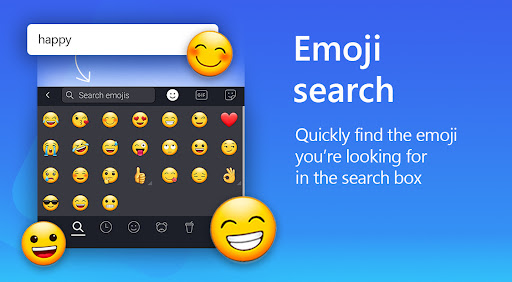
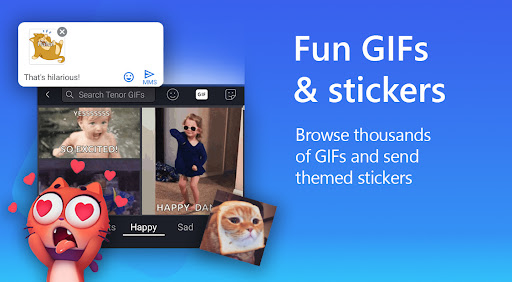
Integrated Emoji and GIF SupportThe app's built-in emoji keyboard learns your favorite emojis and offers an extensive library of GIFs and stickers, making it easy to express your emotions and reactions in chats.
-
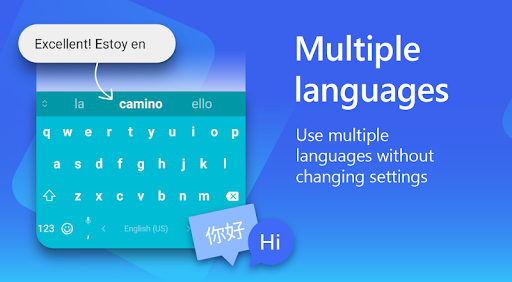
Multilingual SupportSwiftKey supports up to five languages simultaneously, catering to multilingual users with a vast library of over 300 languages, all accessible within a single keyboard.
Pros
-
Efficient TypingThe combination of swipe-to-type and predictive text boosts typing speed, enabling users to get their messages across faster and with minimal errors.
-
Highly CustomizableUsers can personalize their keyboard experience with various themes and layout adjustments, ensuring that it reflects their personality and practical needs.
-
Robust Emoji FunctionalitySwiftKey's emoji keyboard adapts to your preferences, making it simple to find and use the right emojis and GIFs in conversations, enhancing expressiveness.
Cons
-
Learning CurveNew users may take some time to fully utilize all features and customization options, especially those unfamiliar with swipe typing or advanced settings.
-
Performance on Low-End DevicesOn some lower-end devices, the extensive features may cause slow responsiveness or lag, affecting the overall typing experience for users with such devices.
Price
-
Free Access with Premium FeaturesSwiftKey is free to download and use, offering essential features at no cost. For users seeking enhanced customization and functionalities, premium options are available for purchase.