RATINGS
780M
DOWNLOADS
4+
AGE

 Download Latest APK

Wait a moment, your result is coming soon!

Face is not found. Please try again with another clear full-face portrait of a better quality.

Take Quiz Now
Screenshots

About this app
-
 Name TickTick
-
 category Productivity
-
 Price Free
-
 Safety 100% Safe
-
 Developer Appest Inc.
-
 Version 6.2.3.1
-
 Target Casual Users
-
 Update 2026.11.21
Related articles


Core Features
-
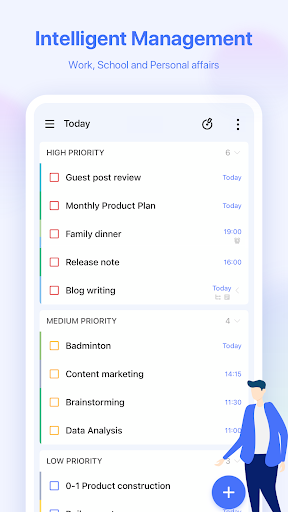
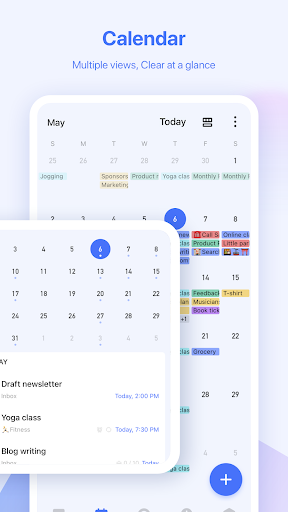
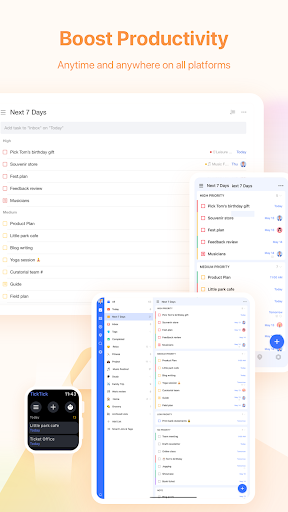
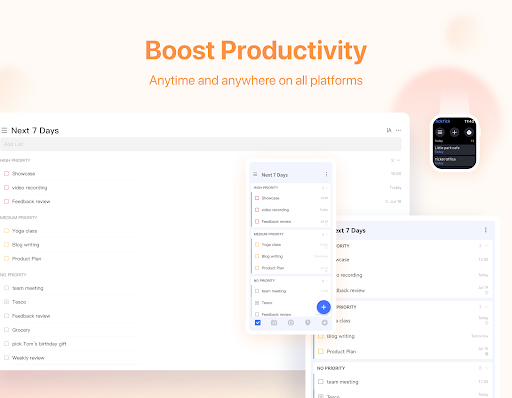
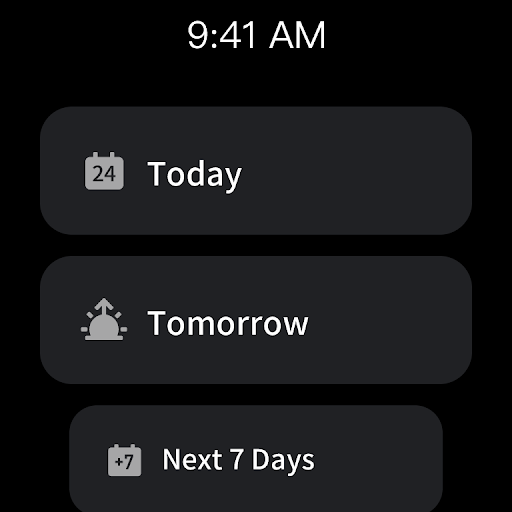
Cross-Platform SyncTickTick allows seamless synchronization across all devices including Web, Android, iOS, Mac, and PC. This ensures you can manage your tasks and reminders efficiently from anywhere, keeping you organized on the go.
-
Smart Date ParsingAdd tasks quickly via typing or voice input. With Smart Date Parsing, any date you enter is automatically set as a due date, making task management smoother and helping you to focus on what matters most.
-
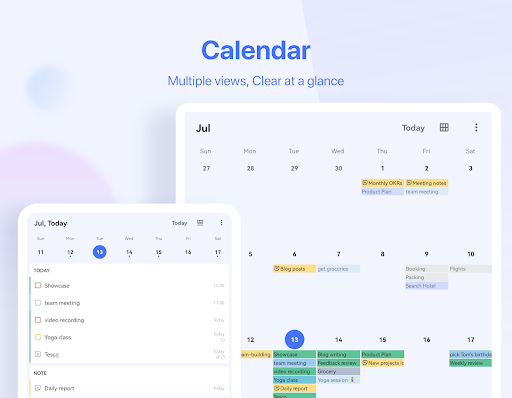
Flexible Recurring TasksDesign your tasks to repeat according to your needs. Choose from various options like daily, weekly, or monthly recurrences, and tailor specific timings to ensure you never miss a recurring commitment.
-
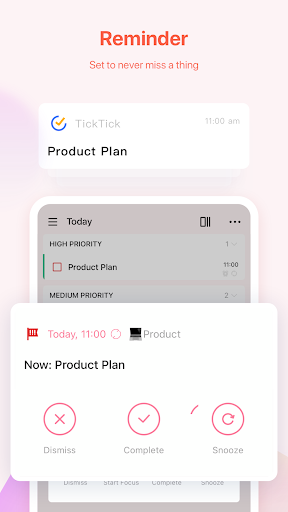
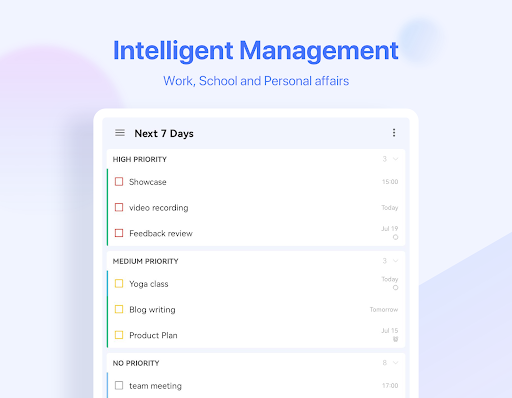
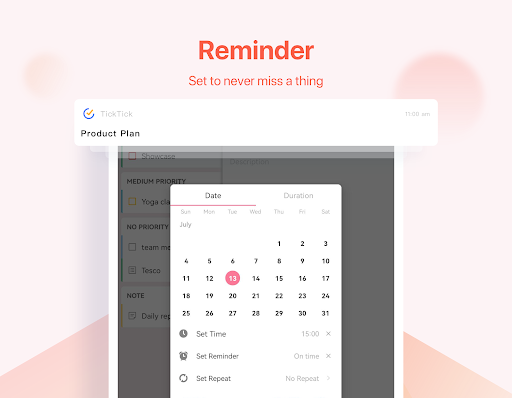
Instant RemindersTickTick provides instant task reminders, enabling you to add multiple notifications for important tasks. This helps ensure that deadlines are never missed, making it easier to get things done.
-
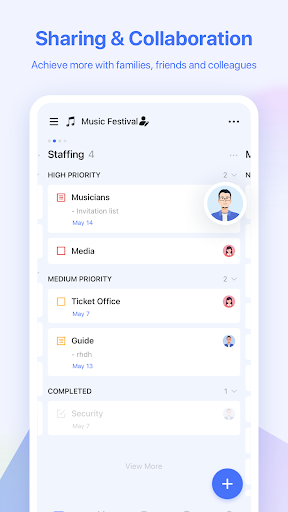
Collaborative ToolsShare lists and assign tasks to collaborate with others effectively. Reduce the need for lengthy meetings or calls, streamlining your checkpoints and improving teamwork efficiency.
Pros
-
User-Friendly InterfaceThe intuitive design of TickTick makes it easy for anyone to start using it effortlessly, ensuring that task management doesn't add stress to your daily routine.
-
Customizable WidgetsThe handy widget feature allows users to customize their home screen for quick access to tasks and notes, enhancing productivity with immediate visibility.
-
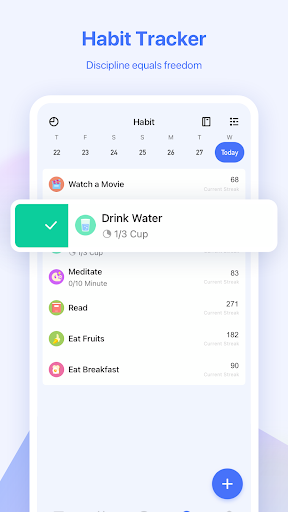
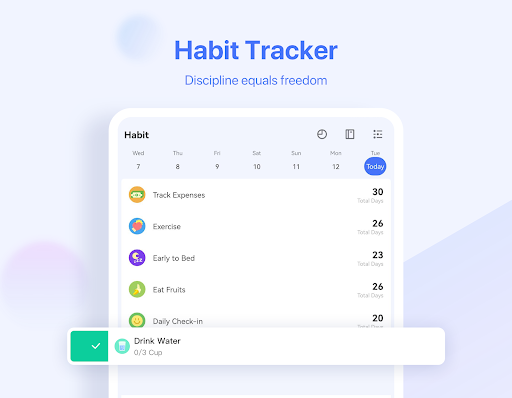
Integrated Habit TrackingTickTick's built-in habit tracker enables users to set and monitor personal goals, promoting better lifestyle choices like fitness, reading, or meditation.
-
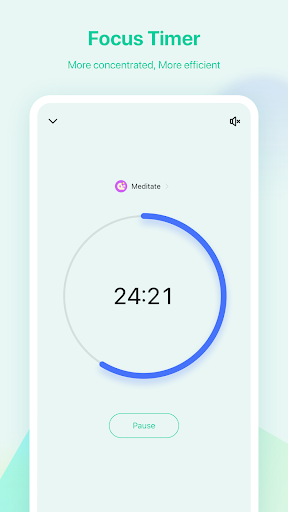
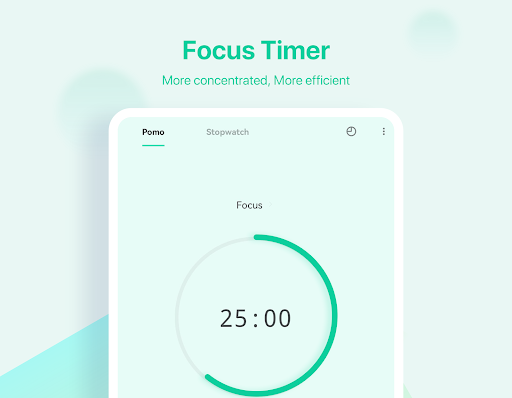
Pomodoro Timer FeatureWith the built-in Pomodoro Timer, you can maintain focus and manage distractions, helping users to boost productivity while working on tasks.
-
Premium Customization OptionsTickTick Premium users can choose from a variety of themes and get advanced control over tasks and lists, providing a more personalized experience.
Cons
-
No Offline AccessTickTick requires an internet connection for full functionality. Users might find it inconvenient if they need to access their tasks without internet access.
-
Waiting on Premium FeaturesSome features such as advanced collaboration tools and exclusive themes are locked behind a paywall, meaning free users may miss out on significant enhancements.
-
Complex for New UsersWhile the interface is user-friendly, new users may feel overwhelmed by the multitude of features available, potentially requiring a learning curve to navigate effectively.
-
Limited Free FeaturesThe free version has limitations on the number of tasks and reminders, which might not suffice for heavy users or those managing multiple projects.
-
Premium Subscription CostWhile premium features enhance usability, the subscription cost may deter users who are looking for completely free task management solutions.
Price
-
Free VersionThe free version of TickTick offers essential features like basic task creation, sync across all devices, and a limited number of reminders to help users get started with their task management.
-
Premium SubscriptionTickTick Premium offers a wide array of advanced features including unlimited tasks, customizable themes, and enhanced collaboration. The subscription price grants users access to richer functionalities that streamline productivity.
-
Trial PeriodNew users can often take advantage of a trial period for premium features, allowing them to explore the benefits of the full version before committing to purchasing.