RATINGS
114M
DOWNLOADS
4+
AGE

 Download Latest APK

Wait a moment, your result is coming soon!

Face is not found. Please try again with another clear full-face portrait of a better quality.

Take Quiz Now
Screenshots

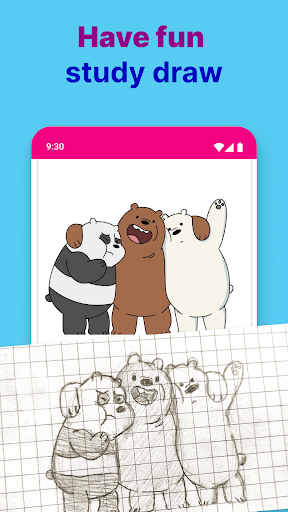
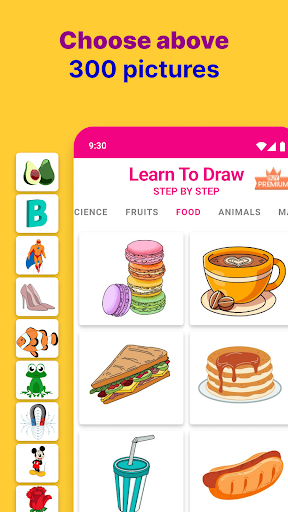
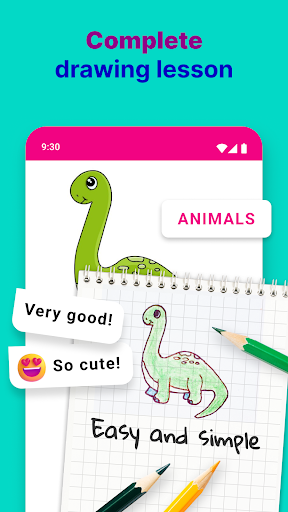
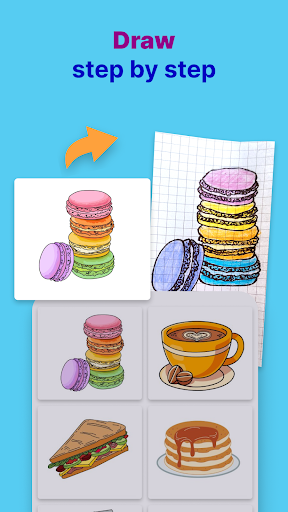
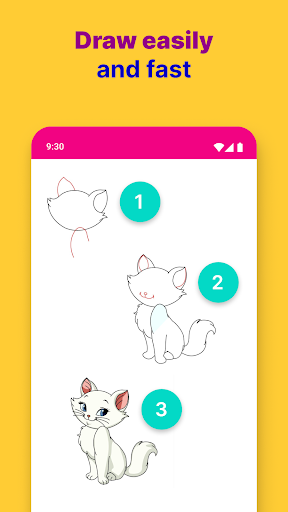
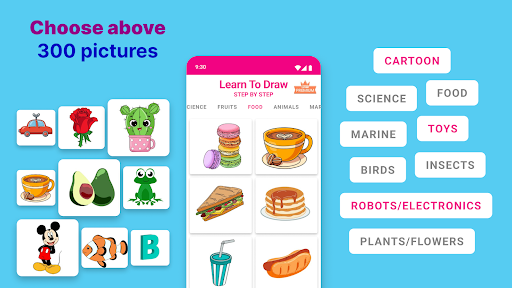
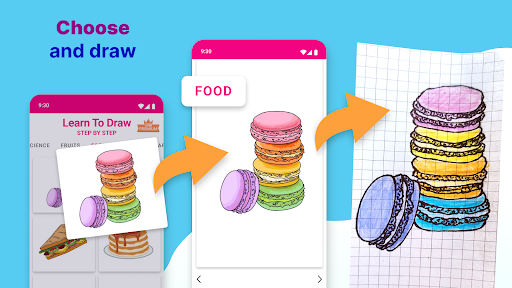
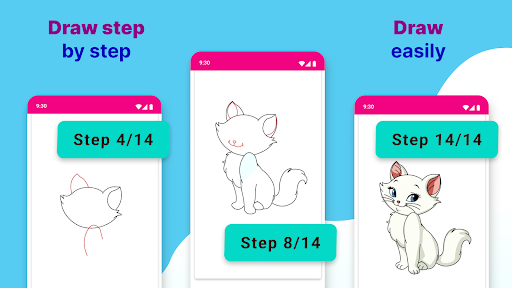
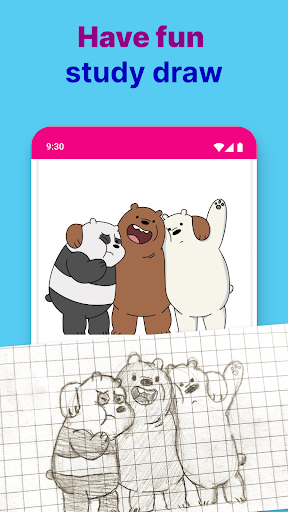
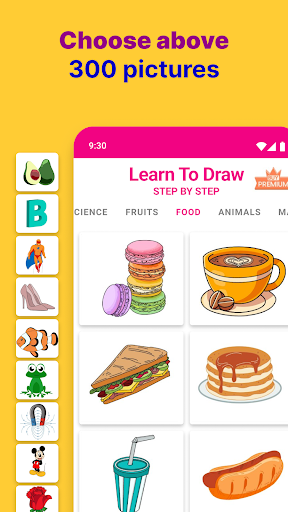

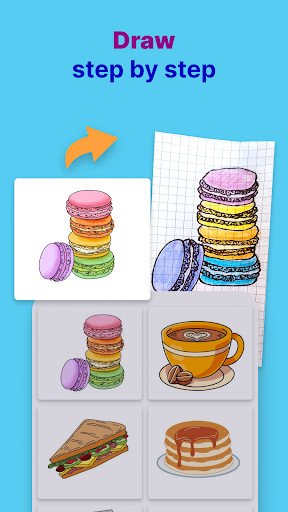
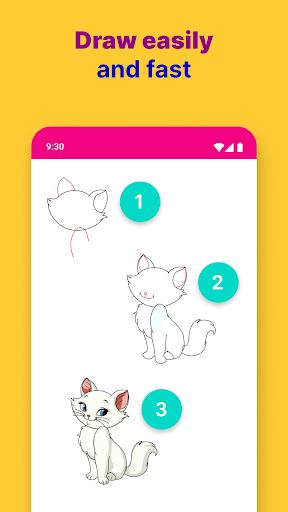



About this app
-
 Name Learn To Draw Step By Step
-
 category Art & Design
-
 Price 0
-
 Safety 100% Safe
-
 Developer Firehawk
-
 Version 5.0
-
 Target Aspiring Artists
-
 Update 2026.11.21
Related articles




Core Features
-
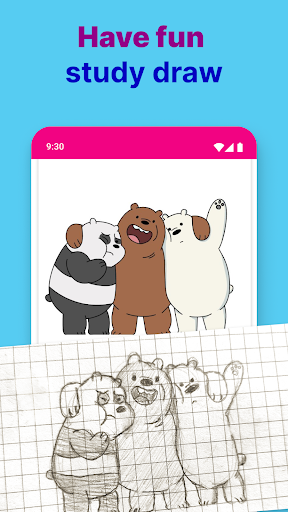
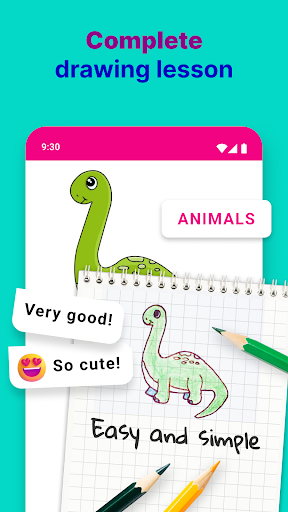
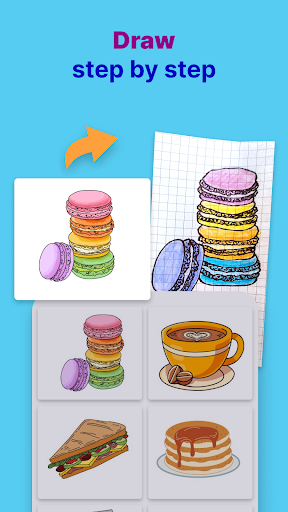
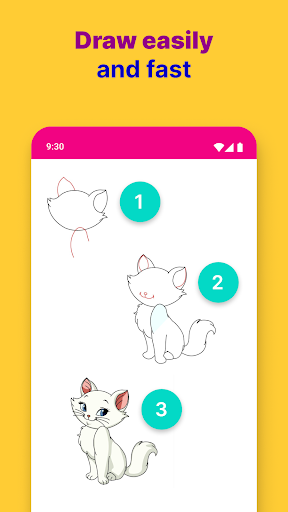
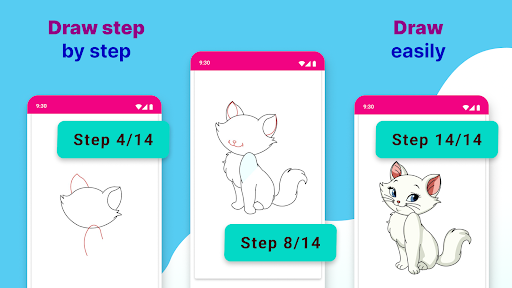
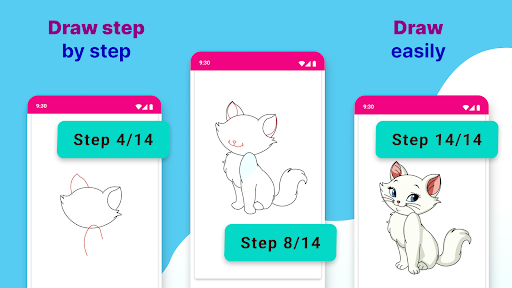
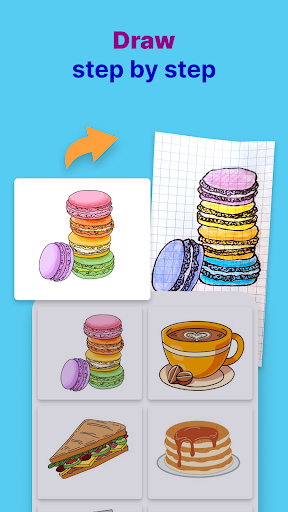
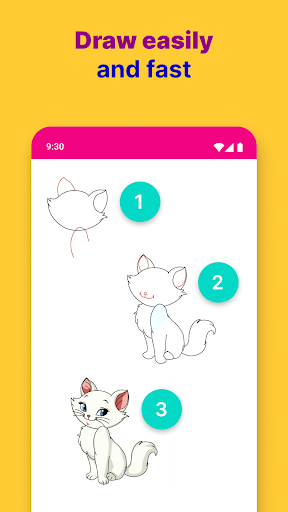
Step-by-Step LessonsThe app provides detailed step-by-step lessons designed to guide beginners through the drawing process. Each lesson breaks down complex images into manageable parts, ensuring that users of any skill level can create stunning artwork.
-
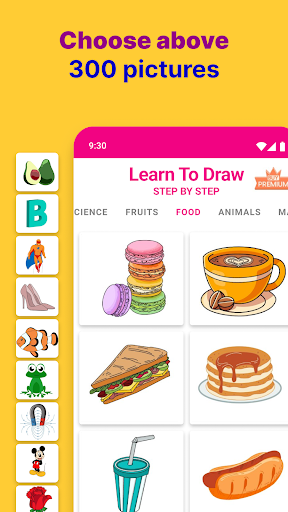
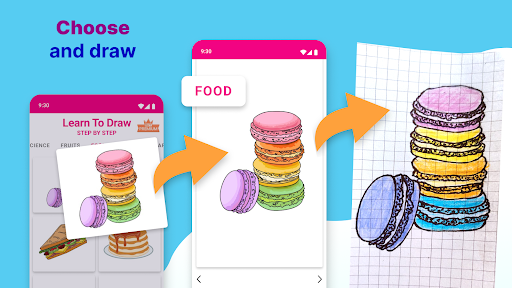
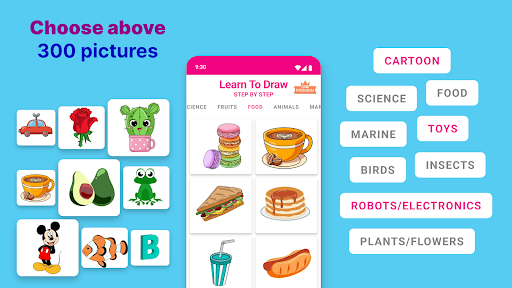
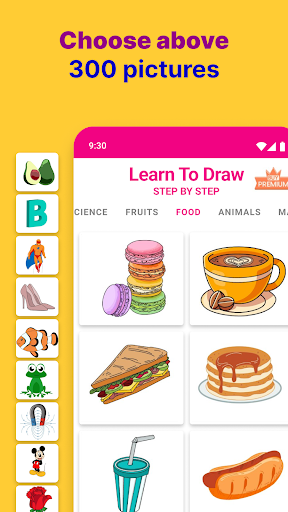
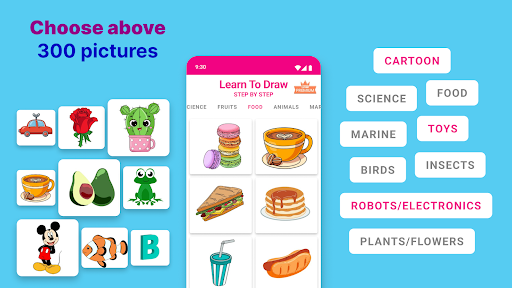
Diverse CategoriesWith over 10 categories ranging from cartoons to realistic sketches, the app caters to a wide array of interests. This variety encourages users to explore different styles and subjects, fostering creativity in their artistic journey.
-
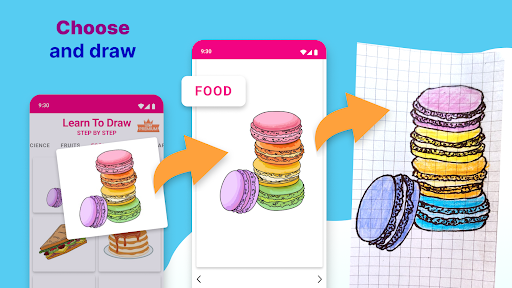
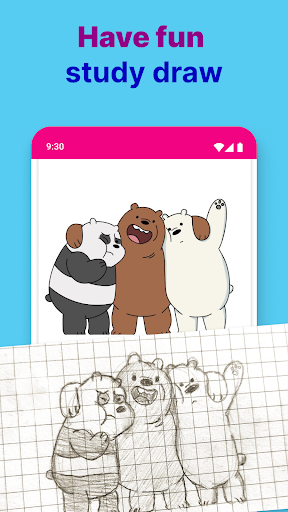
Flexibility for All MediumsLearn to Draw supports both paper and digital drawing, allowing users to choose between traditional methods or sketching directly on their devices. This flexibility makes it easy to practice anywhere, anytime.
-
User-Friendly InterfaceDesigned with beginners in mind, the app's intuitive interface makes navigation simple. Users can easily access lessons, track their progress, and enjoy a seamless drawing experience.
-
Progress TrackingThe app enables users to progress at their own pace, starting from simple lines to more intricate artwork. This personalized approach helps build confidence as users see their improvement over time.
Pros
-
Accessible to All Skill LevelsWhether you are a complete novice or experienced artist honing your skills, the lessons are adeptly crafted to cater to everyone. This inclusivity ensures that no user feels left behind.
-
Creative FreedomUsers have the opportunity to create their own masterpieces, sparking a personal connection to their artwork. The app encourages exploration and experimentation, which is vital for creative growth.
-
Community EngagementBy joining a community of budding artists, users can share their work and gain inspiration from others. This social aspect enhances the overall drawing experience and fosters camaraderie among users.
-
Improvement in Art SkillsAs users follow the tutorials, they can visibly see their artistic skills improve, leading to greater satisfaction and motivation to continue drawing.
Cons
-
Limited Advanced TutorialsWhile the app excels in providing beginner-friendly content, those seeking advanced tutorials or techniques may find the offerings somewhat limited.
-
Potential Use of ResourcesUsing the app for digital drawing may require a device with a good-quality screen and stylus, which some users may not have access to, potentially hindering their experience.
-
Offline FunctionalityThe app is designed for offline use, so some features might be limited when users don't have available internet access, which could impede learning in some scenarios.
Price
-
Free VersionThe app offers a free version that includes a broad range of basic lessons and features, making it accessible for those cautiously trying out drawing for the first time.
-
Premium SubscriptionUpgrading to a premium subscription unlocks additional features and advanced lessons, providing substantial value for committed users looking to elevate their drawing skills.
-
Cost-Effective LearningThe in-app purchases for premium content are designed to be cost-effective, allowing users to gain access to quality lessons without breaking the bank.