RATINGS
2790M
DOWNLOADS
4+
AGE

 Download Latest APK

Wait a moment, your result is coming soon!

Face is not found. Please try again with another clear full-face portrait of a better quality.

Take Quiz Now
Screenshots




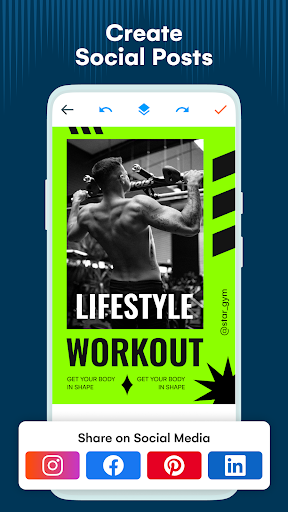
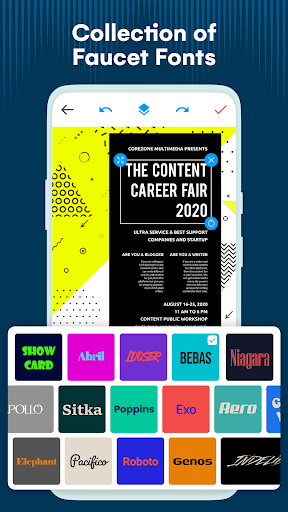

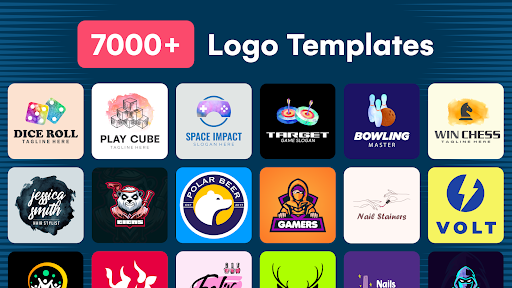


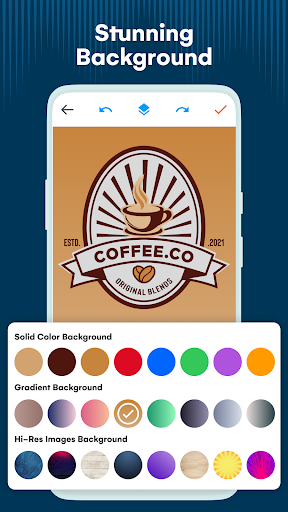




About this app
-
 Name Logo Maker : Logo Creator
-
 category Art & Design
-
 Price 0
-
 Safety 100% Safe
-
 Developer CA Publishing
-
 Version 5.0
-
 Target Business Owners
-
 Update 2026.11.21
Related articles



Core Features
-
Extensive Logo TemplatesAccess over 10,000 logo templates tailored for various business categories, ensuring you can find the perfect fit for your brand identity.
-
User-Friendly InterfaceDesigned for simplicity, the logo maker allows users without design experience to easily create professional logos through an intuitive interface.
-
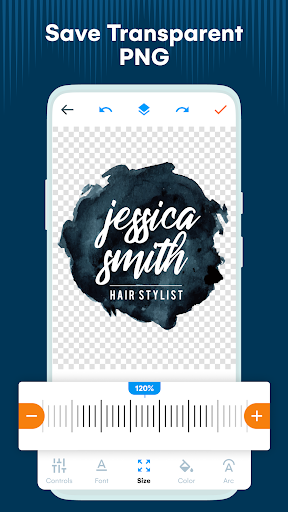
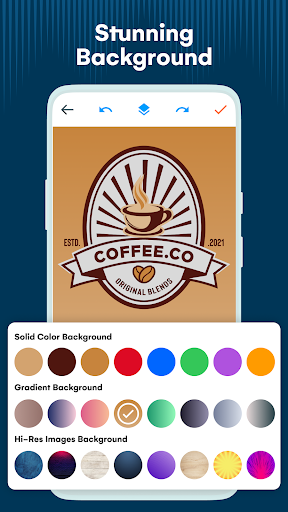
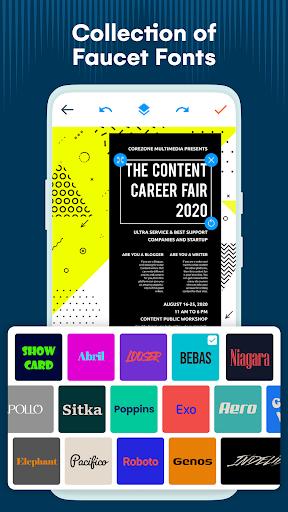
Customization OptionsEasily customize your logo design with various elements including text, shapes, stickers, and backgrounds, allowing for a personalized touch.
-
Draft and Save FunctionalityThe app lets you save preliminary designs as drafts, giving you the flexibility to revisit and revise your logos until they meet your standards.
-
Diverse Export OptionsSave your logos in multiple formats to suit different needs, ensuring high-quality outputs for both digital and print usage.
Pros
-
Cost-EffectiveEliminates the need for hiring expensive graphic designers, allowing you to create impactful logos at no cost.
-
Wide Range of ResourcesProvides a wealth of resources and templates that continuously inspire creativity, perfect for users at any skill level.
-
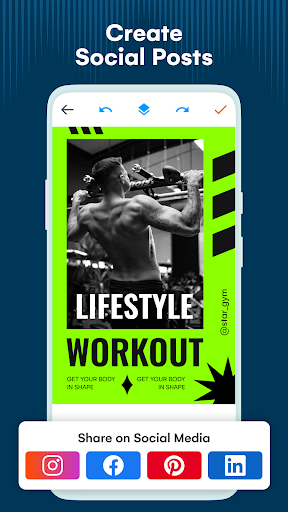
Complete Graphic Design FeaturesNot just for logos, this app also includes tools for creating flyers, business cards, and invitations, making it a versatile design tool.
Cons
-
Limited Advanced FeaturesProfessional designers seeking advanced editing tools may find the app lacks more sophisticated features typically available in dedicated graphic design software.
-
Device Storage RequirementSaving high-quality logos may require considerable storage space on devices, which could be problematic for users with limited storage capacity.
Price
-
Free Version AvailabilityThe application is free to use, providing access to a wide array of templates and resources without any upfront cost.
-
Subscription BenefitsUpgrading to a subscription may unlock additional premium features and resources, enhancing the design experience beyond the free version.