RATINGS
1228M
DOWNLOADS
4+
AGE

 Download Latest APK

Wait a moment, your result is coming soon!

Face is not found. Please try again with another clear full-face portrait of a better quality.

Take Quiz Now
Screenshots
About this app
-
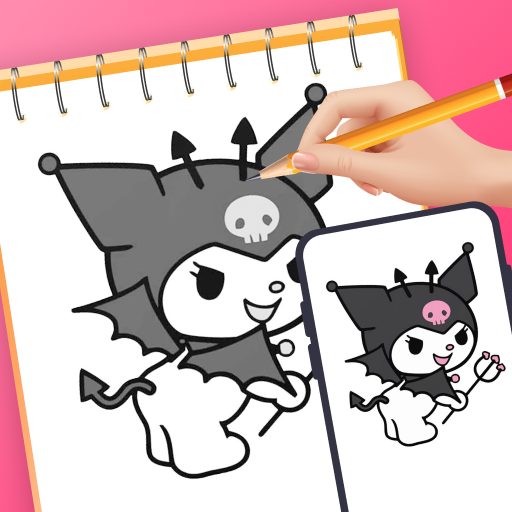
 Name AR Drawing - Sketchar App
-
 category Art & Design
-
 Price 0
-
 Safety 100% Safe
-
 Developer Braly JSC
-
 Version 7.0
-
 Target Casual Creators
-
 Update 2026.11.21
Related articles


Core Features
-
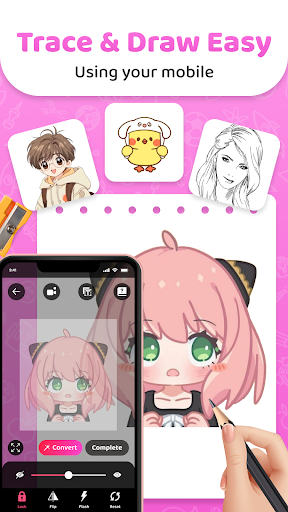
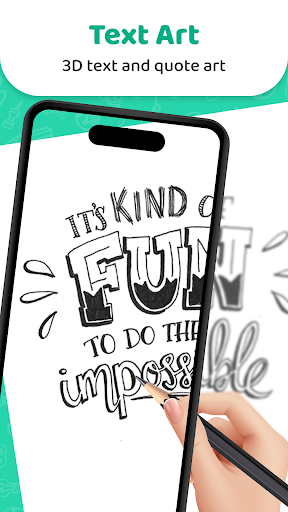
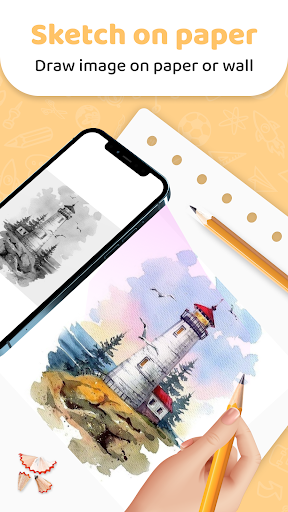
AR DrawingEnhance your sketches by integrating real-world elements using your device's camera. With adjustable opacity settings, you can create immersive art pieces that bridge the gap between reality and creativity.
-
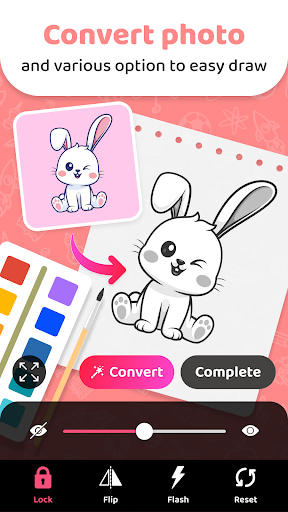
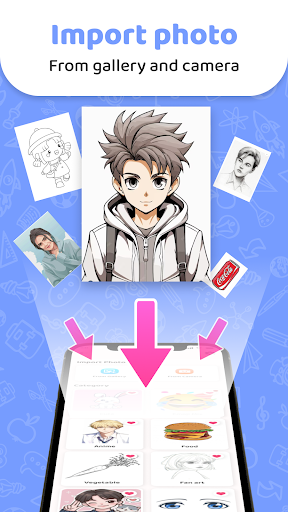
Advanced Drawing ToolsAccess a wide array of advanced features including photo import options from your camera, gallery, or browser. Enhance your drawings with options to convert pencil photos, adjust opacity, and record videos for a richer creative experience.
-
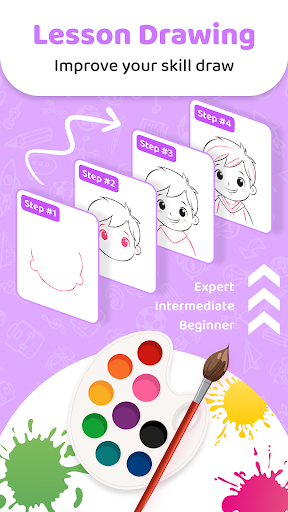
Educational LessonsHone your artistic skills with a structured 7-day course designed for all levels. Each lesson offers progressively challenging exercises to teach you how to draw like a pro, tailored to your unique learning pace.
-
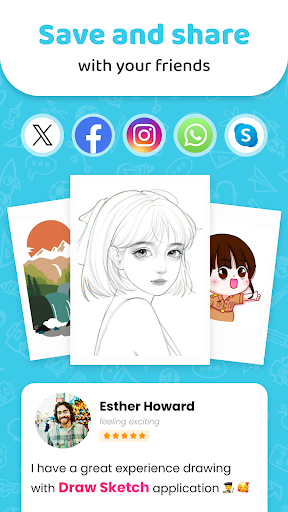
Community EngagementJoin a vibrant community of fellow artists to share and explore creations. Connect with others, gain inspiration from their work, and showcase your own masterpieces within the app.
-
Profile TrackingMonitor your artistic journey through My Profile feature. Track your progress, achievements, and showcase your favorite drawings, fostering a deeper connection to your creative development.
Pros
-
User-FriendlyDesigned for both seasoned artists and beginners, AR Drawing - Sketchar App is intuitive and easy to navigate, making creativity accessible to all.
-
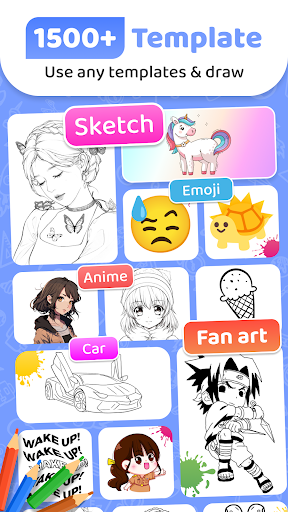
Diverse Art CategoriesExplore a rich selection of categories, including anime, cute designs, and food art, enabling users to experiment and find their personal style.
-
Community SupportThe app fosters a supportive community where artists can share feedback, which aids in nurturing talent and encouraging creativity among users.
-
Multi-Functional ToolsWith the ability to record videos of your drawing process and advanced options like adjusting opacity and using a flashlight, artists can create more dynamic and engaging content.
Cons
-
Resource IntensiveUsing AR functionality may require significant device resources, potentially leading to slower performance on older or low-end devices.
-
Learning CurveWhile the app offers lessons, users may still face a steep learning curve in mastering all the advanced tools and techniques effectively.
-
Subscription CostsCertain advanced features may only be accessible through premium subscriptions, limiting access to full functionality for users on a budget.
Price
-
Free VersionThe app offers a free version that includes basic drawing tools and access to community features, allowing users to explore their creativity without any investment.
-
Premium SubscriptionThe paid version unlocks exclusive advanced tools, in-depth lessons, and enhanced features, providing serious artists with all they need to take their work to the next level.