RATINGS
482M
DOWNLOADS
4+
AGE

 Download Latest APK

Wait a moment, your result is coming soon!

Face is not found. Please try again with another clear full-face portrait of a better quality.

Take Quiz Now
Screenshots







About this app
-
 Name Emoji Letter Maker
-
 category Art & Design
-
 Price 0
-
 Safety 100% Safe
-
 Developer TarrySoft
-
 Version 5.0
-
 Target Casual Users
-
 Update 2024.02.20
Related articles


Core Features
-
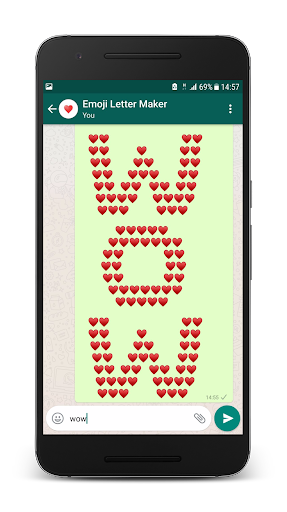
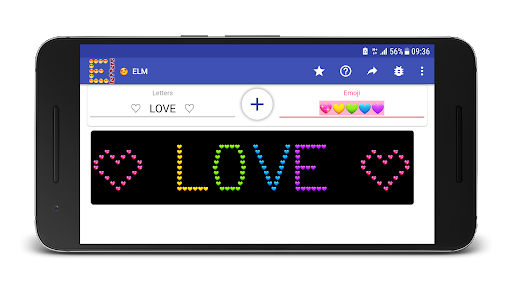
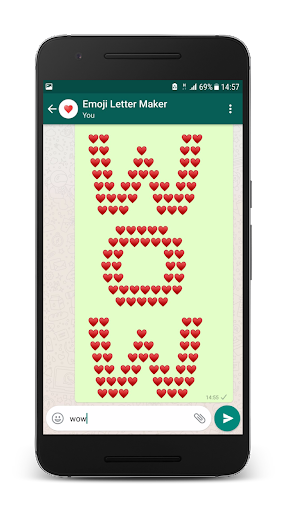
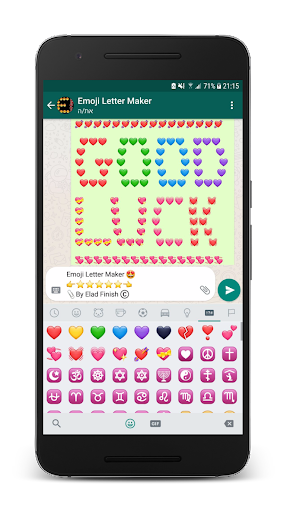
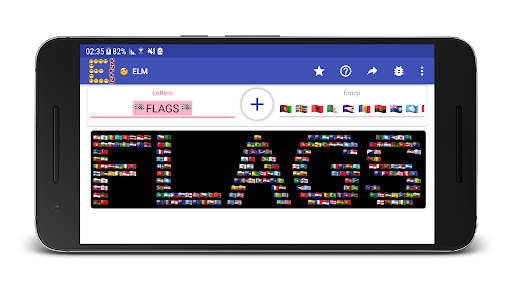
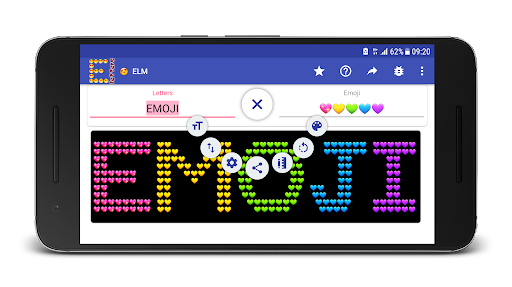
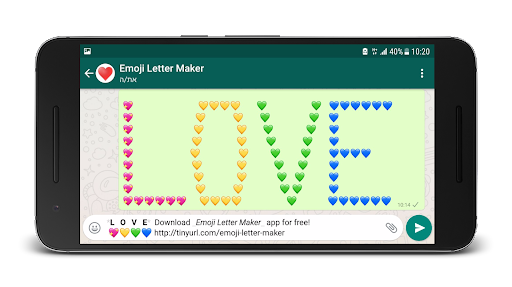
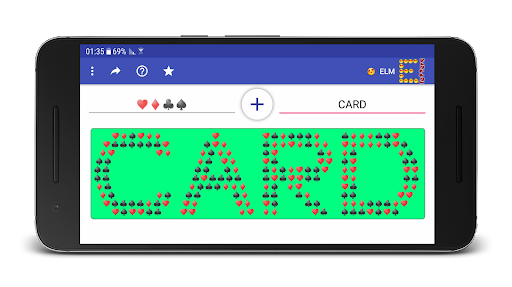
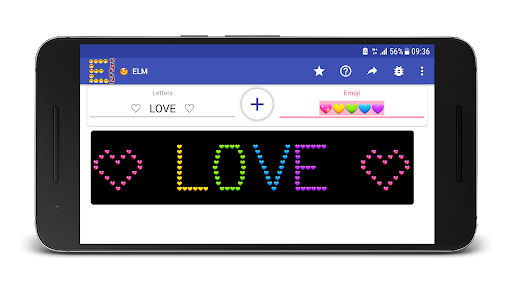
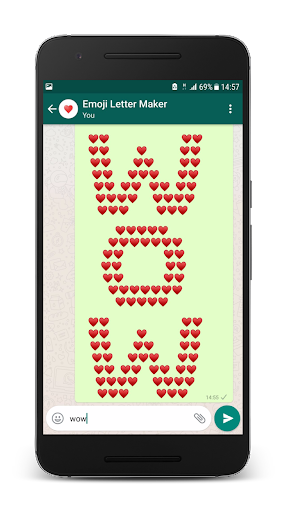
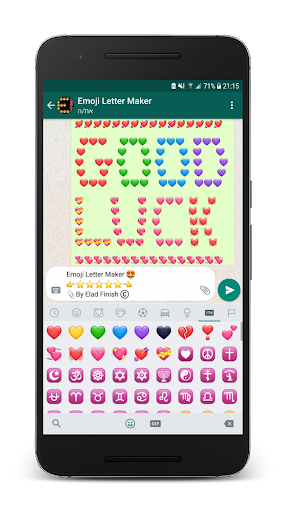
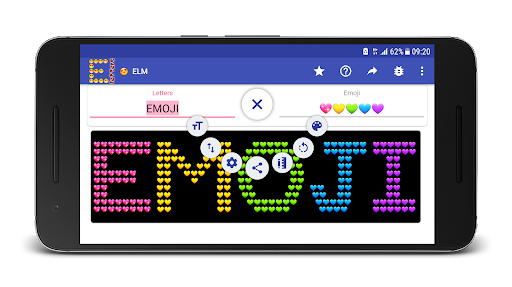
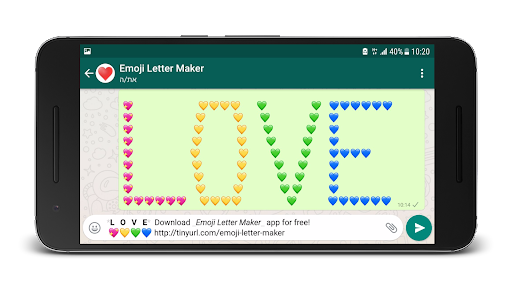
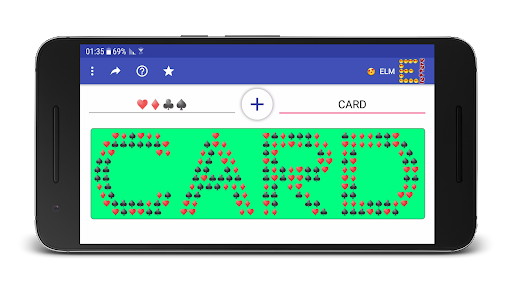
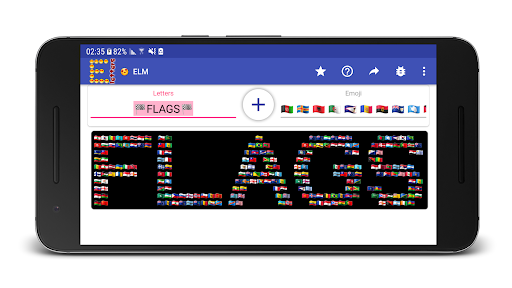
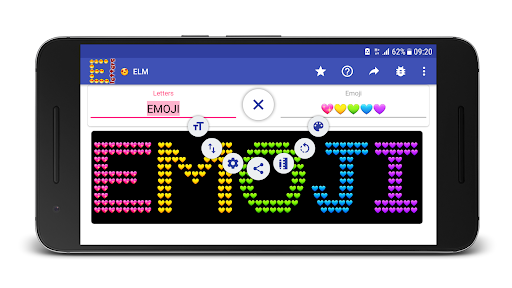
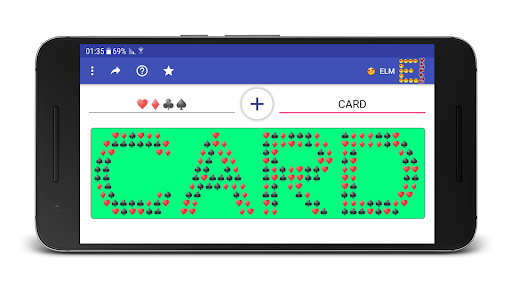
Text to Emoji ConversionEffortlessly convert your written text into vibrant emoji letters using the Emoji Letter Maker. Just type in the text box and select from a diverse collection of emojis to create unique and colorful messages that will impress your friends!
-
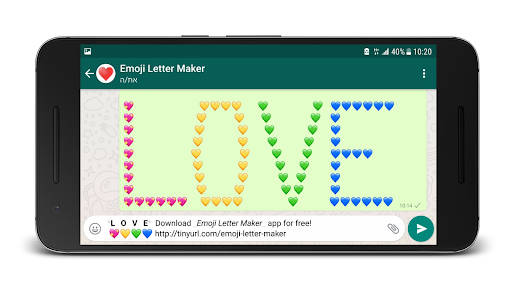
Multiple Sharing OptionsShare your creations conveniently via text or images. The app allows sharing in various formats—text can be sent vertically while images are best shared horizontally, ensuring your messages are always presented beautifully.
-
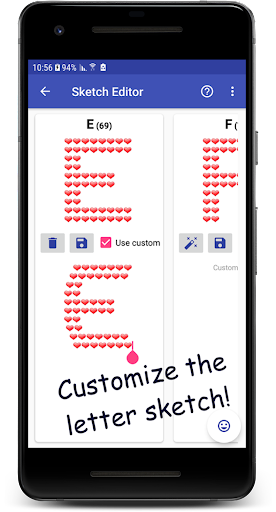
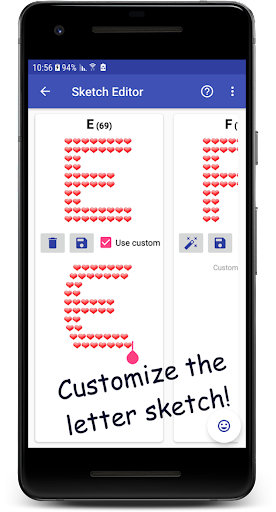
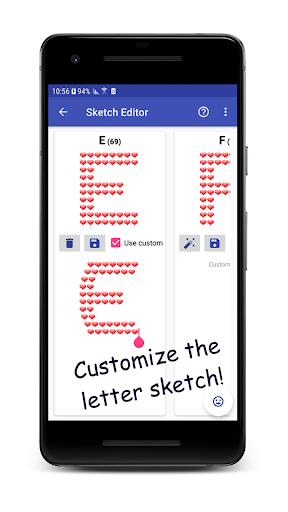
Customizable TextPersonalize your messages easily! With customizable text features, you can tailor your content to suit any occasion, making your communications more expressive and engaging.
-
User-Friendly Emoji KeyboardAccess a dedicated emoji keyboard with a simple key press! Use emojis from your favorite apps like WhatsApp by copying and pasting, making it easy to enhance your messages on all popular messaging platforms.
Pros
-
Intuitive InterfaceThe app's user-friendly design allows even first-time users to navigate effortlessly and create stunning emoji letters in just a few taps.
-
Rich Emoji CollectionWith an extensive library of emojis to choose from, users can express their creativity and personalize their messages like never before.
-
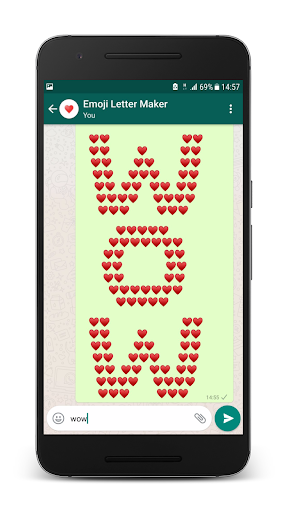
Highly CompatibleWorks seamlessly across all messaging platforms, including WhatsApp, ensuring your emoji letters can be shared easily with friends and family.
Cons
-
Space Handling in MessagesWhen copying emoji messages to WhatsApp, be aware that it may automatically add a dot at the beginning due to space settings, which could be a minor inconvenience for tidy message presentation.
-
Limited to Emoji UsageWhile the app excels at creating emoji letters, users looking for rich-text formatting or advanced text options may find its functionality relatively basic.
Price
-
Free Version AvailabilityEnjoy the basic features of Emoji Letter Maker for free, allowing you to create and share messages with ease without any financial commitment.
-
Premium SubscriptionFor an enhanced experience, consider the subscription service which unlocks exclusive features, providing even more ways to customize your messages.
Ratings
4.5
26.2K votes
-
5
-
4
-
3
-
2
-
1