RATINGS
50M
DOWNLOADS
4+
AGE

 Download Latest APK

Wait a moment, your result is coming soon!

Face is not found. Please try again with another clear full-face portrait of a better quality.

Take Quiz Now
Screenshots

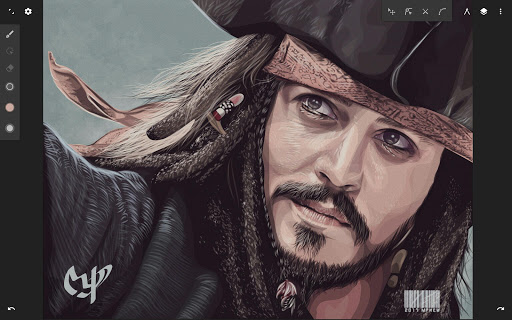
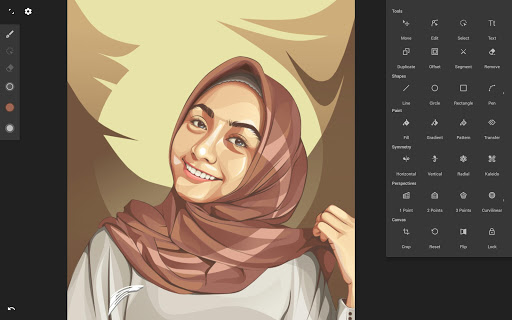

About this app
-
 Name Infinite Design
-
 category Art & Design
-
 Price Free
-
 Safety 100% Safe
-
 Developer Infinite Studio Mobile
-
 Version 3.4.18
-
 Target Professional Creators
-
 Update 2026.11.22
Related articles




Core Features
-
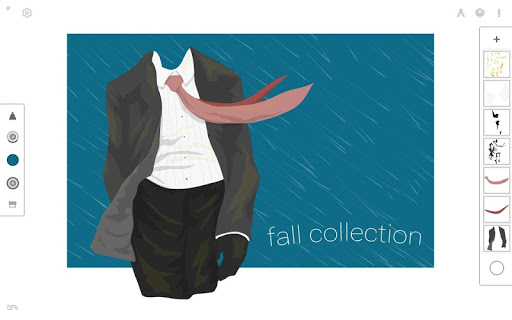
Unlimited LayersDesign without limits using an infinite number of layers. This feature lets you create complex artwork with ease, allowing you to experiment and refine each element independently.
-
Symmetry ToolsExperiment creatively with four unique types of symmetry. This functionality allows users to create intricate and perfectly balanced designs effortlessly.
-
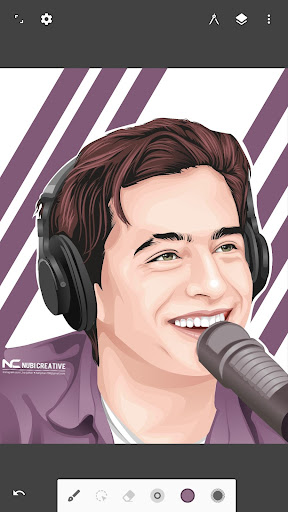
Advanced VectorizationTransform any image into fully editable vector paths with the vectorize feature. It opens up a world of design possibilities, enabling detailed customization and scalability.
-
Transform ToolUtilize versatile transformations — such as scaling, rotating, and flipping — to adjust your designs accurately. This powerful tool allows for dynamic and engaging compositions.
-
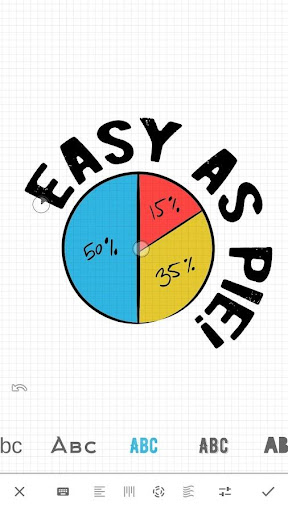
Flexible Text ToolCraft text in various formats including horizontal, vertical, circular, or along a path. This feature ensures that typography fits seamlessly into your designs.
Pros
-
User-Friendly InterfaceThe streamlined interface allows users to access tools quickly and efficiently, which enhances the overall design experience and reduces time spent on navigation.
-
Unlimited Undo FeatureWith unlimited undo capability and a history slider, users can experiment freely, knowing they can revert to previous versions without loss of work.
-
Rich Import/Export OptionsImport and export your designs in various formats like SVG, JPEG, and PNG. This flexibility aids in sharing artwork across multiple platforms and communities.
Cons
-
Resource Intensive on Lower-End DevicesDue to its advanced features and capabilities, users on lower-end devices may experience lag or sluggishness, particularly when handling complex designs.
-
Learning Curve for BeginnersWhile feature-rich, new users may find the plethora of tools and options overwhelming at first, requiring time to become proficient with the app.
Price
-
Free Version LimitationsThe free version provides access to many features but may limit certain advanced tools or export options, prompting some users to consider upgrading to the paid version for full functionality.
-
Premium Subscription BenefitsThe subscription unlocks additional features and tools like enhanced exporting capabilities and access to exclusive design resources, catering to more serious designers.