RATINGS
970M
DOWNLOADS
4+
AGE

 Download Latest APK

Wait a moment, your result is coming soon!

Face is not found. Please try again with another clear full-face portrait of a better quality.

Take Quiz Now
Screenshots



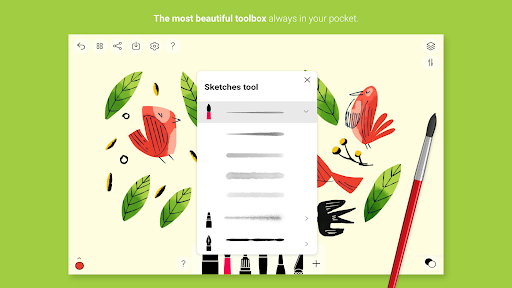

About this app
-
 Name Tayasui Sketches
-
 category Art & Design
-
 Price Free
-
 Safety 100% Safe
-
 Developer Tayasui
-
 Version 1.0.62
-
 Target Casual Artists
-
 Update 2026.11.21
Related articles



Core Features
-
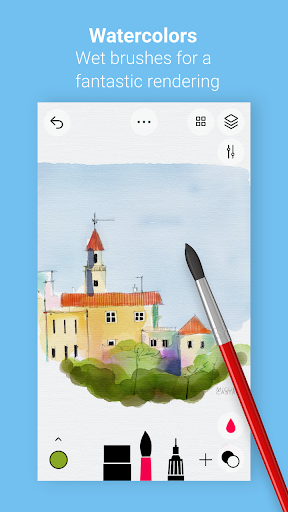
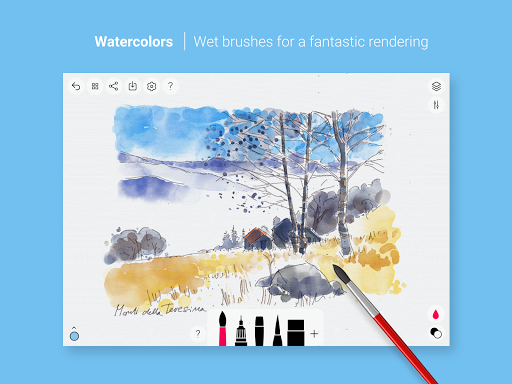
Realistic Brush SimulationTayasui Sketches offers an incredibly realistic watercolor wet brush that emulates the qualities of traditional painting. Every stroke reacts naturally to pressure, angle, and width, providing an authentic art experience on a digital platform.
-
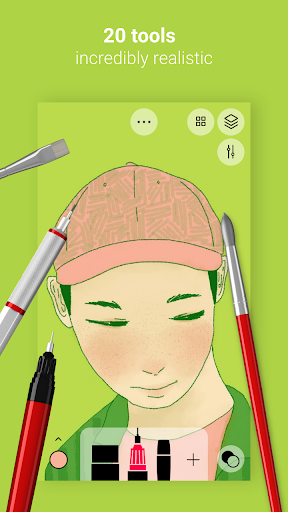
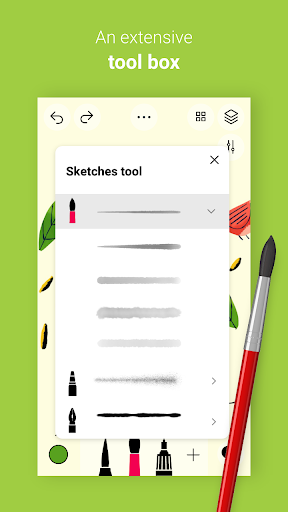
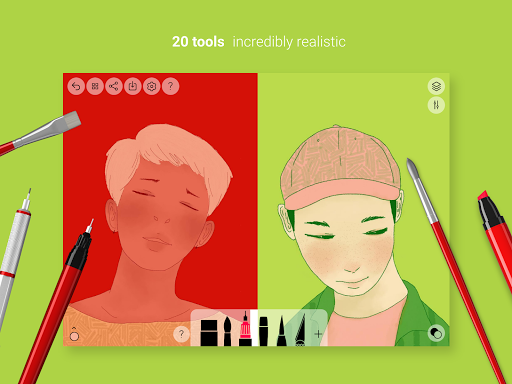
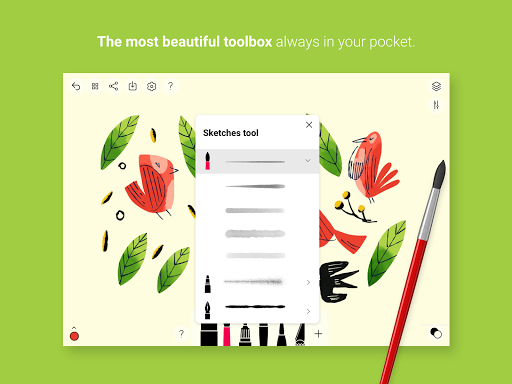
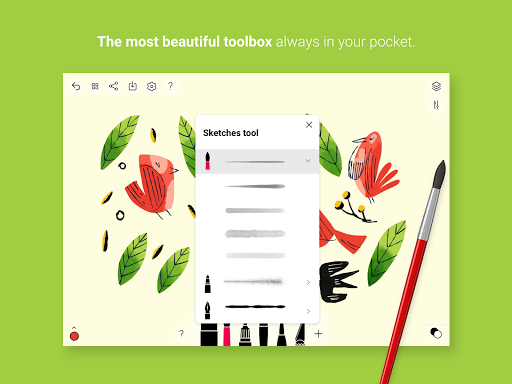
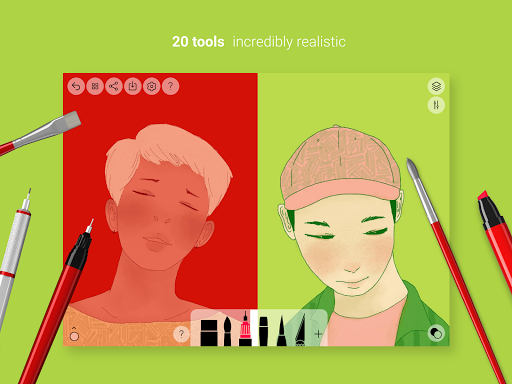
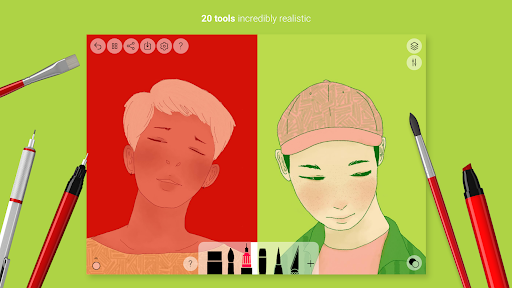
Comprehensive ToolsetThe app is packed with a variety of tools, including pencils, watercolors (dry and wet), acrylic brushes, pens, felt pens, and more. This extensive selection allows users to create artwork in different styles, from fine lines to bold strokes.
-
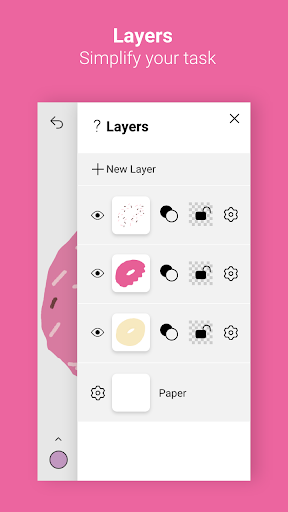
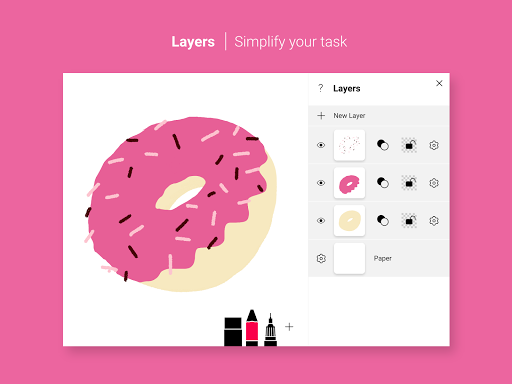
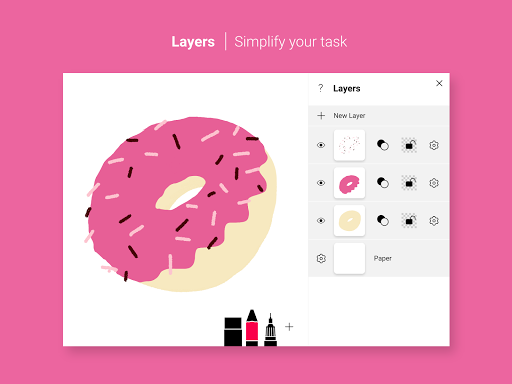
Layer ManagementUtilize layers to simplify complex tasks. This feature enables users to work on different components of their artwork independently, making adjustments easier and promoting systematic organization of the creative process.
-
Stylus SupportTayasui Sketches is compatible with Wacom Stylus and other high-quality styluses, enhancing the drawing experience. The precision and control provided by stylus support make it a preferred choice for serious artists.
-
Advanced Sharing and Export OptionsUsers can easily share their creations or export them in various formats, ensuring their artwork can be utilized across different platforms or portfolios.
Pros
-
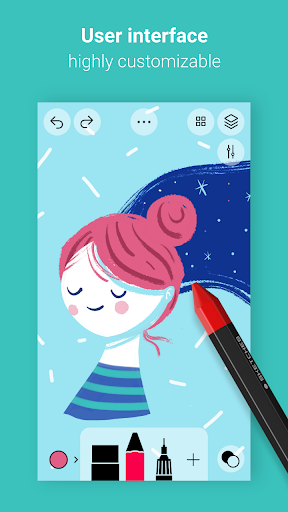
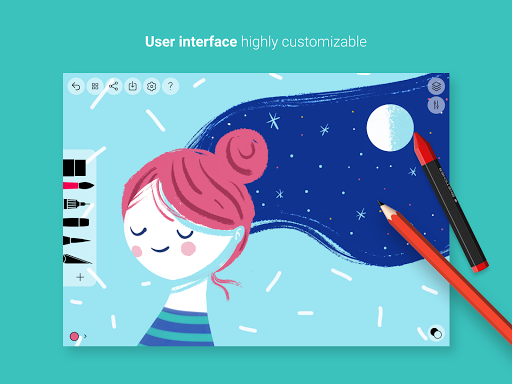
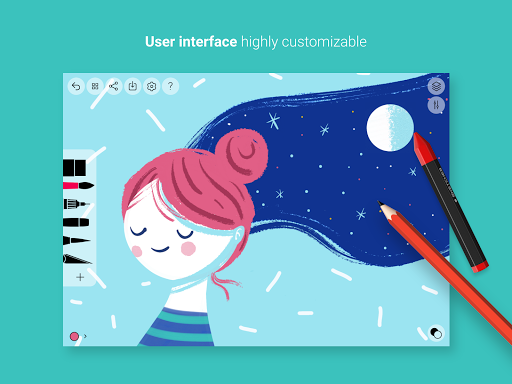
Intuitive User InterfaceThe app provides a user-friendly interface that is easy to navigate, making it accessible for both beginners and experienced artists alike.
-
Powerful CustomizationWith the Brush Editor, artists can customize brushes to suit their unique styles, providing greater flexibility in creative expression.
-
High-Quality Export OptionsAdvanced export functions ensure that artwork retains high quality when shared or saved, which is essential for professional presentations.
-
Wide Range of Art ToolsThe diverse collection of art tools allows users to experiment and explore various artistic techniques, enhancing creativity.
-
Regular UpdatesThe app frequently receives updates that introduce new features and tools, keeping the user experience fresh and engaging.
Cons
-
Limited Free FeaturesWhile the app is free to download, some advanced features may require a paid upgrade, which might be a drawback for users seeking a fully functional version without cost.
-
Device Performance DependencyThe performance of the app may vary based on device specifications, and low-end devices may experience lag during resource-intensive tasks.
-
No Vector SupportTayasui Sketches focuses on raster graphics, which may limit users looking for precise vector-based design options.
Price
-
Free VersionThe free version offers essential tools and brushes for casual use, making it accessible for anyone starting their digital art journey.
-
Pro Features SubscriptionA subscription is available for users who want access to advanced features, additional brushes, and comprehensive customization options, enhancing the overall creative experience.