
RATINGS
570M
DOWNLOADS
4+
AGE

 Download Latest APK

Wait a moment, your result is coming soon!

Face is not found. Please try again with another clear full-face portrait of a better quality.

Take Quiz Now
Screenshots










About this app
-
 Name Qustodio Parental Control & Screen Time App
-
 category Parenting
-
 Price Free
-
 Safety 100% Safe
-
 Developer Qustodio LLC
-
 Version 182.6.0
-
 Target Family Managers
-
 Update 2026.11.21
Related articles



Core Features
-
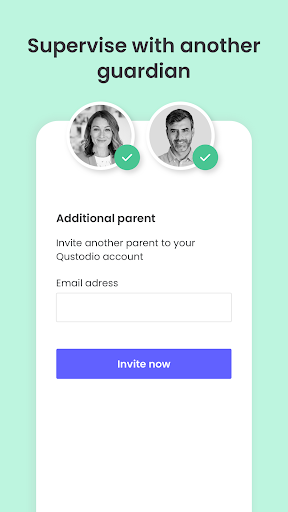
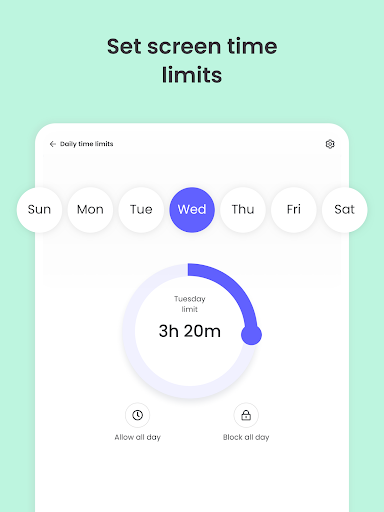
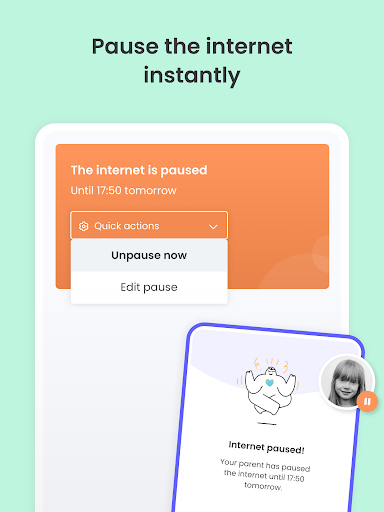
Seamless Device ManagementEffortlessly manage your child's screen time by downloading Qustodio on your own device and the Kids App Qustodio on theirs. This allows you to control and monitor linked mobile, tablet, and desktop devices across multiple operating systems including Android and iOS.
-
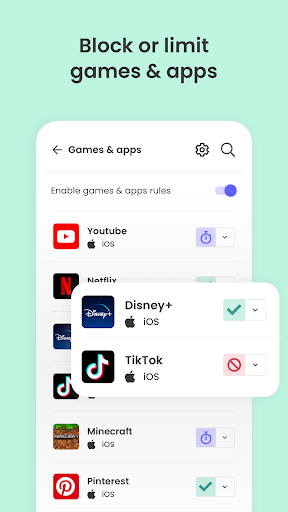
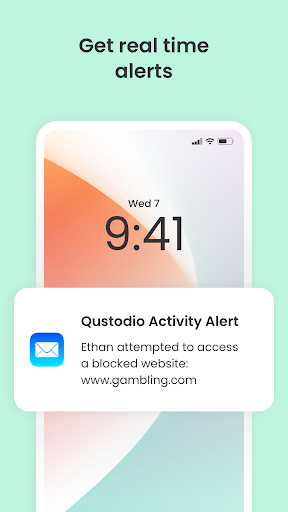
Advanced Web FilteringBlock inappropriate content with Qustodio's robust website filtering capabilities. You can set limits on specific categories such as games, gambling, and adult content, ensuring a safer online experience for your children.
-
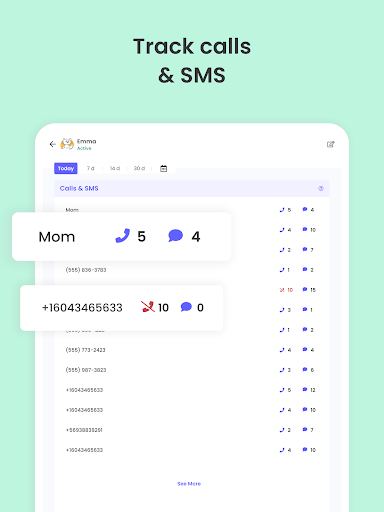
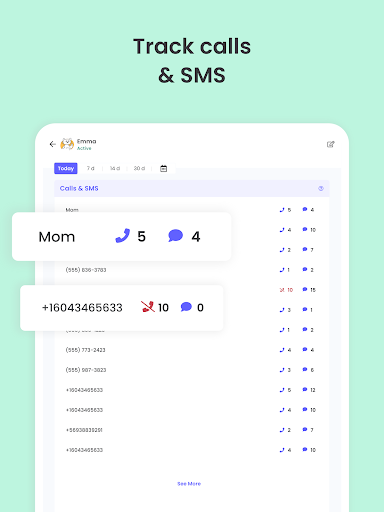
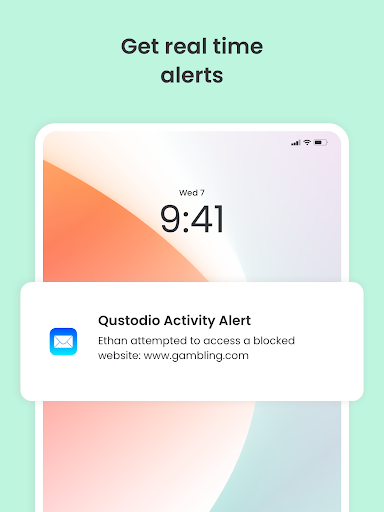
In-depth Activity ReportingGain insights into your child's online habits with advanced reporting tools. The app provides detailed 7-day activity history and alerts, allowing proactive monitoring and intervention.
-
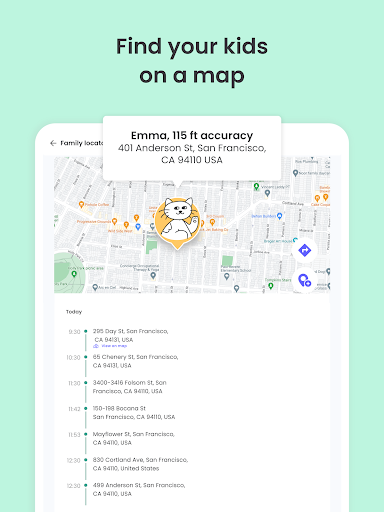
Family LocatorKeep track of your family with the integrated Family Locator feature. This GPS tracker helps you find family members' locations, add favorite spots, and share real-time location data.
-
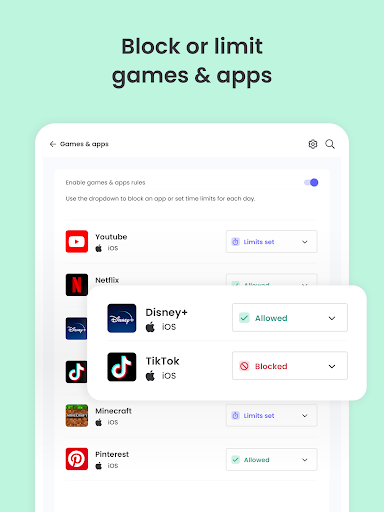
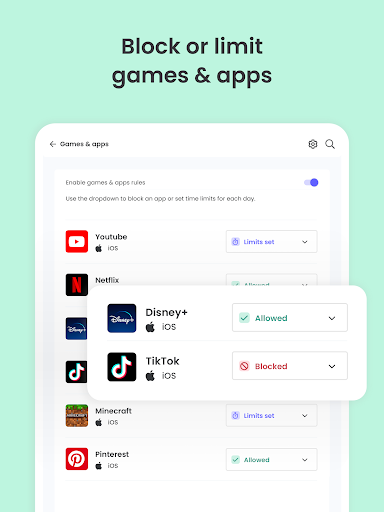
App Control and BlockingEnjoy flexibility in app management with Qustodio’s app blocker feature, allowing you to block specific apps rather than entire categories, ensuring your children spend time on appropriate activities.
Pros
-
Multi-Platform SupportCompatible with various devices including iOS, Android, Windows, and Mac, ensuring comprehensive coverage for your family's diverse tech ecosystem.
-
User-Friendly SetupThe straightforward installation and setup process allows parents to quickly get started, minimizing the hassle of managing screen time responsibilities.
-
Priority Support and FeaturesPremium users benefit from dedicated parental control support and early access to new features, enhancing the user experience and maintaining up-to-date safety measures.
-
Free and Premium VersionsFree access for monitoring one device provides essential functionalities, while premium versions allow for extensive protection across multiple devices, catering to different family sizes.
-
SOS AlertsThe SOS button feature enhances safety, enabling children to alert family members in case of emergencies, thus adding an additional layer of protection.
Cons
-
Resource IntensiveSome users may find that using comprehensive features, particularly location tracking and app blocking, may drain device battery life more quickly.
-
Premium Plan LimitationsThe free version is limited to one supervised device, which may be insufficient for larger families that require more extensive oversight.
-
Accessibility PermissionsThe app requires Device Administrator and Accessibility services, which may raise privacy concerns for some users who are cautious about device permissions.
Price
-
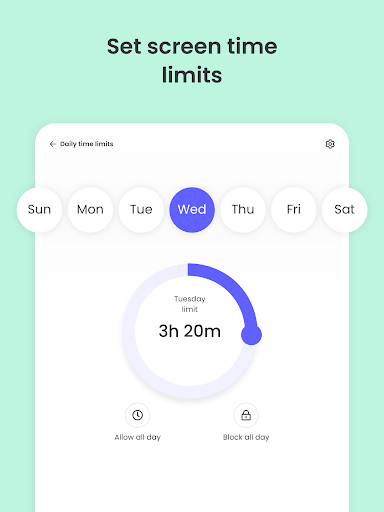
Free VersionThe free version allows monitoring of one device with essential features like screen time limits, website blocking, and activity reporting, making it a starting point for new users.
-
Premium VersionThe paid version, available for multiple devices (5, 10, or 15), includes advanced features such as YouTube monitoring, advanced app blocking, and more extensive reporting options, offering comprehensive family management solutions.
FAQ
- How to download and install Qustodio Parental Control & Screen Time App?
- What are the system requirements of Qustodio Parental Control & Screen Time App?
- How to get the latest version of Qustodio Parental Control & Screen Time App?
- How to find a Qustodio Parental Control & Screen Time App alternative?