RATINGS
690M
DOWNLOADS
4+
AGE

 Download Latest APK

Wait a moment, your result is coming soon!

Face is not found. Please try again with another clear full-face portrait of a better quality.

Take Quiz Now
Screenshots
About this app
-
 Name Parental Control
-
 category Parenting
-
 Price Free
-
 Safety 100% Safe
-
 Developer Parental Control App by Screen Time Labs
-
 Version 3.11.59
-
 Target Parental Guardians
-
 Update 2026.11.21
Related articles




Core Features
-
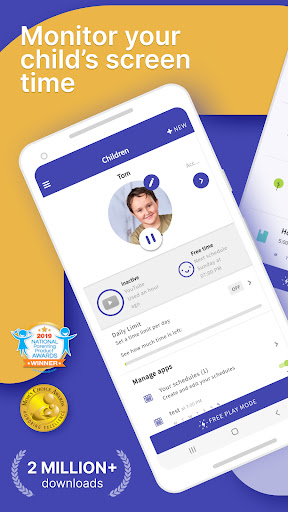
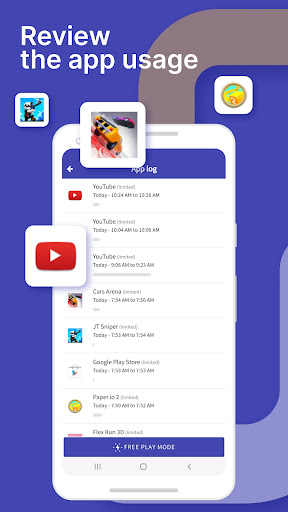
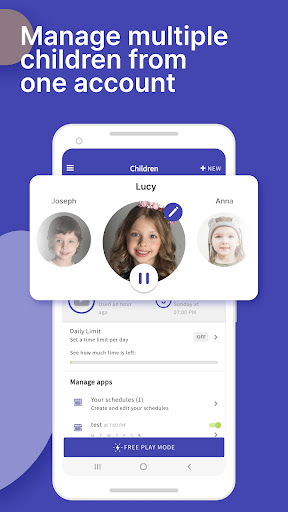
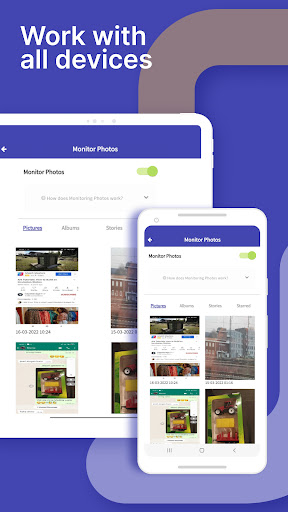
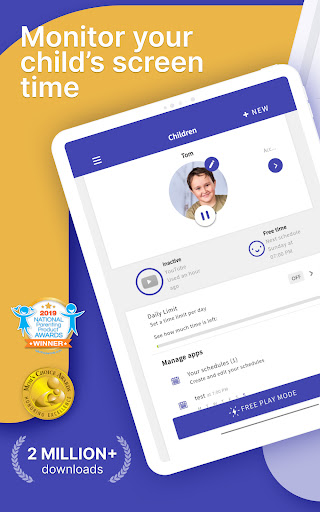
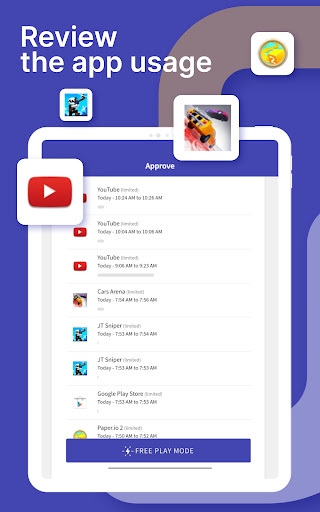
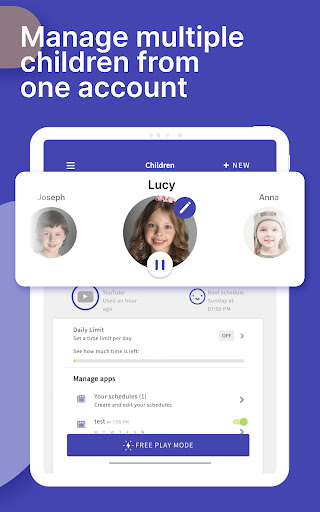
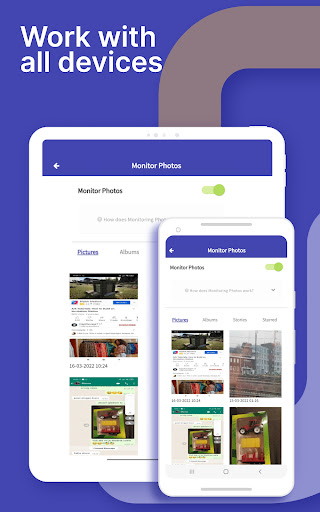
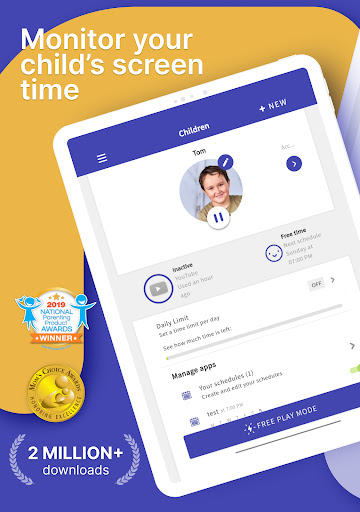
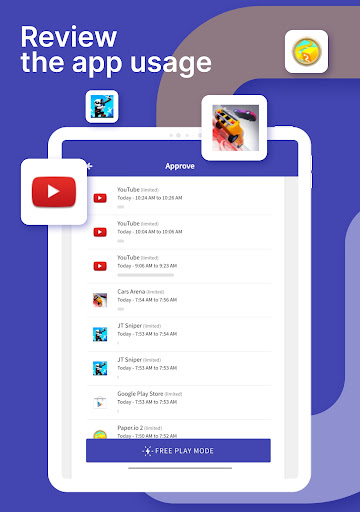
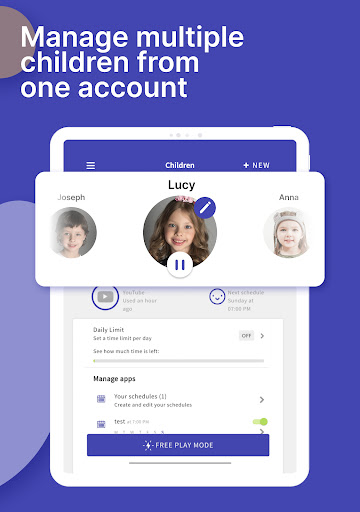
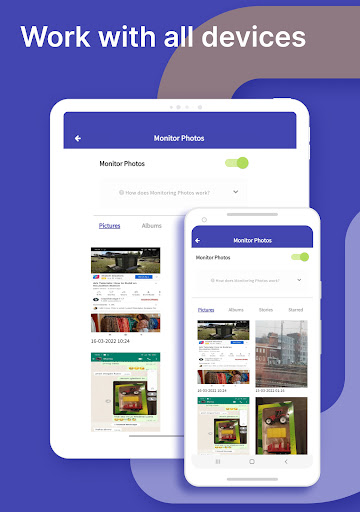
Comprehensive Screen MonitoringMonitor your children's screen time effectively. The app lets you track the duration spent on apps, the websites visited, and the social media platforms utilized, giving parents a clear picture of digital habits.
-
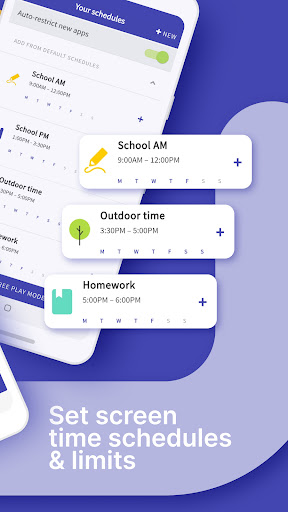
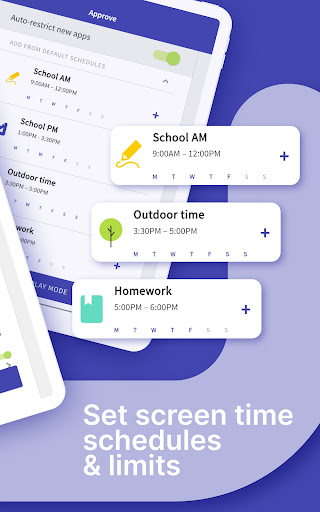
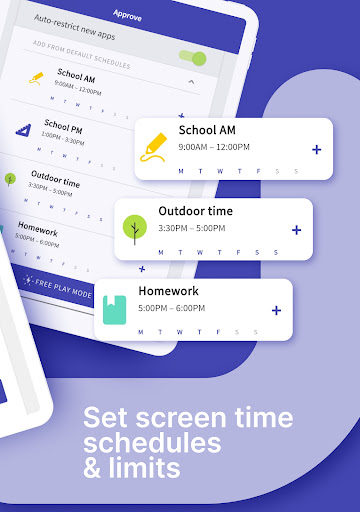
Advanced Control FeaturesWith the Premium version, parents can set daily screen time limits, create schedules for device usage, and even pause device access instantly. This proactive approach helps enforce healthy screen time boundaries.
-
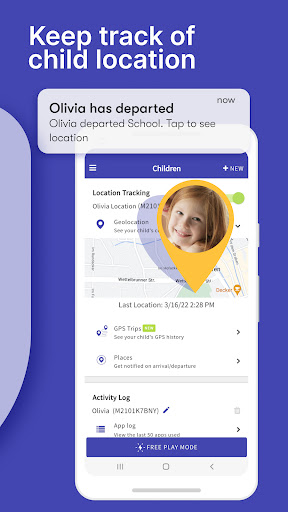
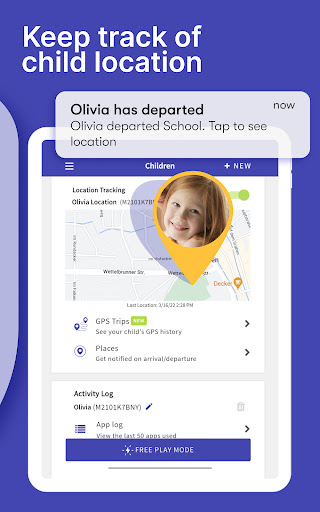
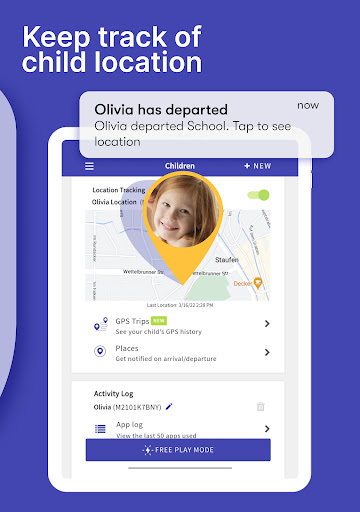
GPS Location TrackingStay informed about your children's whereabouts with GPS phone location tracking. Get notified when they arrive or leave designated locations, ensuring peace of mind regarding their safety.
-
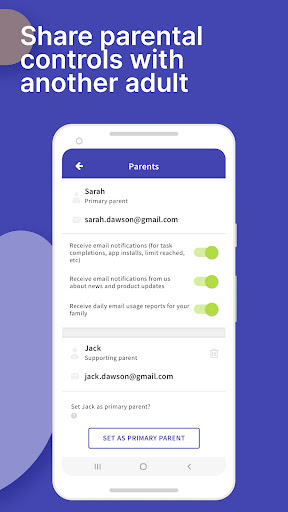
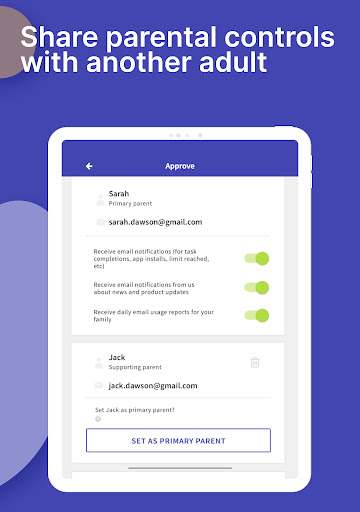
Customizable Alerts and NotificationsReceive real-time notifications when your kids attempt to install new apps and daily summaries of their app and web usage, keeping you constantly updated on their online activities.
-
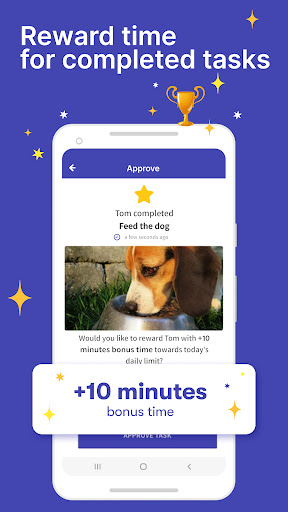
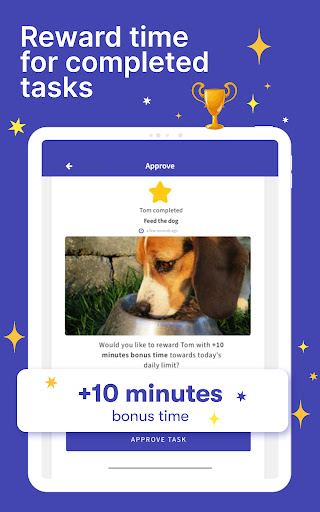
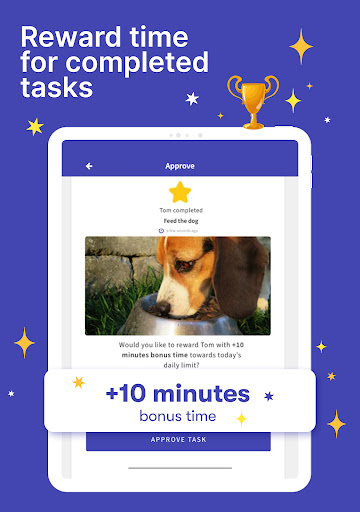
Chores and Rewards SystemEncourage good digital habits by assigning tasks that can earn your children extra screen time upon completion, fostering a sense of responsibility and productivity.
Pros
-
User-Friendly InterfaceThe app is designed with ease of use in mind, allowing parents to quickly navigate through features and settings without facing any technical barriers.
-
No Cost for Basic FeaturesThe free version of Screen Time provides essential features that allow parents to monitor their children's activity without any cost, making it accessible for everyone.
-
Seven-Day Free Trial for PremiumNew users can enjoy a 7-day free trial of the Premium features without needing to provide credit card information, enabling a risk-free exploration of the app's advanced capabilities.
Cons
-
Limited Functionality in Free VersionWhile the free version offers useful monitoring capabilities, it lacks proactive management features like time limits and device pausing, which may leave some parents wanting more.
-
Device Compatibility IssuesSome users may encounter compatibility issues with older devices, potentially limiting the functionality of the app for families using various screen time devices.
-
Initial Setup TimeSetting up the app and customizing settings for multiple devices can take some time, which might be a challenge for busy parents looking for quick solutions.
Price
-
Free Version AvailableThe free version offers essential monitoring features at no cost, perfect for parents wanting basic oversight of their children's device usage.
-
Premium SubscriptionThe Premium version expands functionality with advanced parental controls at a subscription fee, offering extensive resource management for a small investment.