
RATINGS
350M
DOWNLOADS
4+
AGE

 Download Latest APK

Wait a moment, your result is coming soon!

Face is not found. Please try again with another clear full-face portrait of a better quality.

Take Quiz Now
Screenshots


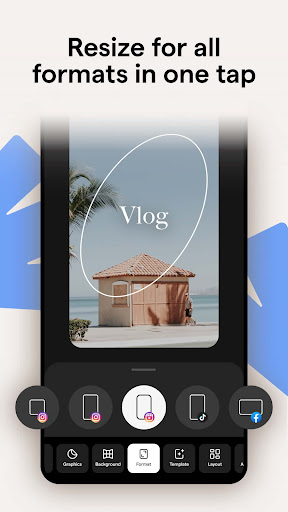
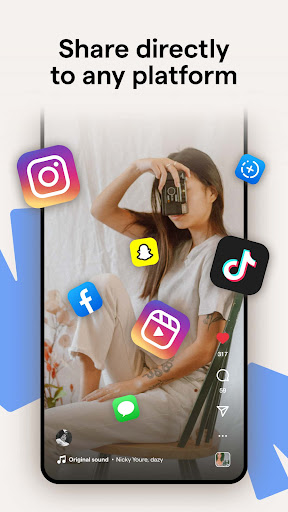
About this app
-
 Name Mojo
-
 category Photography
-
 Price Free
-
 Safety 100% Safe
-
 Developer Archery Inc.
-
 Version 0.2.22(788) alpha
-
 Target Casual Creators
-
 Update 2026.11.21
Related articles


Core Features
-
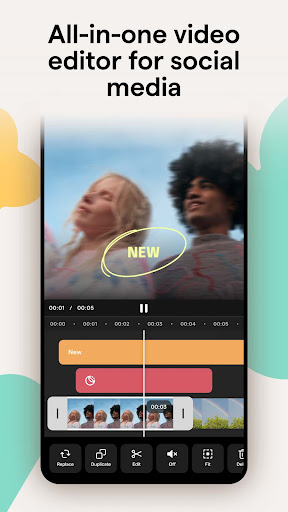
Extensive Template LibraryChoose from over 300 beautifully designed animated templates tailored for Instagram stories. Each template is 100% editable, allowing you to create stunning story videos that stand out in just seconds.
-
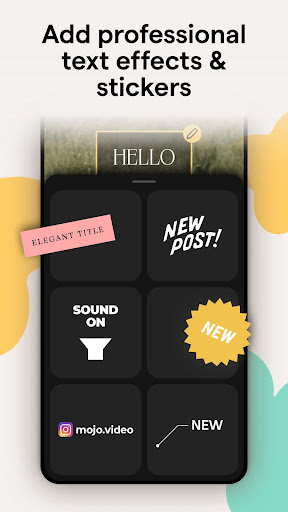
Dynamic Text StylesWith more than 200 animated text styles to select from, you can customize fonts, colors, sizes, and positions using the easy-to-navigate editor. This feature ensures your text complements the overall aesthetic of your story.
-
No Account NeededStart creating your video stories immediately; no account setup is required. Simply download Mojo and begin crafting impressive content for Instagram and other platforms.
-
Monthly UpdatesNever run out of options! Mojo routinely adds new templates and text styles every month, providing you fresh tools to enhance your storytelling.
-
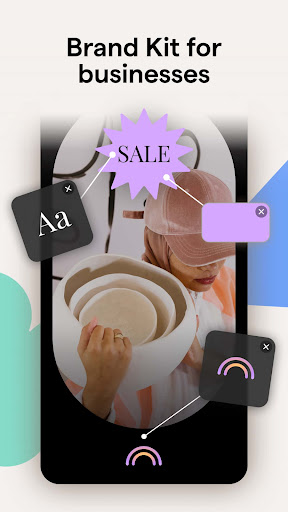
Mojo Pro FeaturesUnlock premium features including access to all templates and text styles, format changes for various media types, and the ability to add custom fonts and logos to your videos.
Pros
-
User-Friendly InterfaceMojo features an intuitive design that makes video story creation simple, even for users with no prior editing experience. The straightforward process encourages creativity without overwhelming you.
-
High CustomizabilityThe wide range of editing options allows for extensive personalization, ensuring that each story reflects your unique style and message.
-
Versatile Sharing OptionsEasily share your finished video collage stories on various platforms, from Instagram to Facebook, expanding your reach and engagement with audiences.
-
Regular Content UpdatesContinuous updates keep the platform fresh and exciting, providing users with new templates and styles, enhancing the storytelling experience.
Cons
-
Limited Free FeaturesWhile the free version offers several templates and styles, access to the complete library and premium features requires a paid subscription, which may limit users on a budget.
-
Learning Curve for Advanced FeaturesAlthough the app is user-friendly, mastering the advanced features and achieving desired effects may take some time for some users, especially those new to video editing.
Price
-
Free VersionThe free version provides access to basic templates and text styles, making it a great starting point for new users looking to create simple stories.
-
Mojo Pro SubscriptionUnlock all features with Mojo Pro, which includes all templates, special text styles, additional format settings, and the ability to add personal elements for a nominal monthly or annual fee.