RATINGS
1272M
DOWNLOADS
4+
AGE

 Download Latest APK

Wait a moment, your result is coming soon!

Face is not found. Please try again with another clear full-face portrait of a better quality.

Take Quiz Now
Screenshots


About this app
-
 Name AI Photo Editor - AI Morph
-
 category Photography
-
 Price 0
-
 Safety 100% Safe
-
 Developer Daily Joy Studio
-
 Version 7.0
-
 Target Casual Creators
-
 Update 2026.11.21
Related articles
Core Features
-
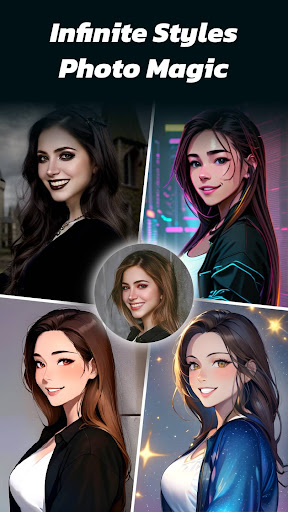
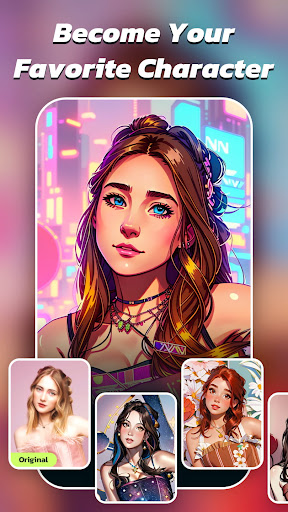
AI Anime FilterTransform your selfies into captivating anime characters with the exclusive AI anime filter. Whether you wish to become a daring pirate, a spirited ninja, or a whimsical elf, this feature enables you to explore various iconic anime styles, turning your imagination into vibrant reality.
-
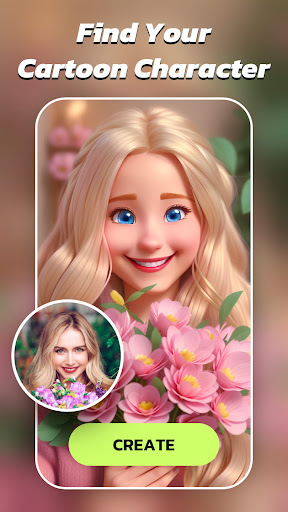
AI Cartoon StyleBring joy to your photos by morphing into beloved cartoon figures, such as a charming doll or a heroic warrior. This feature harnesses advanced AI technology to infuse your images with delightful cartoon aesthetics, creating a playful and entertaining transformation.
-
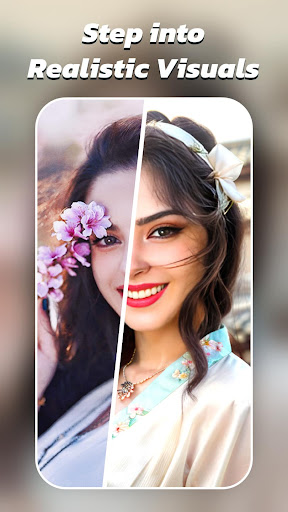
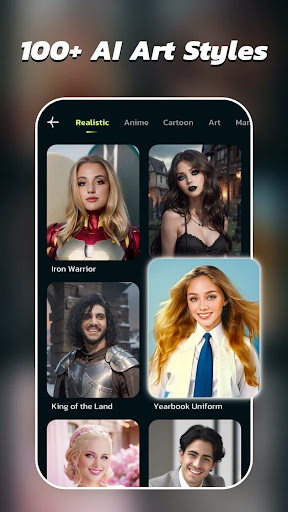
Realistic Art StyleMerge realism with fantasy effortlessly using the realistic AI art style. This feature allows users to become their dream superheroes or mystical wizards, ensuring natural and authentic transformations that enrich your photography experience.
-
Customization & HD EnhancerTailor your character transformation by adjusting style strength and utilizing the HD AI enhancer for stunning anime results. This capability allows for personalized creativity, bringing your exact vision to life with crystal-clear quality.
-
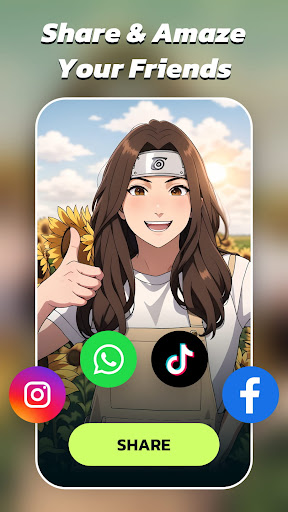
Easy SharingShare your mesmerizing anime avatars effortlessly with a single tap. This seamless sharing option enables users to showcase their creations on social media, spreading joy and creativity within their community.
Pros
-
Wide Variety of StylesWith over 50 AI art styles available and new styles being continually added, users are offered an extensive selection that caters to every taste and preference, ensuring a unique experience each time.
-
Fast ProcessingPowered by a robust AI server, photo processing is quick and efficient, allowing users to see their transformations in seconds without frustrating delays, enhancing the overall user experience.
-
Inclusive Character CreationThe app supports character creation for not just individuals but also families and pets, making it a delightful activity for friends and loved ones to engage in shared creativity.
Cons
-
Device Compatibility IssuesSome users on lower-end devices may experience slower processing or limitations in graphic quality, potentially affecting the overall experience of character transformations.
-
Limited Realism OptionsWhile the app excels in cartoon and anime styles, users seeking hyper-realistic transformations might find the options somewhat limited compared to dedicated photo editing software.
Price
-
Free VersionThe free version offers a range of basic features, allowing users to explore the app's capabilities without upfront costs, making it accessible for casual users.
-
Premium SubscriptionThe premium version unlocks exclusive styles and advanced customization options, providing added value for users who wish to delve deeper into their creative endeavors.