RATINGS
120M
DOWNLOADS
4+
AGE

 Download Latest APK

Wait a moment, your result is coming soon!

Face is not found. Please try again with another clear full-face portrait of a better quality.

Take Quiz Now
Screenshots


About this app
-
 Name Photo Collage
-
 category Photography
-
 Price Free
-
 Safety 100% Safe
-
 Developer InShot Inc.
-
 Version 1.410.222
-
 Target Casual Users
-
 Update 2026.11.21
Related articles


Core Features
-
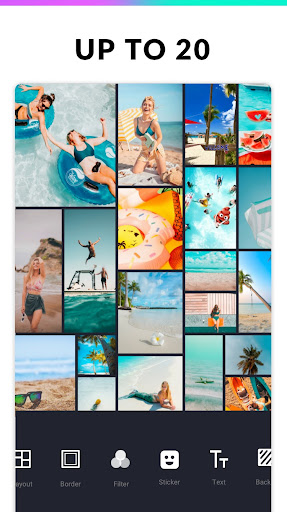
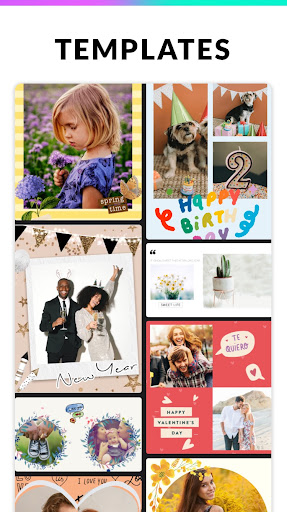
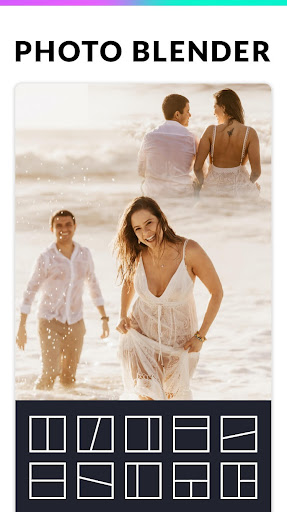
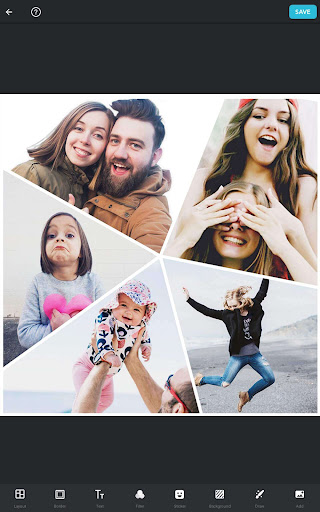
Versatile Collage CreationCreate stunning photo collages by combining up to 18 photos using a vast selection of over 100 customizable layouts and frames, catering to all your creative needs.
-
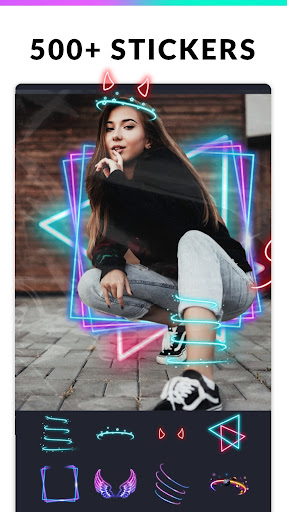
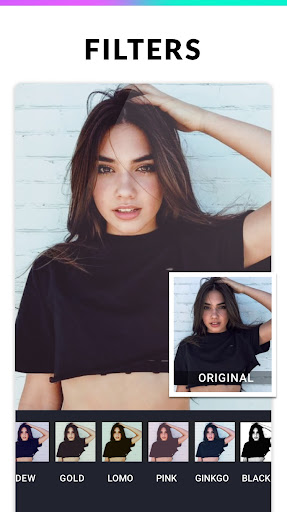
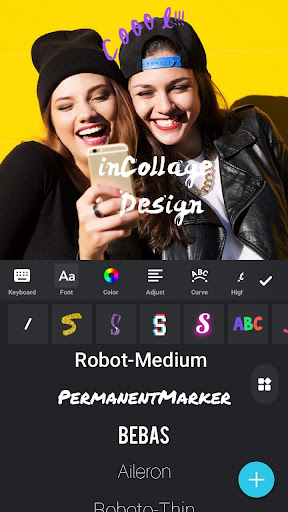
Comprehensive Editing ToolsWith all-in-one photo editing capabilities, users can crop images, apply filters, add stickers, and insert text, ensuring each collage is unique and visually appealing.
-
Meme GenerationTransform your photos into fun memes effortlessly with over 50 fonts and adjustable text options, perfect for sharing a laugh with friends.
-
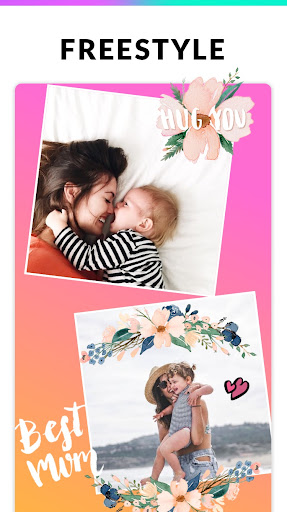
Freestyle and Grid StylesChoose between Freestyle or Grid styles to craft collages, enabling complete creative freedom or structured layouts that suit various occasions.
-
High-Resolution Saving & SharingSave your creations in high resolution and share them easily on popular social platforms like Instagram, Facebook, Whatsapp, and more.
Pros
-
User-Friendly InterfaceThe app's intuitive design allows users of all skill levels to navigate and create photo collages effortlessly, enhancing the overall user experience.
-
Variety of OptionsWith a large library of backgrounds, stickers, fonts, and doodles, users can personalize their collages to suit any theme or occasion.
-
Multiple Photo FormatsSupports multiple aspect ratios and formats for Instagram, enabling users to post high-quality photos without cropping, optimizing social media sharing.
Cons
-
Performance on Low-End DevicesSome users may experience lagging or slow performance while editing high-resolution images, particularly on older or lower-end smartphones.
-
Limited Free FeaturesWhile many features are accessible for free, certain advanced options and layouts may be locked behind a paywall, which could deter some users.
Price
-
Free Version AvailabilityThe app offers a robust free version that includes basic collage-making and editing tools, perfect for casual users.
-
Premium FeaturesA premium subscription unlocks advanced features, additional layouts, and exclusive design options, enhancing the user's creative toolkit.