RATINGS
90M
DOWNLOADS
4+
AGE

 Download Latest APK

Wait a moment, your result is coming soon!

Face is not found. Please try again with another clear full-face portrait of a better quality.

Take Quiz Now
Screenshots
About this app
-
 Name V Recorder
-
 category Video Players & Editors
-
 Price Free
-
 Safety 100% Safe
-
 Developer VideoShow EnjoyMobi Video Editor & Video Maker Inc
-
 Version 4.0.2
-
 Target Casual Creators
-
 Update 2026.11.21
Related articles




Core Features
-
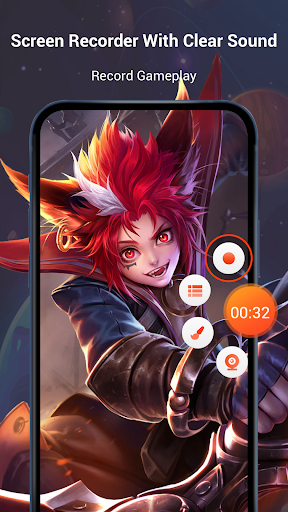
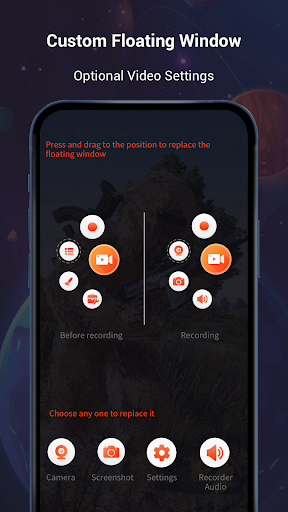
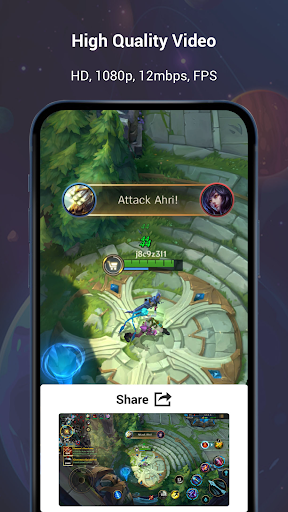
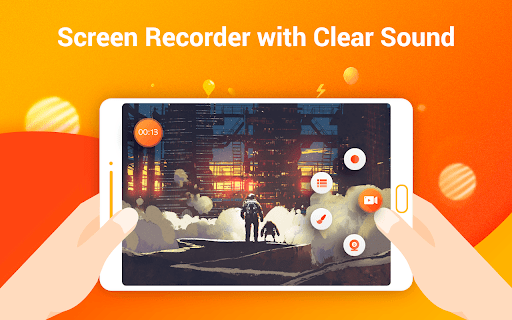
Powerful Screen RecordingEasily hide the recording window for a seamless experience. With just one touch, you can start recording videos, tutorials, or gameplay. The app also allows capturing high-quality screen video at up to 1440p resolution and 60 FPS.
-
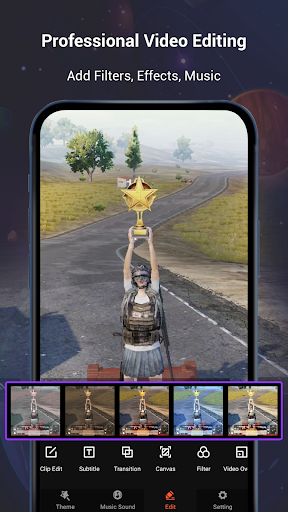
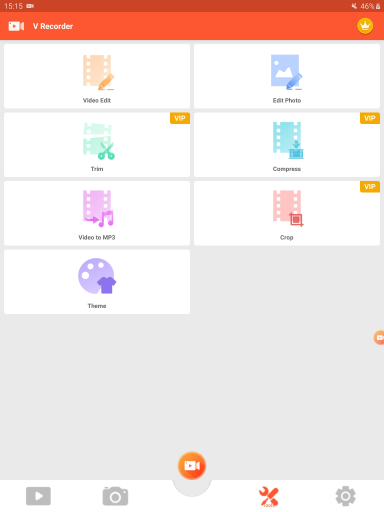
Professional Video Editing ToolsEdit your recordings with a comprehensive suite of tools, including trendy filters, customizable themes, and thousands of music options. You can cut, merge, trim, reverse, and apply effects to make your videos unique.
-
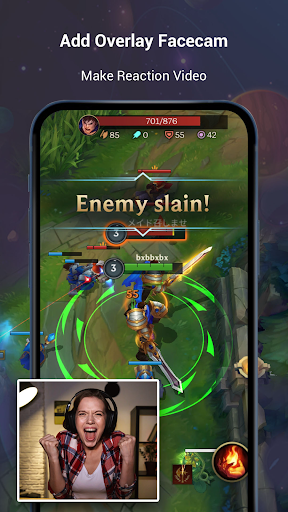
User-Friendly InterfaceDesigned for ease of use, the app allows you to record games, video calls, or live events effortlessly. The intuitive layout makes it simple to start, pause, or edit recordings at any time.
-
Social Media SharingShare your creations seamlessly on various social media platforms. The app supports audio recording, making it convenient to create personalized content that showcases your gaming or tutorial skills.
-
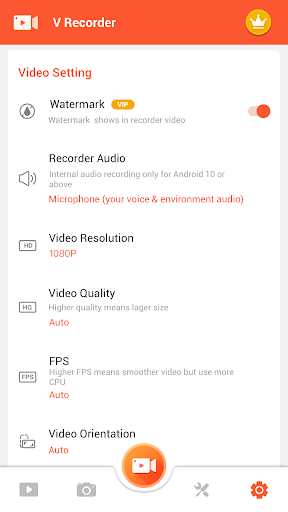
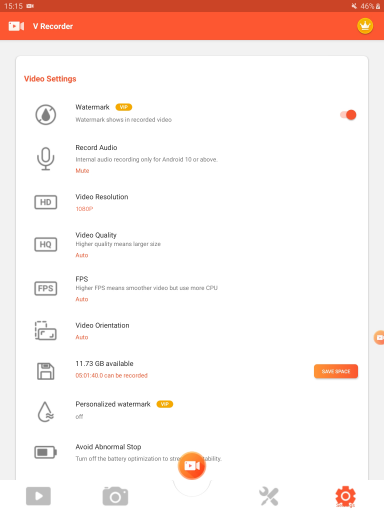
Customizable Recording SettingsAdjust settings to suit your needs—record in different orientations and resolutions. Capture clear and smooth video or screenshot, enhancing your overall experience.
Pros
-
High-Quality OutputRecord at impressive resolutions up to 1440p with frame rates of 60 FPS, ensuring your videos are clear and professional.
-
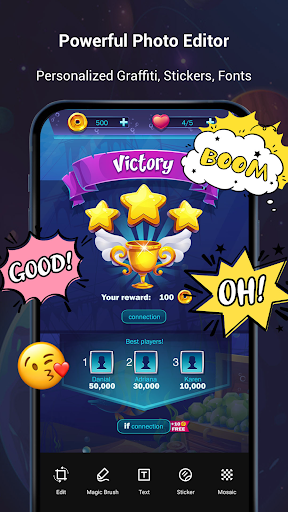
Versatile Editing FeaturesWith options like speed control, various filters, and fun stickers, you can create engaging and unique video content easily.
-
One-Tap RecordingConvenient one-tap start and pause functions make it easy to capture moments without the hassle, perfect for spontaneity.
-
Extensive Sharing OptionsEasily share your recordings on social media to showcase your skills or stories, allowing for better audience engagement.
Cons
-
Potential for Device Performance ImpactRecording in high resolutions may lead to performance issues on lower-end devices, such as lag or decreased battery life.
-
Learning Curve for Advanced FeaturesWhile basic functions are straightforward, mastering all editing features may take some time for new users.
-
Ads in Free VersionThe free version of the app may include ads, which can interrupt the user experience, though a paid version may eliminate them.
Price
-
Free Version FeaturesThe free version provides essential recording and editing capabilities, allowing users to create and share videos without any upfront cost.
-
Paid Version UpgradesUpgrading to the premium version offers additional features, such as an ad-free experience, enhanced editing tools, and priority customer support.