
RATINGS
670M
DOWNLOADS
4+
AGE

 Download Latest APK

Wait a moment, your result is coming soon!

Face is not found. Please try again with another clear full-face portrait of a better quality.

Take Quiz Now
Screenshots


About this app
-
 Name Video Player All Format
-
 category Video Players & Editors
-
 Price Free
-
 Safety 100% Safe
-
 Developer InShot Inc.
-
 Version 2.3.5.1
-
 Target Casual Users
-
 Update 2026.11.21
Related articles




Core Features
-
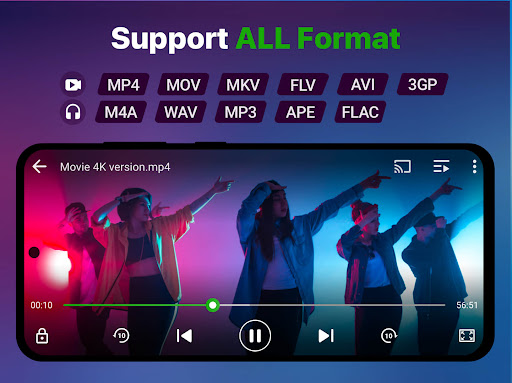
All Video Format SupportSeamlessly plays a wide variety of video formats, including MKV, MP4, AVI, and more. With support for nearly all common video file types, you can enjoy your videos without needing additional converters.
-
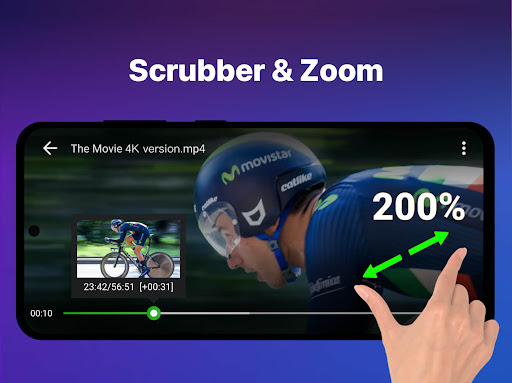
Ultra HD PlaybackExperience stunning visuals with support for 4K UHD video playback. This player ensures that videos render in the highest quality possible, giving your viewing experience a cinematic feel.
-
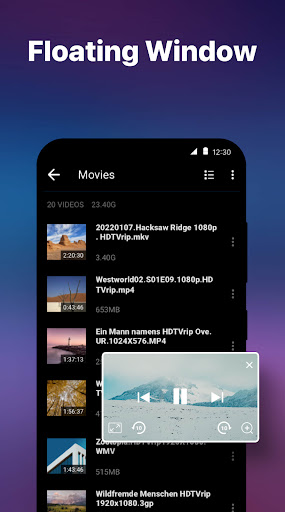
Floating and Background PlaybackEnjoy multitasking with the floating video player that allows you to watch videos while using other apps or even when the screen is locked. Perfect for listening to video content like music or audiobooks.
-
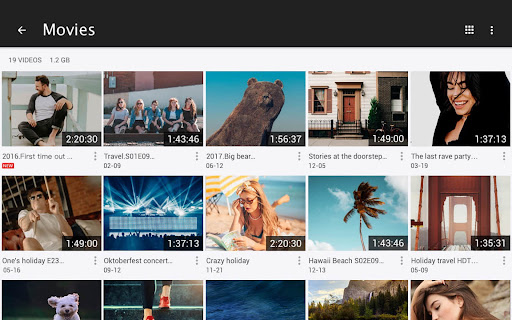
Easy File ManagementAutomatically identifies all video files on your device and SD card, making it easy to manage and share your videos. No more endless searching; your content is organized and accessible.
-
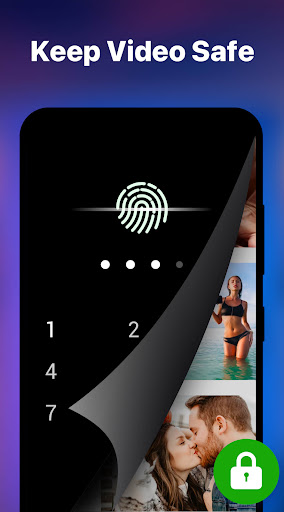
Private FolderKeep your videos secure with a private folder feature that ensures only you can access sensitive or personal content, providing an added layer of privacy.
Pros
-
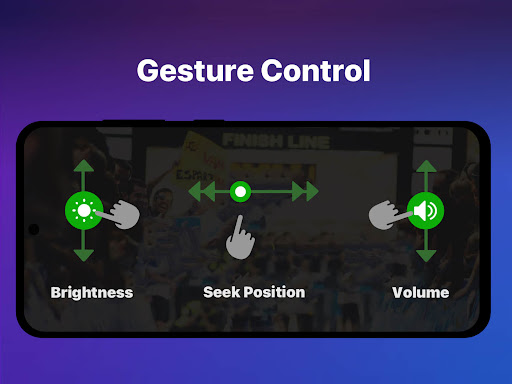
User-Friendly InterfaceThe app features intuitive controls that make adjusting volume, brightness, and playback progress simple, enhancing user experience without a steep learning curve.
-
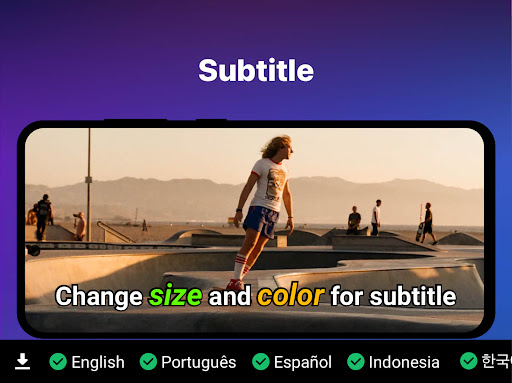
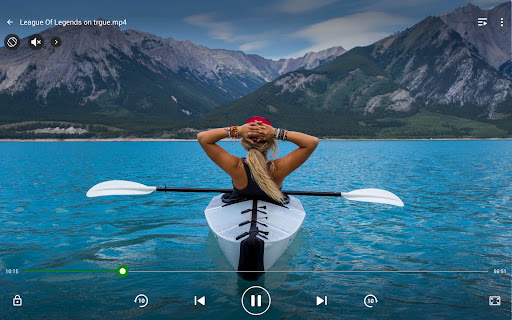
Screen Customization OptionsOffers multi-playback options like auto-rotation, aspect-ratio adjustments, and a screen-lock feature that tailor the viewing experience to your preferences.
-
Video Casting SupportEasily cast videos to your TV using Chromecast, making it convenient to enjoy your favorite content on a larger screen without hassle.
-
HD Player with Speed ControlAllows adjustments of playback speed from 0.5x to 2.0x, giving you control over how you experience video content, whether slowing down for detailed analysis or speeding up for quick quizzes.
-
Regular Free UpdatesAs a totally FREE app, it ensures continuous enhancements and features being added regularly without any hidden costs, guaranteeing long-term value.
Cons
-
High Resource UsageWhile playing 4K content, the app may consume considerable system resources, potentially leading to performance issues on low-end devices.
-
Occasional Playback InterruptionsSome users may experience interruptions or buffering during playback, especially with high-resolution videos on slower internet connections.
-
Limited Customization OptionsWhile user-friendly, advanced users may find the customization options for the UI and specific playback settings a bit limited.
-
Ad PresenceThe free version incorporates advertisements, which can be intrusive during playback, although they help maintain the app's free model.
-
Dependency on HardwareThe efficiency of hardware acceleration can vary across different devices, potentially causing inconsistent performance.
Price
-
Free VersionThe app is available for free, with full capabilities to play various video formats, making it accessible for all users.
-
Ad-Free ExperienceAn optional premium subscription removes ads and may offer additional features like enhanced performance and priority support, appealing for users who prioritize an uninterrupted experience.
-
Regular Updates at No CostFree users still benefit from regular updates that enhance functionality and fix bugs, underscoring the app's commitment to a better user experience.
-
In-App PurchasesWhile most essential features are provided in the free version, optional in-app purchases may enhance the user's experience with additional tools and functionalities.
-
One-Time Purchase OptionFor those who prefer one-time payments, there may be options to unlock features for a fixed cost, providing flexibility on how to access premium functionalities.