RATINGS
610M
DOWNLOADS
4+
AGE

 Download Latest APK

Wait a moment, your result is coming soon!

Face is not found. Please try again with another clear full-face portrait of a better quality.

Take Quiz Now
Screenshots

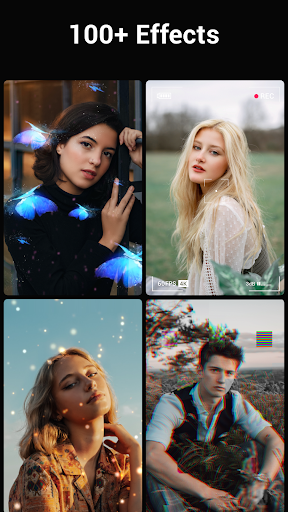
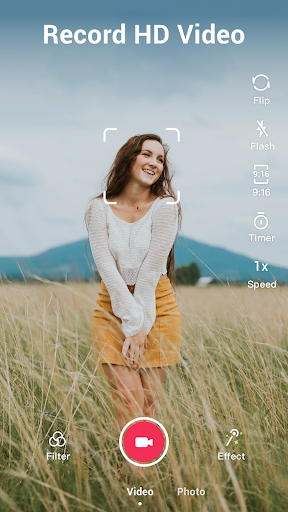

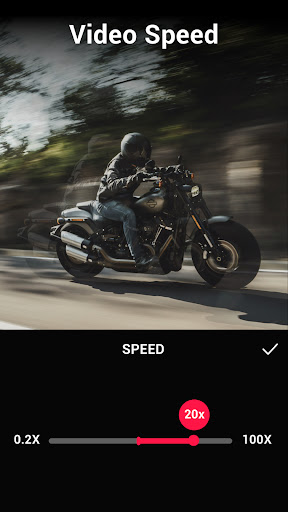
About this app
-
 Name Video Maker
-
 category Video Players & Editors
-
 Price Free
-
 Safety 100% Safe
-
 Developer InShot Inc.
-
 Version 1.402.103
-
 Target Casual Users
-
 Update 2026.11.21
Related articles



Core Features
-
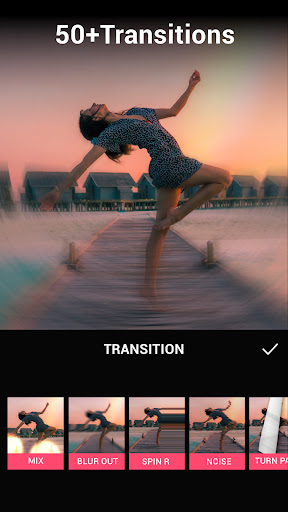
Free HD Video EditorEnjoy all the powerful features of a professional YouTube editor without the burden of ads or watermarks. The Video Editor for YouTube allows you to create stunning videos for free, setting it apart from other editing apps in the market.
-
Long Video Merger & Video JoinerEffortlessly merge multiple video clips into a single seamless video. This feature ensures no quality loss during the merging and compressing process, making it perfect for vloggers and YouTube creators.
-
Multi-Ratio Video CreatorCraft videos for any platform with ease. Whether you need a standard 16:9 for YouTube or a square 1:1 for Instagram, this app accommodates various aspect ratios, allowing for versatile content creation without cropping.
-
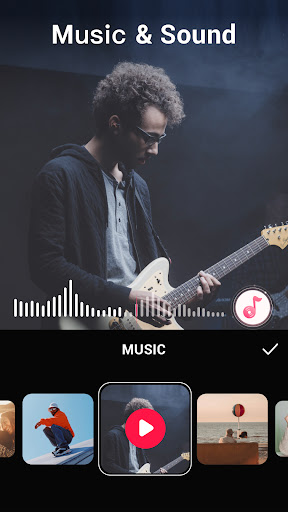
Audio CustomizationAdd a personal touch to your videos by incorporating a vast library of free music or your own tracks. The app includes features for adjusting original audio levels and enabling lip sync, making it easy to create engaging video content.
-
Video Speed ControlExperiment with fast or slow-motion effects with intuitive speed adjustment options. This feature enables you to emphasize key moments in your videos, enhancing their storytelling potential.
Pros
-
No WatermarkUnlike many other video editing apps, Video Editor for YouTube allows you to export videos without any watermarks, giving your finished products a professional look.
-
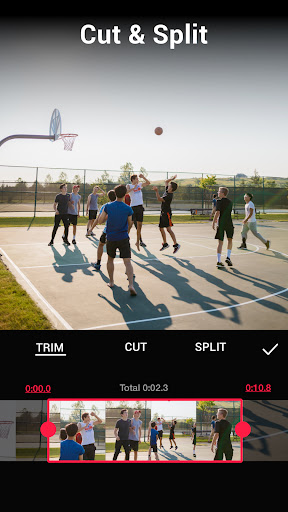
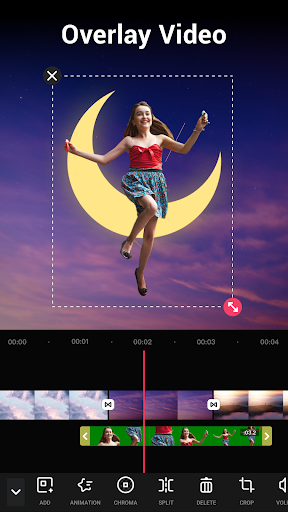
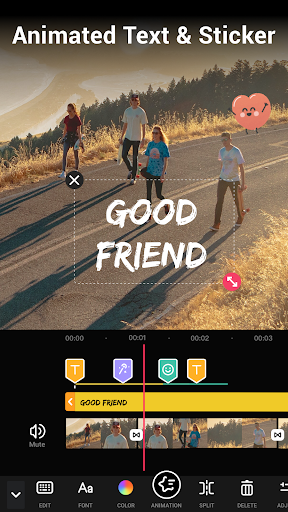
Comprehensive Editing ToolsThe app provides a robust set of editing tools that cater to both beginners and experienced creators, simplifying advanced editing processes like merging, trimming, and applying filters.
-
User-Friendly InterfaceWith an intuitive design, this app is easy to navigate, making it accessible for users with varying levels of editing experience, enhancing overall user satisfaction.
-
High-Quality OutputsExport your videos in HD or even up to 4K resolution, ensuring that your content maintains high quality for professional presentations or social sharing.
-
Regular UpdatesThe app frequently updates its features, providing users with the latest tools and effects to keep their content fresh and trendy.
Cons
-
Limited Advanced FeaturesWhile the app covers many bases for basic editing, professional video editors seeking very advanced options might find some of its features limited compared to premium editing software.
-
Potential Performance Issues on Low-End DevicesOn older or lower-spec devices, the app may experience performance issues, especially when handling high-resolution video exports or complex edits.
-
Initial Learning CurveNew users may encounter a slight learning curve with the variety of features available, which could require some time to familiarize themselves with all editing options.
-
Requires Sufficient StorageHD and 4K video editing demands significant storage space, which could be a limitation for users with devices that have limited capacity.
Price
-
Free VersionThe app offers a fully functional free version with no hidden fees, making it accessible to everyone who wishes to create videos without financial investment.
-
No Paid SubscriptionUnlike many competitors, Video Editor for YouTube does not offer a paid subscription, allowing users to take advantage of all features without financial commitment.
-
Future Pro FeaturesThough currently free, additional pro features may be explored in future updates, but the existing functionalities are comprehensive and sufficient for most casual and semi-professional users.